.webp)
Lexware Office is one of Germany's most widely used accounting tools for small businesses and freelancers. Originally launched as lexoffice and rebranded to Lexware Office in 2024, it powers the books of hundreds of thousands of SMBs across the DACH region. If your software serves German-speaking markets and your customers use Lexware, connecting to their accounting data is not a nice-to-have. It's a competitive necessity.
In this guide, we cover how the Lexware Office API works, how to set it up, the best practices you need to know, and how Chift makes the whole process faster.
What is the Lexware Office API?
Lexware Office exposes a single public REST API at https://api.lexware.io/v1. The API uses JSON throughout, except for file endpoints which return binary or PDF responses. All resource IDs are UUIDs.
The API was originally hosted at api.lexoffice.io and the old hostname still resolves after the 2024 rebrand, but api.lexware.io is the canonical base URL going forward.
Key resources available through the API include:
- Contacts (customers and suppliers)
- Invoices, credit notes, and down payment invoices (outgoing sales documents)
- Vouchers (purchase invoices, expense receipts, bookkeeping receipts)
- Payments and bank transactions
- File attachments (PDF only)
There is no v2 or alternative endpoint. The API is stable at v1, and that is the version Chift uses.
How to set up the Lexware Office integration
Getting connected to the Lexware API requires a few straightforward steps:
- The end user creates or logs into their Lexware Office account at
lexware.deorlexoffice.de. A paid subscription is required to access the public API. - The user generates an API key from the Lexware public API portal: navigate to
app.lexware.de, then go to Einstellungen > Öffentliche API. - The API key has an infinite lifetime and is scoped to a single organization. There is no refresh flow. Revocation means the user deletes the key in the portal.
- One important detail: Lexware requires approval before issuing API keys. Plan for approximately one month of lead time before your users can activate the integration.
- Every API request includes the token in the
Authorizationheader with theBearerprefix, alongsideAccept: application/json.
Chift handles the token storage and request authentication automatically, so your team does not need to manage this per customer.
Connect to all popular solutions with a single integration
Discover how Chift's Unified APIs have helped software vendors quickly add dozens of integrations.
What can you build with a Lexware Office integration?
Connecting Lexware Office through Chift opens up a wide range of practical use cases for software vendors targeting DACH markets.
Automating accounting entries from pre-accounting tools
Expense management or invoicing platforms can push structured financial data directly into Lexware Office as vouchers or invoices, eliminating manual re-entry and keeping books up to date without extra work for the end user.
.jpeg)
Syncing customer and supplier data
Keep contact records consistent between your CRM or ERP and Lexware Office. Any update made in your product can flow into Lexware automatically, reducing duplicate records and data drift.
.jpeg)
Powering cashflow forecasting with real AP/AR data
Cashflow management tools can pull open receivables and payables from Lexware Office to build accurate projections. Real-time data means better decisions for the SMBs your product serves.
.jpeg)
Enabling digital lending with up-to-date financials
Lending platforms can retrieve invoice aging, payment history, and account balances from Lexware Office through Chift's Unified Accounting API to assess risk and automate credit decisions, without asking customers to export spreadsheets manually.
.jpeg)
Read more on Chift's case studies.
Best practices for the Lexware Office API
The Lexware API has a few specificities worth understanding before you build. Getting these right from the start will save your team a lot of debugging later.
Work within the rate limit
Lexware enforces a hard limit of 2 requests per second per API key. This is among the strictest limits across major accounting APIs. Do not parallelize calls within the same connection. Serialize your requests, and implement automatic retry logic for HTTP 429 responses. Note that Lexware does not include a Retry-After header in 429 responses, so your client needs to back off on its own.
Always read before you write
Every updatable resource in Lexware Office carries a version integer. PUT requests must include the current version number or the server will reject the update with HTTP 409. This is optimistic locking by design. Always fetch the latest state of a resource before attempting to update it.
Understand the two document models
Lexware Office distinguishes clearly between two types of financial documents, and they are not interchangeable:
/voucherscovers purchase invoices, expense receipts, and bookkeeping entries. You can attach PDF files to vouchers. But Lexware cannot render vouchers as PDFs./invoices,/credit-notes, and/down-payment-invoicesare outgoing sales documents with full layout and PDF rendering.
Routing a document to the wrong endpoint will cause errors. Pick the right model for each use case upfront.
Use the draft/open lifecycle correctly
Create documents as drafts first. Draft documents are freely editable. Promote them to open status only when ready, by passing ?finalize=true as a query parameter on the request. Once finalized, invoices and credit notes cannot be edited. Correcting a finalized invoice requires cancelling it and creating a new one.
Handle file uploads in two steps
Attaching a file to a voucher requires a two-step process: first POST the file via /files as a multipart upload to receive a file ID, then reference that file ID when creating or updating the voucher. Only PDFs are supported as attachment types.
Parse errors by i18nKey
Lexware uses HTTP 406 for domain validation errors (not 400 or 422), which can catch developers off guard. Errors return a structured body with an IssueList. Parse the i18nKey field, which is stable and machine-readable, rather than relying on human-readable message fields that may change.
Paginate list endpoints properly
List endpoints use page (zero-indexed) and size (maximum 250 per page). Responses include totalPages and totalElements. Iterate until your page index reaches totalPages - 1.
Connect Lexware Office through Chift
Building and maintaining an integration directly against the Lexware API takes time your team likely wants to spend elsewhere. You need to handle rate limiting, optimistic locking, the two document models, the approval lead time, error parsing, and pagination, before you've written a single line of feature code.
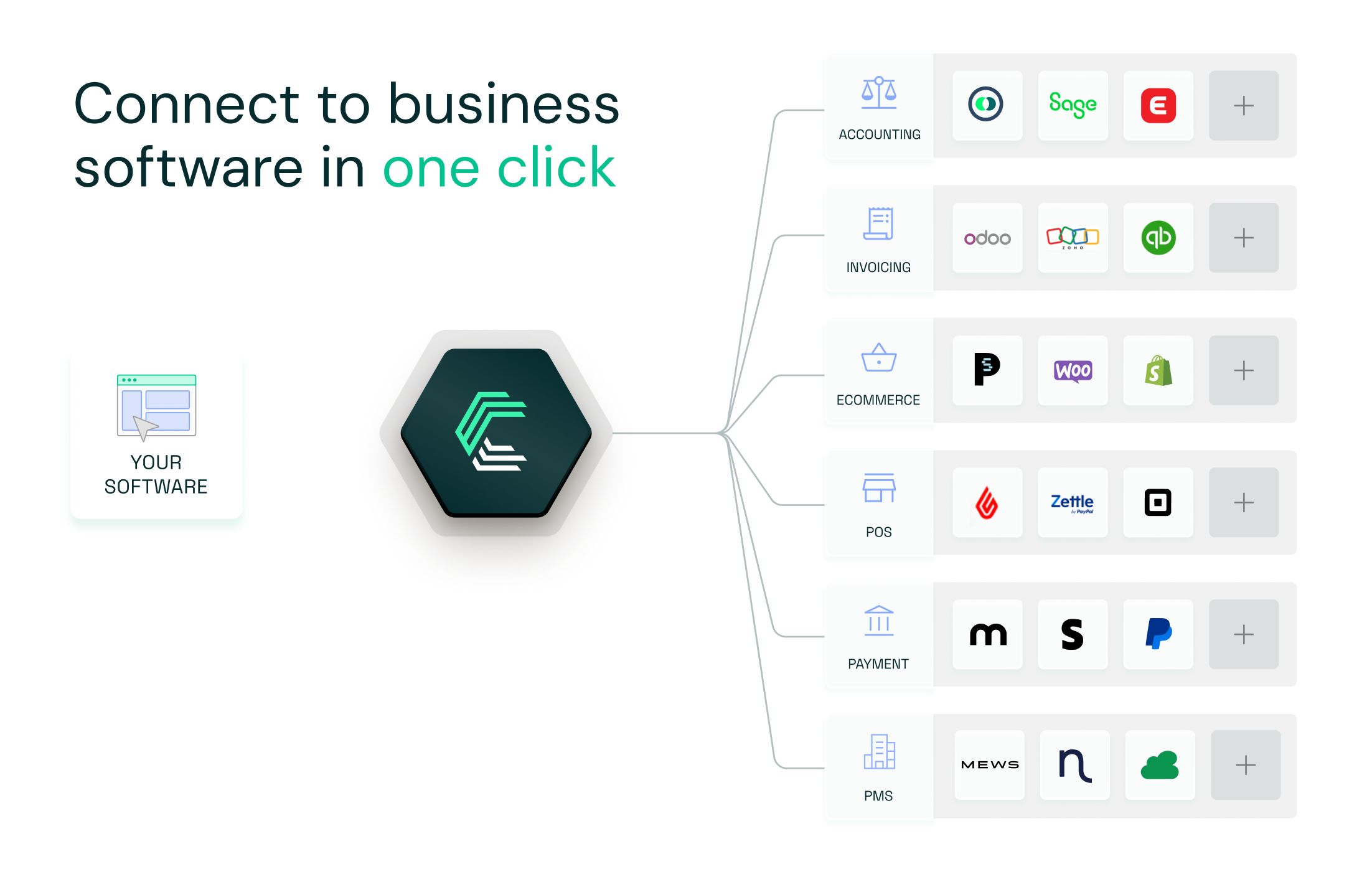
Chift's Unified Accounting API gives you access to Lexware Office and a growing library of accounting connectors through a single integration. We handle API maintenance, authentication, and data mapping so you don't have to. When Lexware updates their API or changes behavior, we adapt our connector. You stay focused on your product.
For software vendors targeting DACH markets, Lexware Office is one of the most important accounting connections you can offer your customers. With Chift, you can activate it in one click once your initial integration is in place.
Book a demo to see how easy it is to get started.
Lexware Office API: frequently asked questions
What authentication method does the Lexware Office API use?
Lexware uses a static API key passed as a Bearer token in the Authorization header. Keys have infinite lifetime and are scoped to one organization. There is no OAuth flow or token refresh mechanism.
What is the rate limit for the Lexware API?
Lexware enforces a hard limit of 2 requests per second per API key. This is the binding constraint. There is no published per-minute or per-hour quota beyond this per-second limit.
How long does it take to get a Lexware API key?
Lexware requires approval before issuing API keys to integrators. Expect approximately one month of lead time. Plan your project timeline accordingly.
What is the difference between vouchers and invoices in Lexware Office?
Vouchers are for incoming documents like purchase invoices and expense receipts. Invoices, credit notes, and down payment invoices are outgoing sales documents. They use separate endpoints and are not interchangeable. Only sales documents can be rendered to PDF by Lexware.
Does the Lexware API support multi-tenancy?
Each API key is scoped to a single organization. To integrate multiple customers, each customer generates their own API key, which is stored and used separately per connection.
.webp)
.jpg)