.webp)
sevdesk is one of Germany's most widely used accounting tools for small and medium-sized businesses. If your product targets the DACH market, you'll encounter it often. Integrating with it opens up direct access to the financial data of hundreds of thousands of German-speaking SMBs.
By connecting to the sevdesk API, your product can:
- Automatically sync contacts, invoices, and vouchers
- Push pre-accounting data to eliminate manual entries for your users
- Pull open receivables and payables to power cash flow forecasting
- Access compliant, DATEV-compatible financial data straight from the source
In this guide, we'll walk you through how the sevdesk API works, how to set up the integration, best practices to follow, and how Chift simplifies the whole process through a single Unified Accounting API.
What is the sevdesk API?
The sevdesk API is a REST API that gives external applications programmatic access to accounting data stored in a sevdesk account. It covers a broad range of resources, including contacts, invoices, credit notes, vouchers, bank accounts, and reference data.
Technical overview
- API type: REST
- Base URL:
https://my.sevdesk.de/api/v1/ - Data format: JSON
- Supported HTTP methods: GET, POST, PUT, DELETE
One API, one version
sevdesk exposes a single REST API at /api/v1. There is no separate v2 endpoint, which keeps things simple: one surface to integrate against, one data model to understand.
sevdesk is also DATEV-compatible, which matters for any product that needs to feed data into the German accountancy ecosystem. This is a key requirement for software serving DACH accountants or their SMB clients.
Connect to sevdesk and all major accounting software through a single integration.
Connect to all popular solutions with a single integration
Discover how Chift's Unified APIs have helped software vendors quickly add dozens of integrations.
What can you build with a sevdesk integration?
Integrating with sevdesk unlocks a wide range of use cases for software vendors building financial and business management tools. Here are the most common ones.
Keeping customer and supplier records in sync
Keep contact data automatically aligned between your product and sevdesk. This is especially valuable for CRMs, ERPs, invoicing platforms, and pre-accounting tools that need a consistent view of who the customer is working with, without manual re-entry on either side.
.jpeg)
Automating pre-accounting entries
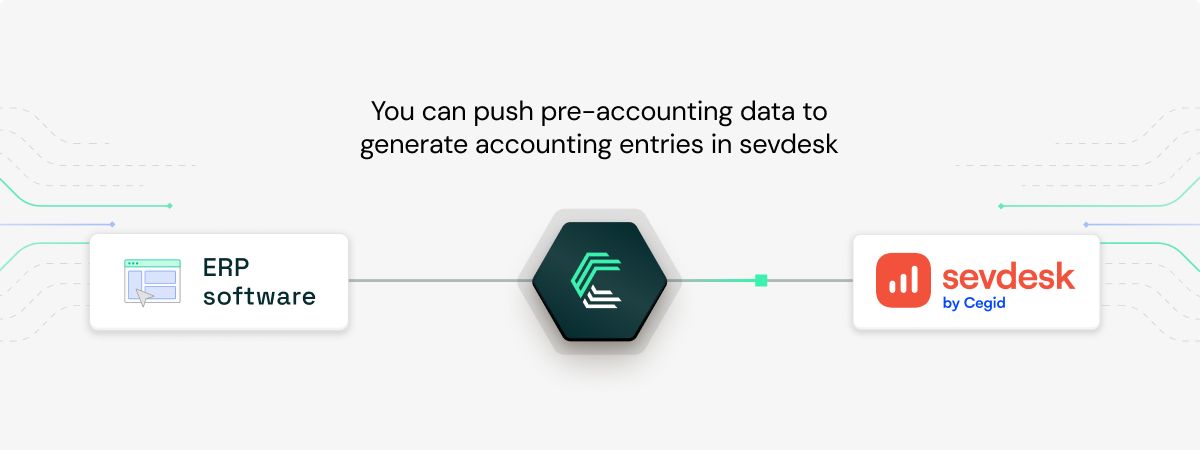
Allow your users to push structured financial data directly into sevdesk, automatically generating accounting entries. Expense management tools, payment platforms, and invoicing solutions use this to take the manual work off their users' plates, and their accountants' too.
Powering cash flow forecasting
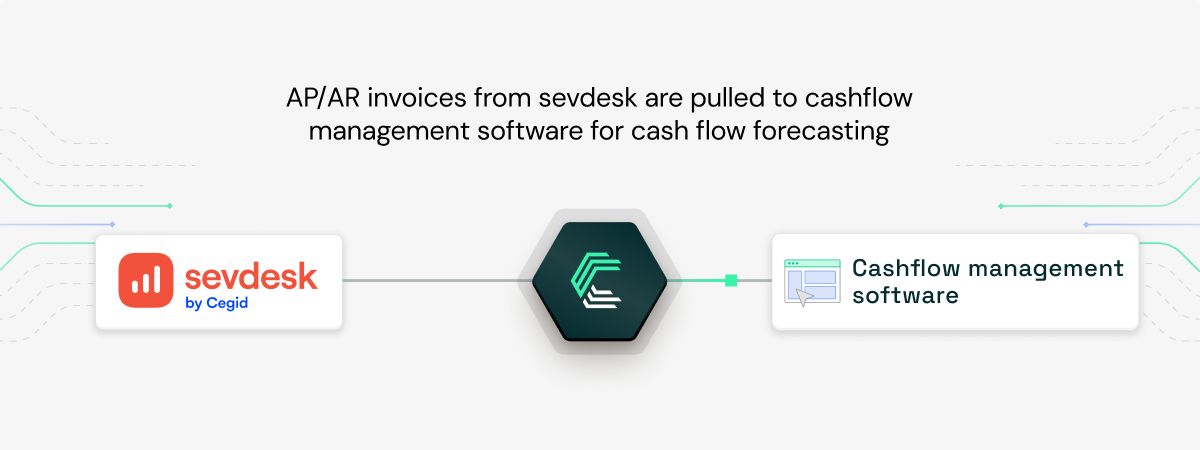
Cash flow management software can retrieve open client and supplier invoices from sevdesk to build accurate, up-to-date projections. With access to AR/AP data in real time, your users get visibility over future cash movements rather than relying on exports or guesswork.
Evaluating loan eligibility for B2B lending platforms
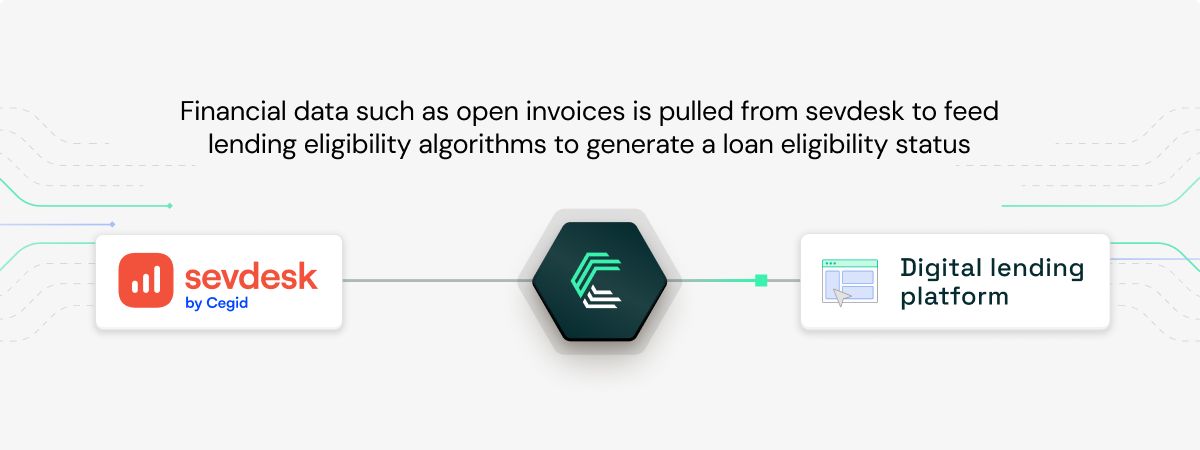
Digital lenders can use structured financial data from sevdesk, including invoices, payment history, and account balances, to run eligibility checks and credit scoring in near real time. What used to take days can be reduced to seconds.
For more examples of integrations in action, explore our Chift case studies.
How to get started with the sevdesk API
Because sevdesk uses static API token authentication, setup is straightforward. There is no OAuth flow, no approval process. Here are the steps:
- The user creates (or logs into) a sevdesk account at sevdesk.de. Note that sevdesk requires a paid subscription. There is a 14-day trial but no free plan.
- The user generates an API token from their account: Settings → User → API Token.
- That token is entered in your integration as the
api_key. - Every API request sends the token in the
Authorizationheader, raw, with noBearerprefix:
Authorization: b7794de0085f5cd00560f160f290af38
One important detail to surface to your users: the token has an infinite lifetime but is tied to the specific user account. If that user is deleted, the token is permanently lost and cannot be recovered. There is no refresh flow. To rotate credentials, the user regenerates their token in the UI, which immediately invalidates the old one.
Chift handles the credential management and connection setup, so your team can focus on the integration itself rather than the plumbing around it.
How does sevdesk API authentication work?
Authentication in sevdesk differs from most modern APIs in one key way: it does not use OAuth. Instead, it relies on a single static API token passed in every request header.
What this means in practice:
- No token expiry to manage
- No refresh flow to implement
- No scopes to configure
The token is bound to the user who created it. If you receive an HTTP 401 response, the token has been invalidated or revoked. Do not retry. Surface a clear authentication error and prompt the user to re-enter their token.
Voucher file attachments follow a two-step flow. First, POST Voucher/Factory/uploadTempFile (multipart form data) returns an internal filename hash. That hash is then passed to POST Voucher/Factory/saveVoucher to attach the PDF to the voucher. Both steps need to complete successfully for the attachment to be registered.
Best practices for integrating with the sevdesk API
1. Always parse the JSON error body, not the HTTP status code
This is the most critical quirk in the sevdesk API: it returns HTTP 500 for errors that are semantically 400-level issues. The status code alone won't tell you what went wrong.
Always read the JSON response body and look at {"error": {"message": "..."}} to understand the actual problem. A well-known example: "debitor/creditor number already exists" returns a 500. Your integration should catch known error messages and map them to meaningful exceptions, not treat every 500 as a server failure.
2. Never self-assign customer or invoice numbers
sevdesk manages its own numbering sequences, and gaps in those sequences cause problems downstream. Always use the dedicated endpoints to retrieve the next available number:
GET /Contact/Factory/getNextCustomerNumberGET /SevSequence/Factory/getByType
Let sevdesk handle enumeration. Assigning numbers yourself risks conflicts and rejected requests.
3. Paginate correctly
sevdesk uses limit and offset parameters for pagination. The recommended default is 100 records per page (maximum: 1,000). When you need the total record count, pass countAll=true. The response will include {"total": "157", "objects": [...]}. Stop paginating when len(objects) < limit, or when offset + limit >= total.
4. Cache the right resources, and only those
Some resources are stable and safe to cache: StaticCountry, SevClient, and CheckAccount rarely change. Others you should never cache. Contacts, invoices, and vouchers mutate frequently, and caching these produces stale reads after updates, creating hard-to-debug inconsistencies in your sync logic.
5. Fetch line items separately
Invoice, credit note, and voucher positions are not returned inline by default. They live on separate endpoints (InvoicePos, CreditNotePos, VoucherPos) and must be fetched by parent ID. Factor in those additional calls when designing your sync flow.
6. Implement retry logic with backoff for rate limiting
sevdesk doesn't publish explicit numeric rate limits, but HTTP 429 responses do occur under load. Build in exponential backoff and retry on 429. Don't retry on 401, as that means the token is gone.
Why integrate with sevdesk through Chift?
Building a direct sevdesk integration is manageable. But once you've handled authentication edge cases, error parsing quirks, pagination, caching rules, and the two-step voucher upload flow, you still need to maintain that integration as the API evolves. And then do the same for every other accounting tool on your roadmap.
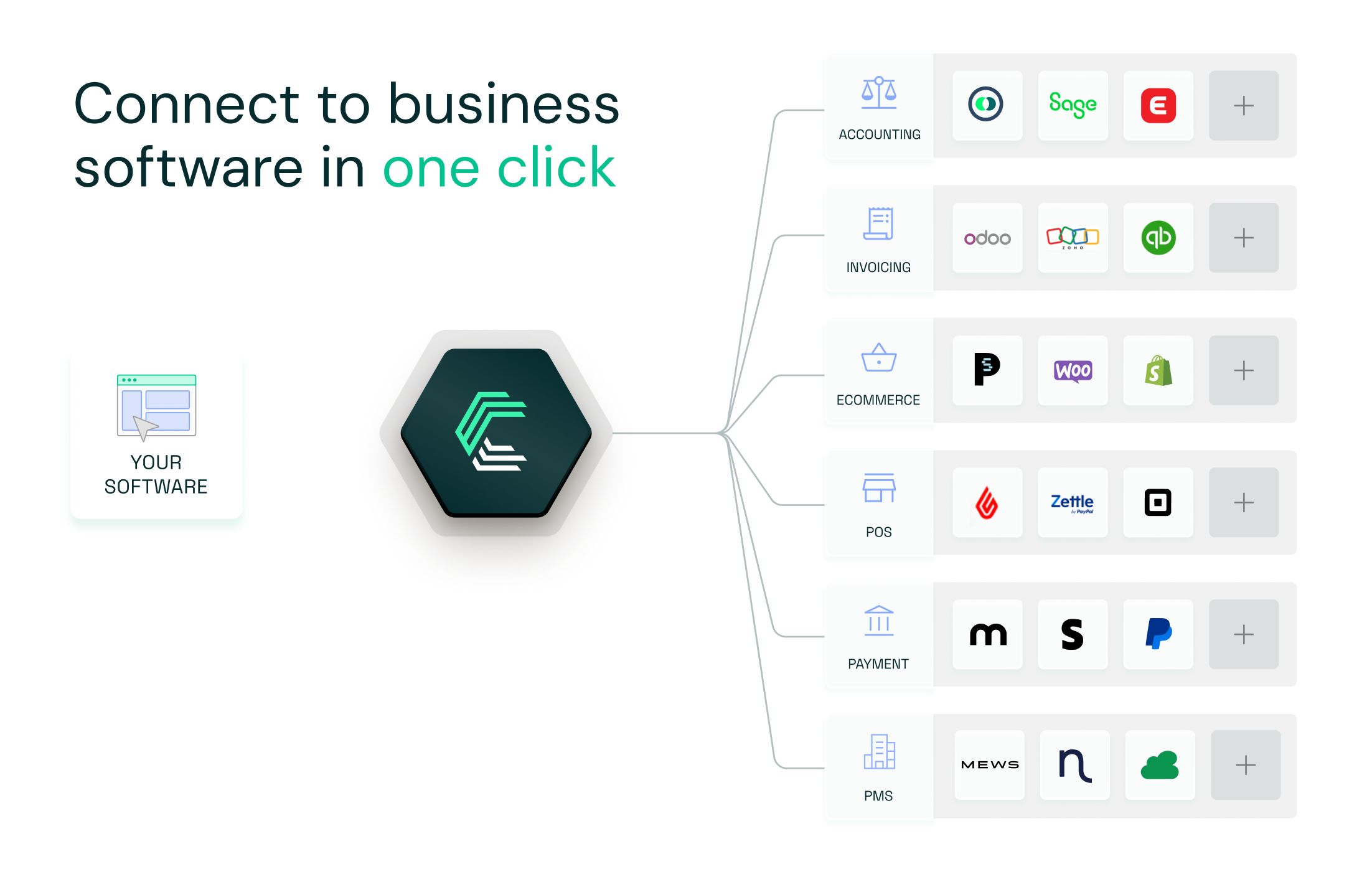
With Chift's Unified Accounting API, you integrate once and get access to sevdesk, Exact Online, Xero, Sage, Pennylane, MyUnisoft, Visma eAccounting, and many more, all through the same normalized data model.
Here's what that unlocks for your team:
- Your engineering team builds one integration, then stays focused on your core product
- New connectors activate in one click, with no additional development work required
- Authentication, error handling, and data mapping are fully managed by Chift
- Built-in monitoring, logging, and long-term maintenance included
- Expert support from a team that understands both the technical and business sides of financial integrations
Your dev team saves time. Your sales team can say yes to more integration requests. And your product becomes the default choice for customers who need their financial data to flow.
Want to see how Chift connects your product to sevdesk and 50+ other financial tools? Get in touch with our team to discover more.
sevdesk API integration FAQ
What endpoints does the sevdesk API expose?
The sevdesk REST API at /api/v1 covers a wide range of resources, including:
- Contacts
/Contact - Invoices and line items
/Invoice,/InvoicePos - Credit notes and line items
/CreditNote,/CreditNotePos - Vouchers and line items
/Voucher,/VoucherPos - Bank accounts
/CheckAccount - Reference data
/StaticCountry,/SevClient
Consult the sevdesk API documentation for the full list of available endpoints.
What are the sevdesk API rate limits?
sevdesk does not publish explicit rate limits. No numeric per-minute or per-hour quotas appear in their official documentation. That said, HTTP 429 responses can occur under heavy load. Always implement retry logic with exponential backoff to handle these gracefully.
Does sevdesk support OAuth?
No. Authentication relies entirely on a static API token passed raw in the Authorization header, with no Bearer prefix, no OAuth flow, and no token expiry. The token is valid until the user regenerates it or the user account is deleted.
What happens if a user's sevdesk token is lost or rotated?
If the user deletes their account, the API token is permanently lost and cannot be recovered. If they regenerate their token in the sevdesk UI, the old one is immediately invalidated. You'll receive an HTTP 401 on your next request. Surface a clear error and prompt the user to re-enter their new token in your integration settings.
Does sevdesk have an API suitable for building software integrations?
Yes. sevdesk's REST API at /api/v1 is designed for third-party integrations and covers all major accounting objects, including contacts, invoices, vouchers, credit notes, and more. It's a solid foundation for building accounting connectivity into products targeting the DACH market.
.webp)

.jpg)