.webp)
FreeAgent is a cloud-based accounting platform trusted by tens of thousands of businesses.
If your product touches finance, invoicing, or accounting, integrating with FreeAgent is a smart move, especially if you’re working with UK-based freelancers, startups, or small businesses.
Integrating your product with the FreeAgent API allows you to:
- Automate invoicing workflows and accounting entries
- Sync financial data across platforms to power forecasting, reconciliation, and reporting features
- Minimize manual data entry and reduce errors through seamless synchronization
This guide covers how to set up your integration, best practices, and real-world use cases supported by Chift’s Unified Accounting API.
What is the FreeAgent API?
The FreeAgent API is a modern REST API, offering reliable and secure access to key accounting features.
Key specs:
- OAuth 2.0 authentication
- JSON and XML support
- Base URL:
https://api.freeagent.com - Uses standard HTTP methods (GET, POST, PUT, DELETE)
Two APIs, both supported by Chift:
- Company API: for software serving small businesses using FreeAgent directly
- Accountancy Practice API: for tools working with accountants managing client accounts
Both APIs enable access to core financial data like invoices, expenses, bank transactions, and contacts. Ideal for automation, reporting, and data sync.
Connect to all popular solutions with a single integration
Discover how Chift's Unified APIs have helped software vendors quickly add dozens of integrations.
Examples of FreeAgent API integration use cases
Integrating with FreeAgent via Chift’s Unified Accounting API allows you to streamline operations, boost automation, and unlock new value for your users. Here are some of the most common and impactful use cases:
Sending invoice data to automate accounting entries
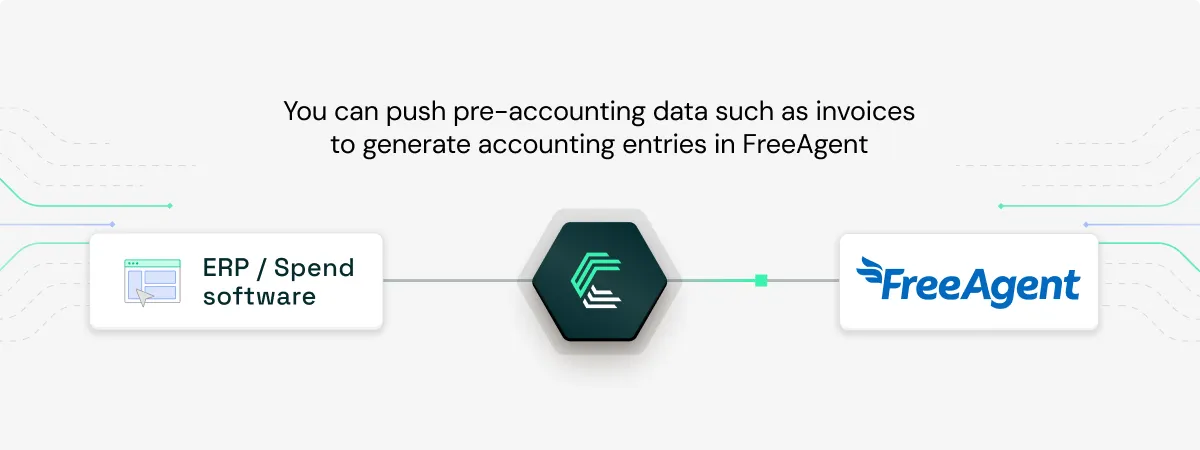
Enable your users to export purchase and sales invoices directly into FreeAgent, helping them automate the creation of accounting entries and reduce manual workload.
This is exactly what Pleo does with Chift. They connect to FreeAgent and other accounting tools to sync expense and supplier invoice data automatically. By using Chift’s Unified API, Pleo saved over 2,200 hours of development time.
Discover the case study: How Pleo accelerated its Go-To-Market with Chift
Synchronizing customer data with accounting systems
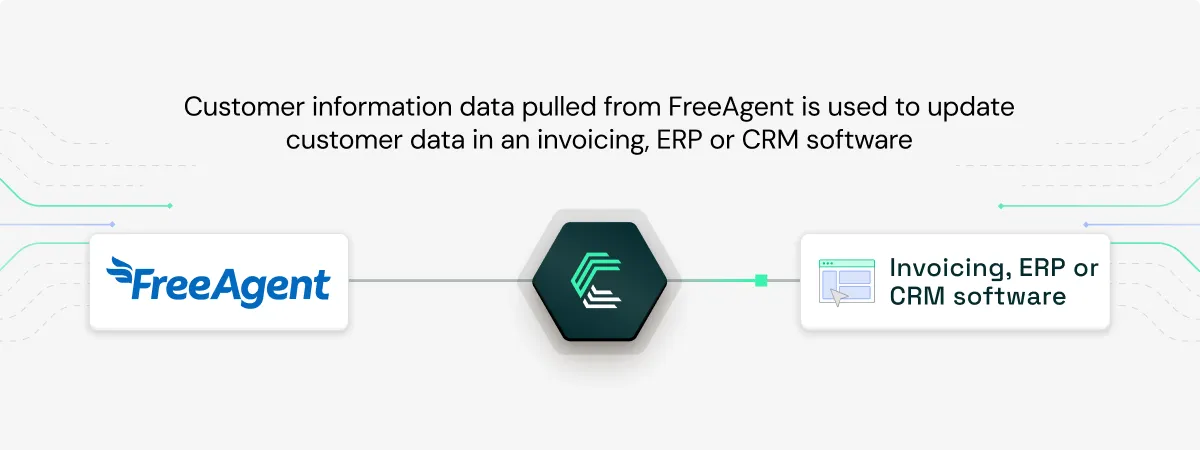
Keep customer records in sync between your CRM or invoicing solution and FreeAgent. This ensures your users maintain accurate, up-to-date client data across tools, eliminating errors and double entry.
Providing real-time AP/AR data for cashflow forecasting
Cashflow platforms use Chift to pull open accounts payable and receivable data from FreeAgent. This helps end users get a clear view of upcoming cash movements. Ideal for smarter forecasting and financial planning.
.webp)
Assessing loan eligibility in digital lending platforms
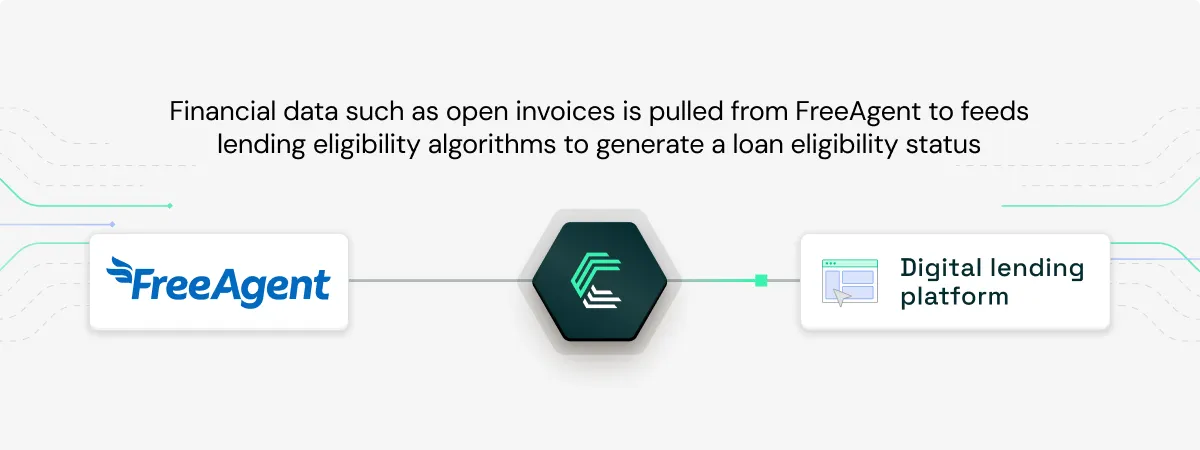
Lending platforms can use real-time financial data retrieved through Chift’s Unified Accounting and Unified Invoicing APIs to assess a company's financial health and instantly evaluate loan eligibility, cutting decision times from days to seconds.
For more real-world examples of how software vendors leverage FreeAgent and other integrations, visit our Chift case studies.
Setting up your FreeAgent API integration
Setting up a FreeAgent integration follows a secure, OAuth2-based process:
1. Create a Developer Account
Register at dev.freeagent.com to get started.
2. Create Your App
Define your app’s name and add redirect URIs for OAuth2 callbacks.
3. Implement the OAuth2 Flow
Exchange the authorization code for tokens, and store them securely. Use the access token for API requests via the Authorization: Bearer header.
4. Token Refresh Logic
FreeAgent uses an uncommon approach—HTTP Basic Auth—for refreshing tokens:
HTTPBasicAuth(client_id, client_secret)
5. For Practice API Users
Include the X-Subdomain header in every request to target the correct client account.
6. Use the Sandbox First
Test safely at: https://api.sandbox.freeagent.com
Chift handles all of this for you, including token refresh, header logic, and error handling. So you can focus on building great features.
Our recommendations for integrating with FreeAgent
To keep your integration fast, stable, and future-proof:
- Store credentials securely using environment variables or secrets managers
- Handle rate limits gracefully using exponential backoff and
Retry-Afterheaders - Proactively refresh tokens before expiry (max 15 refreshes per minute)
- Validate responses carefully and monitor for errors
- Use pagination smartly with the
per_pageparameter andLinkheaders - Test thoroughly on the sandbox environment before going live
Chift automates these best practices, saving you months of dev and maintenance work.
Integrate with FreeAgent and other popular accounting software through a single Unified Accounting API
Chift’s Unified Accounting API simplifies the integration process by allowing you to connect effortlessly with FreeAgent and other prominent European accounting platforms. In addition to Visma eAccounting, you can connect seamlessly with platforms such as Sage Génération Experts, Sage 100, Pennylane, MyUnisoft, Exact Online, Xero and many others.
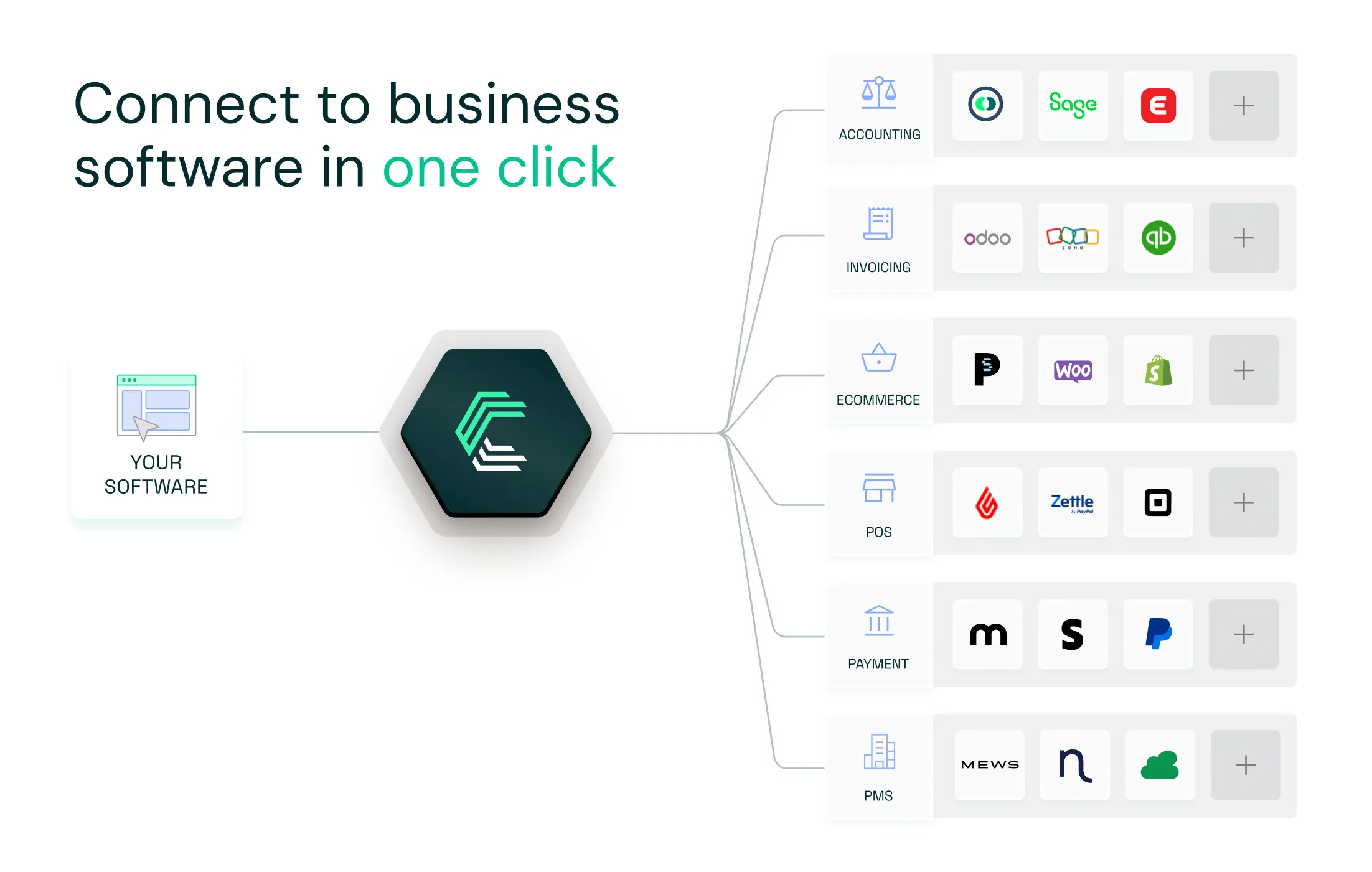
Leveraging Chift’s unified approach significantly reduces your development and ongoing maintenance overhead, accelerates deployment, and supports rapid scalability. In turn, your devs focus on your core product, while your marketing and sales team can advertise a large integration coverage to your prospects.
Interested in exploring Chift’s powerful integration capabilities? Contact our team today for a personalized demonstration.
FreeAgent API integration FAQ
What is the API rate limit on FreeAgent?
FreeAgent applies request limits to ensure stability. Each user can make up to 120 requests per minute or 3,600 requests per hour. Token refreshes are also limited to 15 per minute. If your integration goes over these thresholds, FreeAgent returns a 429 Too Many Requests response, along with a Retry-After header to tell you when you can try again.
What endpoints are included in the FreeAgent API?
Chift’s FreeAgent connector gives you access to a wide range of end-points, including but not limited to:
- Clients /clients
- Suppliers /suppliers
- VAT Codes /vat-codes
- Journal Entries /journal-entries
Consult our FreeAgent API documentation for a full list of available routes.
Is FreeAgent cloud based?
Yes. FreeAgent is fully cloud-based and accessible from any browser.
Is FreeAgent free to use?
No. FreeAgent offers a 30-day free trial, but requires a paid subscription to continue using the service after the trial ends.
Can I upload invoices to FreeAgent?
Yes. You can create and upload invoices via the FreeAgent API, including full invoice details and attachments.
.webp)