.webp)
Twinfield, the cloud-based accounting software by Wolters Kluwer, is widely used by SMBs and accounting firms across Europe, especially in the Netherlands, Belgium, and the UK. Integrating with Twinfield lets your product:
- Retrieve financial data including journal entries, invoices, VAT codes, and account dimensions
- Push transactions and accounting entries directly into clients' Twinfield environments
- Automate reconciliation, pre-accounting flows, and invoice matching
- Support multi-company and multi-office setups through Twinfield's cluster architecture
This guide covers what the Twinfield API looks like, how to set up your integration, best practices to follow, and how Chift's Unified Accounting API helps you skip the heavy lifting.
{{CTA-1}}
What is the Twinfield API?
Twinfield's API is built on SOAP Web Services, a XML-based protocol. All endpoints are hosted on a cluster-specific base URL (https://api.<cluster>.twinfield.com) and expose standard WSDL definitions.
Authentication is handled via OAuth2. Clients provide a Client ID and Client Secret to obtain access tokens. One important detail: Twinfield is a multi-cluster platform, so the cluster URL must be extracted from the decoded JWT token (twf.clusterUrl field) and used for all subsequent SOAP requests.
The main web services available include:
- ProcessXml (
/webservices/processxml.asmx), the central service for creating, updating, and reading virtually all entities via XML messages. This is the service Chift primarily uses. - Finder (
/webservices/finder.asmx), searches for dimensions, offices, and other entities - Matching (
/webservices/matching.asmx), handles transaction matching - Bank books / Cash books, dedicated services for financial book management
- Declarations, VAT and tax declaration handling
- Documents (
/webservices/documentservice.svc), attachment management - Deleted transactions (
/webservices/deletedtransactionsservice.svc), retrieves soft-deleted transactions - Pay and Collect, Budgets, Hierarchies, XBRL,specialized services
ProcessXml is the workhorse: it accepts XML root elements such as transaction, dimension, vat, salesinvoice, match, list, read, and browse, among others.
For full technical documentation, visit the Twinfield Developer Portal.
{{CTA-1}}
Examples of Twinfield API integration use cases
Cash flow management and forecasting
Cash flow management platforms can pull open client and supplier invoices, journal entries, and account balances directly from Twinfield to power real-time cash flow projections. Integrating bidirectionally also enables pre-accounting: pushing enriched transaction data back to Twinfield to generate accounting entries automatically.
.jpeg)
Connecting vertical SaaS to accounting
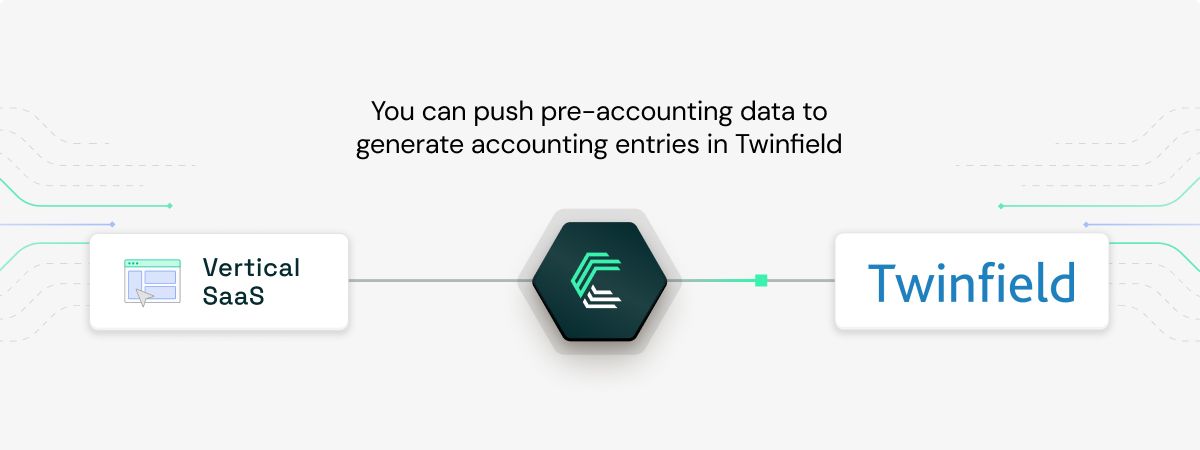
Vertical SaaS platforms, such as construction ERPs, can push supplier invoices, client invoices, and expense records to Twinfield, generating accounting entries in just a few clicks. This eliminates double data entry and reduces errors for both business owners and their accountants.
Automating debt recovery workflows
Debt recovery platforms can retrieve open receivables from Twinfield to trigger automated payment reminders and collection workflows. Once a payment is received, the status can be pushed back to Twinfield to keep accounting records up to date, without any manual reconciliation.
.jpeg)
For more examples of how accounting integrations can improve your product, explore our Chift case studies.
Setting up your Twinfield API integration
Getting started with the Twinfield API requires the following:
- Register an OAuth2 application in the Twinfield developer portal to obtain a Client ID and Client Secret
- Request ClientId certification, non-certified integrations are limited to 5% of the standard credit quota, which severely limits throughput in production
- Complete the OAuth2 flow to obtain an access token, then decode the JWT to extract
twf.clusterUrl, this is the base URL for all SOAP requests - Build your SOAP request layer using the ProcessXml service. Each request contains an XML payload rooted in the entity type you want to manipulate (e.g.
<transaction>,<salesinvoice>,<read>) - Handle multi-cluster and multi-office environments: Twinfield clients can have multiple offices or subsidiaries, each requiring separate requests
Getting connected is achievable for most development teams. But production-grade integrations require more: consistent data mapping across offices, token refresh logic, rate limit handling, pagination for large datasets, and ongoing maintenance as the Twinfield API evolves.
Best practices for Twinfield API integration
- Always extract the cluster URL from the JWT. Twinfield is multi-cluster. Sending SOAP requests to the wrong cluster causes authentication failures. Read
twf.clusterUrlfrom the decoded access token before making any API call. - Get your ClientId certified. Non-certified integrations receive only 5% of the standard credit quota, 50 credits/min instead of 1,000. This is not a soft limit to work around: it's a hard cap that blocks any meaningful production workload. Certification is a prerequisite, not an option.
- Prefer read operations over write operations. Query requests (
<read>,<list>,<columns>, Finder calls) cost 1 credit. Write operations cost 3 credits. Structuring your connector to be read-heavy significantly extends your credit budget per minute. - Batch carefully, respect the limits. Twinfield recommends a maximum of 25 child elements per parent and 500 lines per transaction or salesinvoice element. Exceeding these can cause processing failures. Chunk large write operations accordingly.
- Implement exponential backoff on 429 errors. When rate or concurrency limits are hit, the API returns a
429 Too Many Requestswith aRetry-Afterheader. Use that value as your base and apply exponential backoff from there. - Respect concurrency limits. Beyond per-minute credit buckets, Twinfield enforces a maximum of 20 concurrent requests per ClientId and 10 per ClientId+OrganisationId combination. Long-running batch jobs should be throttled accordingly.
Connect to Twinfield, Exact Online, Sage, and more with a single integration
Building a direct Twinfield integration requires handling SOAP-based requests, multi-cluster token routing, OAuth2 token refresh logic, credit-based rate limit management, data normalization across Twinfield offices, and ongoing API maintenance as Wolters Kluwer evolves the platform. And then you still need to do all of that again for every other accounting tool on your roadmap.
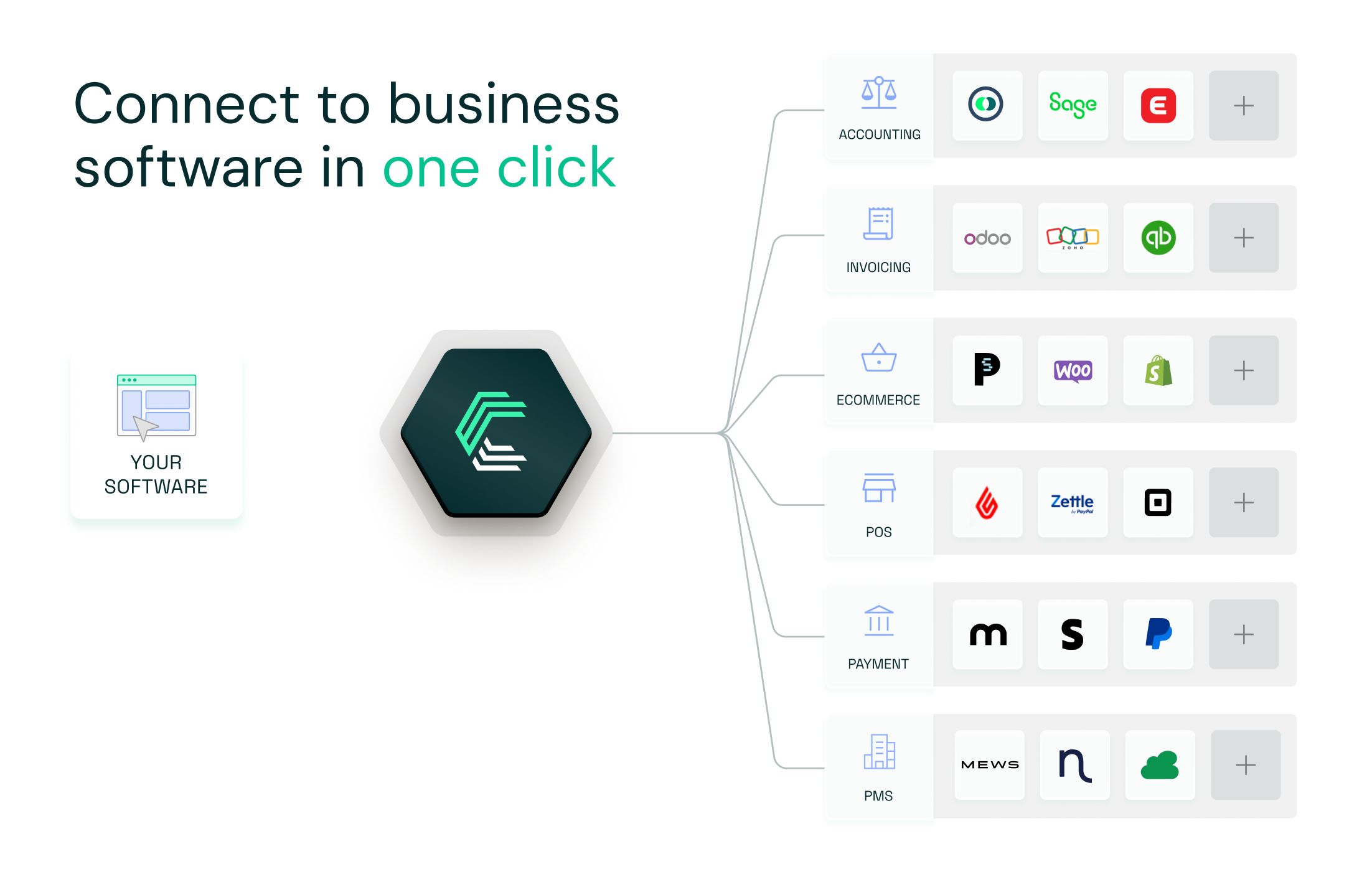
With Chift's Unified Accounting API, you integrate once and get access to Twinfield, Exact Online, Pennylane, Sage, Xero, Odoo, MyUnisoft, and many more, all through the same normalized data model.
Here's what that unlocks for your team:
- Your engineering team builds one integration, then stays focused on your core product
- New connectors activate in one click, with no additional development work required
- Authentication, SOAP handling, multi-cluster routing, and data mapping are fully managed by Chift
- Built-in monitoring, logging, and long-term maintenance included
- Expert support from a team that understands both the technical and business sides of financial integrations
Your dev team saves time. Your sales team can say yes to more integration requests. And your product becomes the default choice for customers who need their accounting data to flow.
Chift's Unified Accounting API: one integration, all essential accounting connectors.Twinfield is just one of many accounting platforms available via Chift's Unified API. With a single integration, your app can access consistent and normalized data from: Twinfield, Exact Online, Sage, Xero, Pennylane, MyUnisoft, Odoo, and many more.
You don't need to build or maintain a unique connector for each platform, Chift handles that for you. Adopting Chift's Unified APIs simplifies your development, eliminates integration maintenance, and allows you to scale quickly across markets.
Ready to integrate with Twinfield and beyond? Book a demo and see how Chift can accelerate your accounting integrations.
Twinfield API FAQ
What endpoints are included in the Twinfield API?
Chift's Twinfield connector exposes a broad set of standardized endpoints through the ProcessXml web service, including (but not limited to):
- Clients
/clients - Suppliers
/suppliers - VAT Codes
/vat-codes - Journal Entries
/journal-entries - Chart of Accounts
/accounts - Transactions
/transactions - Sales Invoices
/invoices - Dimensions (cost centers, projects)
/dimensions
Consult our Twinfield API documentation for a full list of available routes.
What are the Twinfield API rate limits?
Twinfield uses a credit-based rate limiting system (live since December 2024). Query operations cost 1 credit; all other operations cost 3 credits. Here are the credit buckets per minute for certified integrations:
- Certified integrations receive 1,000 credits/min per IP address, 1,000 credits/min per ClientId, and 1,000 credits/min per OrganisationId.
- The combined ClientId + OrganisationId bucket is capped at 500 credits/min.
- Non-certified integrations receive 5% of those limits across all buckets: 50 credits/min per IP, per ClientId, and per OrganisationId, and 25 credits/min for the combined bucket.
Concurrency limits apply separately: max 20 concurrent requests per ClientId, max 10 per ClientId+OrganisationId combination. Rate limit headers (X-RateLimit-Limit, X-RateLimit-Remaining, X-RateLimit-Credited, Retry-After) are included in responses when limits are reached.
Does Twinfield support REST or only SOAP?
Twinfield's primary integration API is SOAP-based. There is no native REST API for the core accounting and transaction data. All entity operations go through the ProcessXml SOAP service using XML payloads. This adds implementation complexity compared to modern REST APIs: your integration needs to handle WSDL discovery, XML serialization, and SOAP envelope formatting.
What is multi-cluster in Twinfield, and why does it matter?
Twinfield hosts client data across multiple server clusters. Each client environment lives on a specific cluster, and the API base URL differs per cluster. If you send requests to the wrong cluster, authentication will fail, even with a valid token. You must read the twf.clusterUrl claim from the decoded JWT access token and use it as the base URL for all SOAP calls. Ignoring this is one of the most common integration errors.
Why is ClientId certification important?
Non-certified ClientIds are limited to 5% of Twinfield's standard credit quota, 50 credits per minute instead of 1,000. At 3 credits per write operation, this means roughly 16 write requests per minute before hitting the limit. For any production connector dealing with real customer data volumes, this cap makes integration non-viable without certification. Requesting certification from Twinfield early in your build process is strongly recommended.
.webp)