.webp)
Moneybird is a popular online accounting and invoicing platform used by freelancers, small businesses, and accountants across the Netherlands. Integrating with Moneybird lets your product:
- Sync invoices, contacts, and payments in real time
- Automate bookkeeping tasks and reduce manual data entry
- Access ledger, VAT, and journal data for reporting or cash flow analysis
- Push transactions directly from your product into your users' accounting system
This guide covers everything you need to know about the Moneybird API, from architecture and authentication to best practices, and how Chift's Unified Accounting API helps you skip the heavy lifting.
What is the Moneybird API?
The Moneybird API is a REST API that uses JSON and XML as data transport formats. It currently exposes a single version, v2, and there is no other variant. No GraphQL, no SOAP, just one clean REST interface.
All requests follow this URL structure:
https://moneybird.com/api/v2/{administration_id}/{resource_path}.{format}
Where format is either json or xml. At Chift, we use the REST JSON variant, which is the standard across all our connector integrations.
Key technical details:
- Supported HTTP methods:
GET,POST,PATCH,PUT,DELETE - Pagination: uses
page(default: 1) andper_page(default: 50, max: 100) parameters - Authentication: OAuth2 (for external apps acting on behalf of users) or a personal API token (simpler but less secure)
- Data entities available: contacts, invoices, sales invoices, purchase invoices, payments, ledger accounts, journal entries, VAT codes, tax rates, products, and more
You can find the full reference on the official Moneybird developer documentation.
{{CTA-1}}
Examples of Moneybird API integration use cases
Sync payment data and automate reconciliation
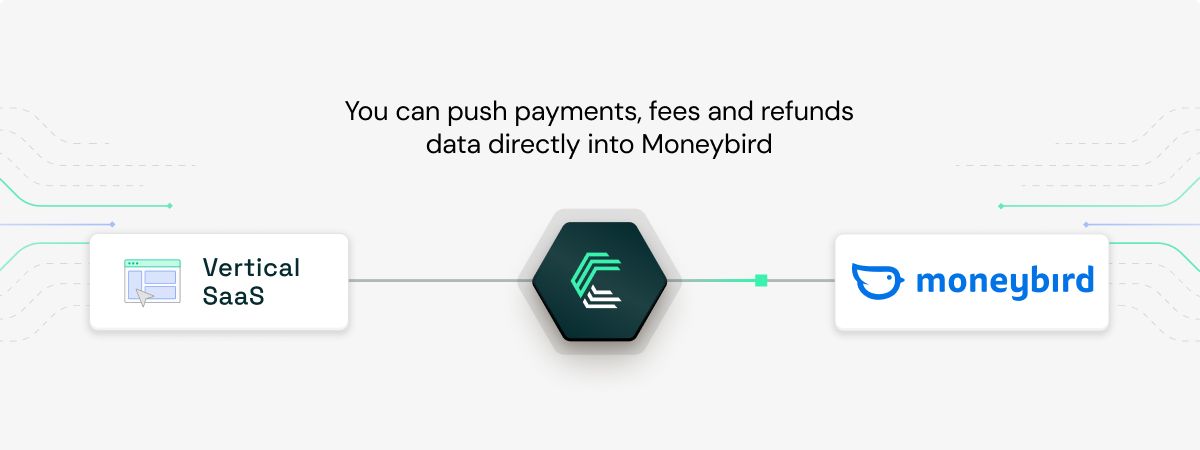
Payment service providers and checkout tools can push captured payments, fees, and refunds directly into Moneybird. Invoices get marked as paid automatically, fees hit the right ledger accounts, and reconciliation stops being a weekly chore.
Import bank transactions for faster reconciliation
Banks and neobanks can push transactions into Moneybird for users to reconcile against invoices. This is a classic use case for Dutch fintechs and spend management platforms serving SMBs who live in Moneybird day-to-day. It's the same model Pennylane's clients rely on, where Chift extracts data from operational tools and delivers it error-free into the accounting layer.
.jpeg)
Power business lending and cash flow forecasting
Lenders and cash flow management tools can read invoices, ledger balances, and historical revenue straight from Moneybird to assess eligibility or forecast runway. Real-time accounting data means faster, more accurate credit decisions.
.jpeg)
Check out more about Chift's caste studies.
Setting up your Moneybird API integration
Moneybird supports two authentication methods: OAuth2 for production apps, and personal API tokens for quick testing. Chift uses OAuth2.
Here's how to get started:
- Create a Moneybird developer account and register a new application in the Moneybird developer portal.
- Get your Client ID and Client Secret. These are the credentials Chift needs to initiate the OAuth2 flow on behalf of your users.
- Configure the redirect URI in your Moneybird app settings. This is where users land after authorizing access.
- Request the right scopes for the data you need (sales invoices, bank, settings, documents, etc.).
- Complete the OAuth2 flow. Users authorize your app, Moneybird returns an access token, and you're ready to call the API.
The API is developer-friendly, but production-grade integrations need more than a working OAuth flow. You'll also need to handle token refresh, multi-tenant administration IDs, pagination, rate limits, data normalization, and ongoing API changes. That's where most integration projects start eating months of engineering time.
Best practices for Moneybird API integration
A few technical details to get right from day one:
- Handle 429 responses properly. When throttled, the API returns
Retry-After,RateLimit-Remaining,RateLimit-Limit, andRateLimit-Resetheaders. Always implement backoff logic based on these values rather than retrying blindly. - Never use GET for verification. GET responses can be cached and may return stale data. Always verify write operations by checking the HTTP status code of the POST, PATCH, or PUT request itself.
- Parse all IDs as strings. Moneybird IDs are large integers that can overflow standard integer parsers in many languages, leading to silent data corruption. Treat them as strings everywhere in your code.
- Store OAuth credentials securely. Encrypt Client Secrets and access tokens at rest, and rotate them regularly.
- Refresh tokens proactively. Don't wait for a 401 to refresh. Track expiry and refresh ahead of time to avoid failed syncs.
- Paginate defensively. Use
per_page=100to minimize round trips, but always handle the case where results span many pages. - Build a consistent internal data model. Moneybird's schema is specific to Moneybird. If you're integrating multiple accounting tools, you'll want a unified representation so your product logic doesn't branch per provider.
Why integrate with Moneybird through Chift?
Building a direct Moneybird integration is straightforward to start. But once you've handled OAuth2 token refresh logic, large-integer ID parsing, pagination, rate limit retries with the four RateLimit-* headers, and multi-administration data normalization, you still need to maintain all of that as the API evolves. And then do the same for every other accounting tool on your roadmap.
With Chift's Unified Accounting API, you integrate once and get access to Moneybird, Exact Online, Pennylane, Sage, Xero, Odoo, MyUnisoft, and many more, all through the same normalized data model.
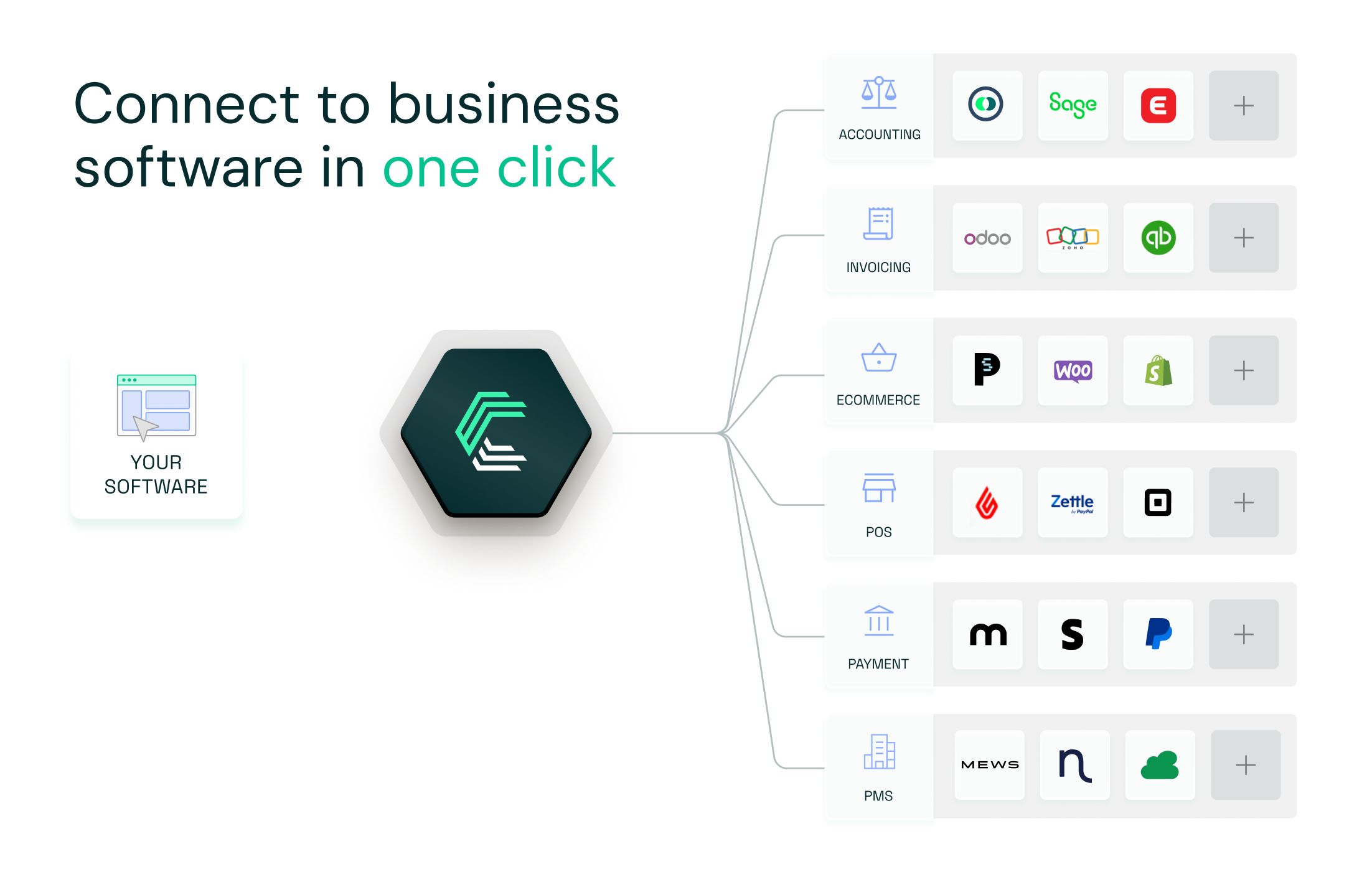
Here's what that unlocks for your team:
- Your engineering team builds one integration, then stays focused on your core product
- New connectors activate in one click, with no additional development work required
- Authentication, error handling, and data mapping are fully managed by Chift
- Built-in monitoring, logging, and long-term maintenance included
- Expert support from a team that understands both the technical and business sides of financial integrations
Your dev team saves time. Your sales team can say yes to more integration requests. And your product becomes the default choice for customers who need their accounting data to flow.
Want to see how Chift connects your product to Moneybird and 50+ other financial tools? Get in touch with our team to discover more.
Moneybird API FAQ
What endpoints are included in the Moneybird API?
Chift's Moneybird connector exposes a broad set of standardized endpoints, including (but not limited to):
- Clients
/clients - Suppliers
/suppliers - VAT Codes
/vat-codes - Journal Entries
/journal-entries - Invoices
/invoices - Payments
/payments - Ledger Accounts
/ledger-accounts
Consult our Moneybird API documentation for the full list of available routes.
What are the Moneybird API rate limits?
The Moneybird API is throttled per IP address:
- General endpoints: 150 requests per 5 minutes
/reports/endpoints: stricter limit of 50 requests per 5 minutes
When exceeded, the API returns a 429 Too Many Requests response with four headers: Retry-After, RateLimit-Remaining, RateLimit-Limit, and RateLimit-Reset. Build your client to read these headers and back off accordingly. With Chift, rate limit handling is built in, so you don't have to worry about it.
How does Moneybird compare to Xero?
Moneybird and Xero are both cloud-based accounting platforms, but they serve different markets. Moneybird is focused on the Dutch market and is especially strong among freelancers, small businesses, and accountants in the Netherlands. Its UI, tax logic, and invoicing features are tailored to Dutch VAT rules and bookkeeping practices.
Xero is a global platform with a much larger footprint in the UK, Australia, New Zealand, and the US, and a broader feature set for mid-sized businesses. From an API perspective, both use REST and OAuth2, but Xero's API is more mature and has higher rate limits, while Moneybird's is simpler and easier to get started with.
If your product serves Dutch SMBs or accountants, Moneybird is essential. If you're going European or global, you'll likely need both, and that's where a unified API becomes the obvious choice.
.webp)