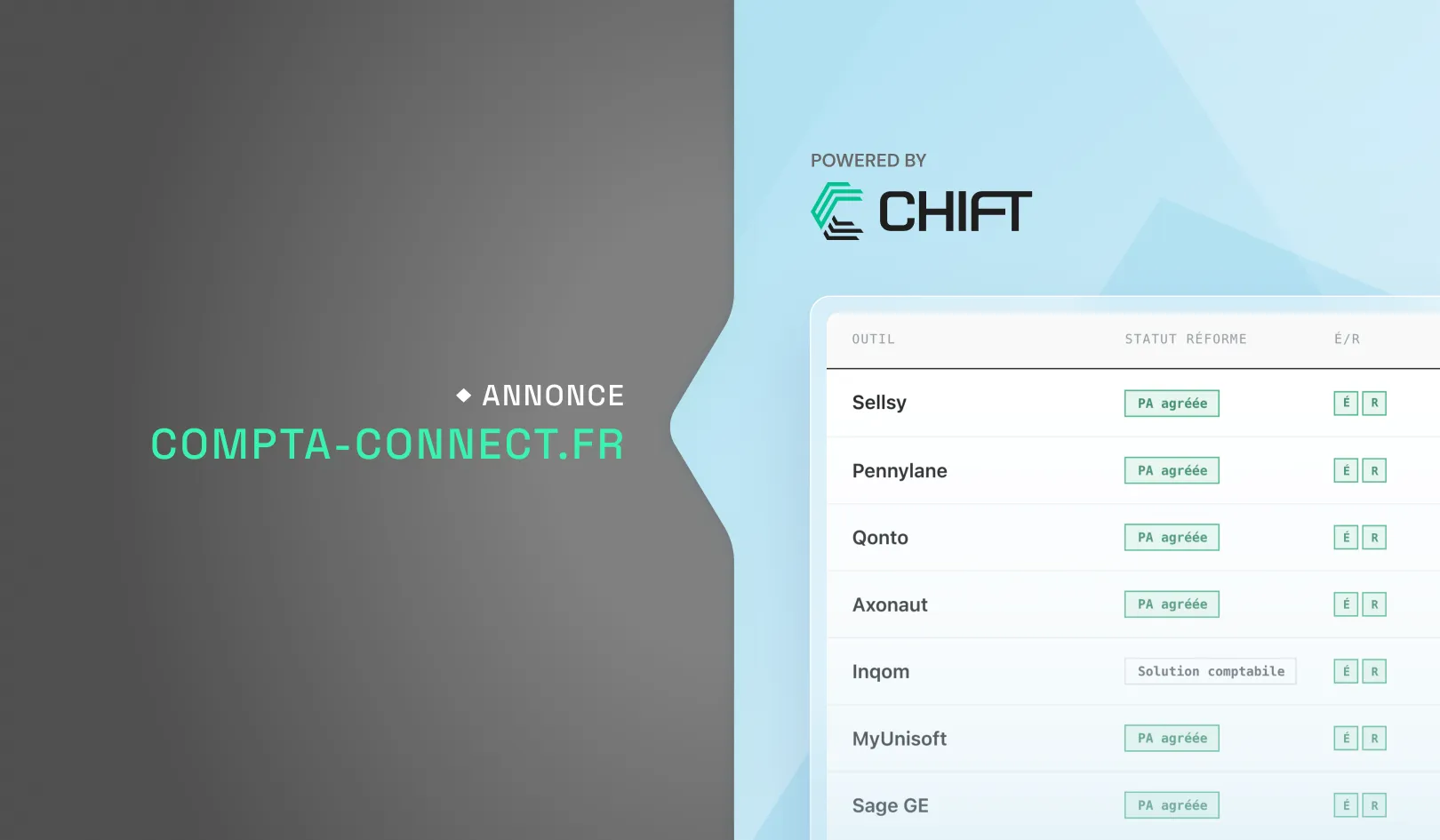
MyUnisoft integration brings automated accounting processes to your software, creating a more efficient experience for your users. We'll guide you through the generation of an API key.
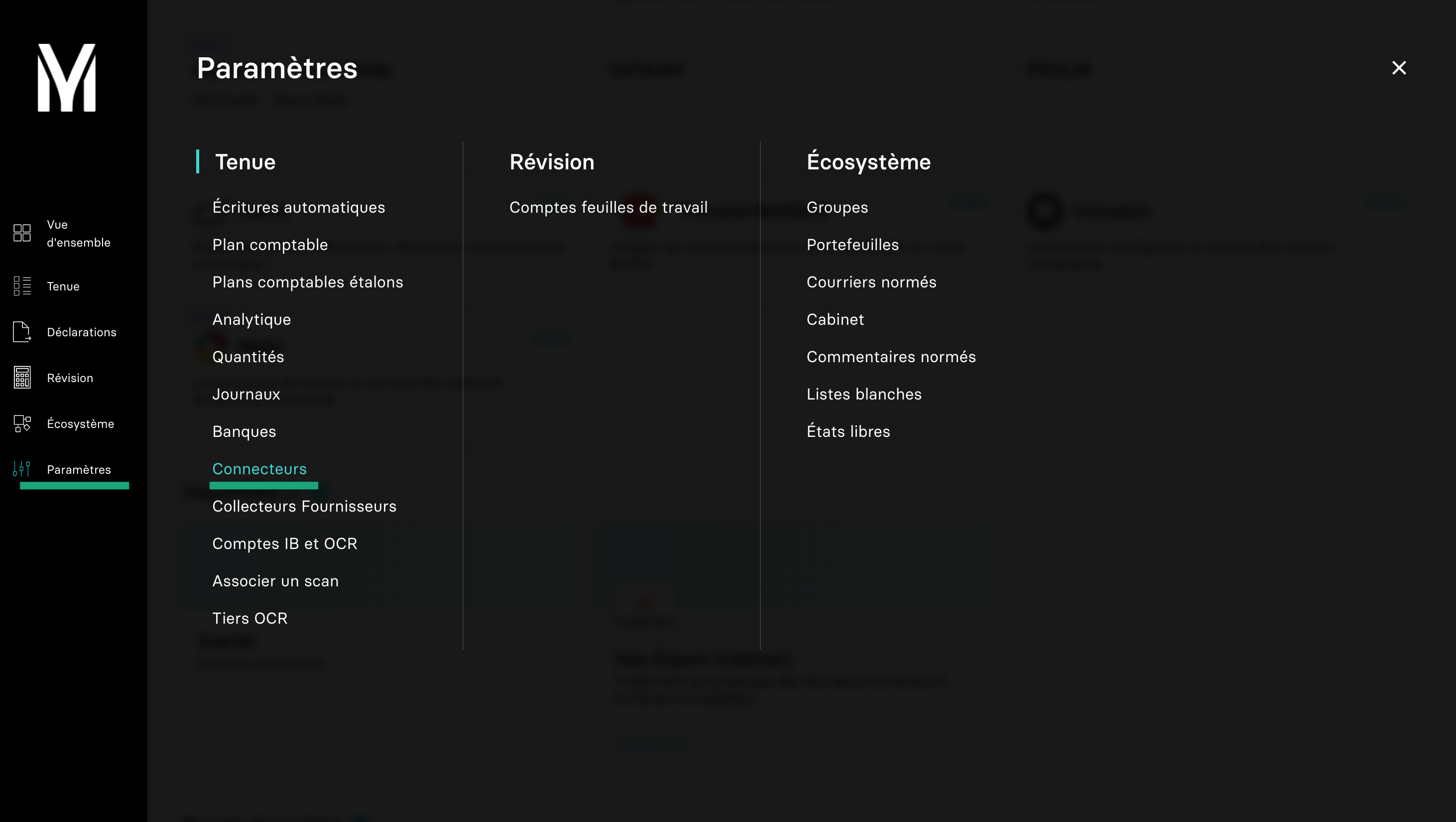
Step 1: Go to Myunisoft settings
Go to your MyUnisoft account, Parameters, then connectors.
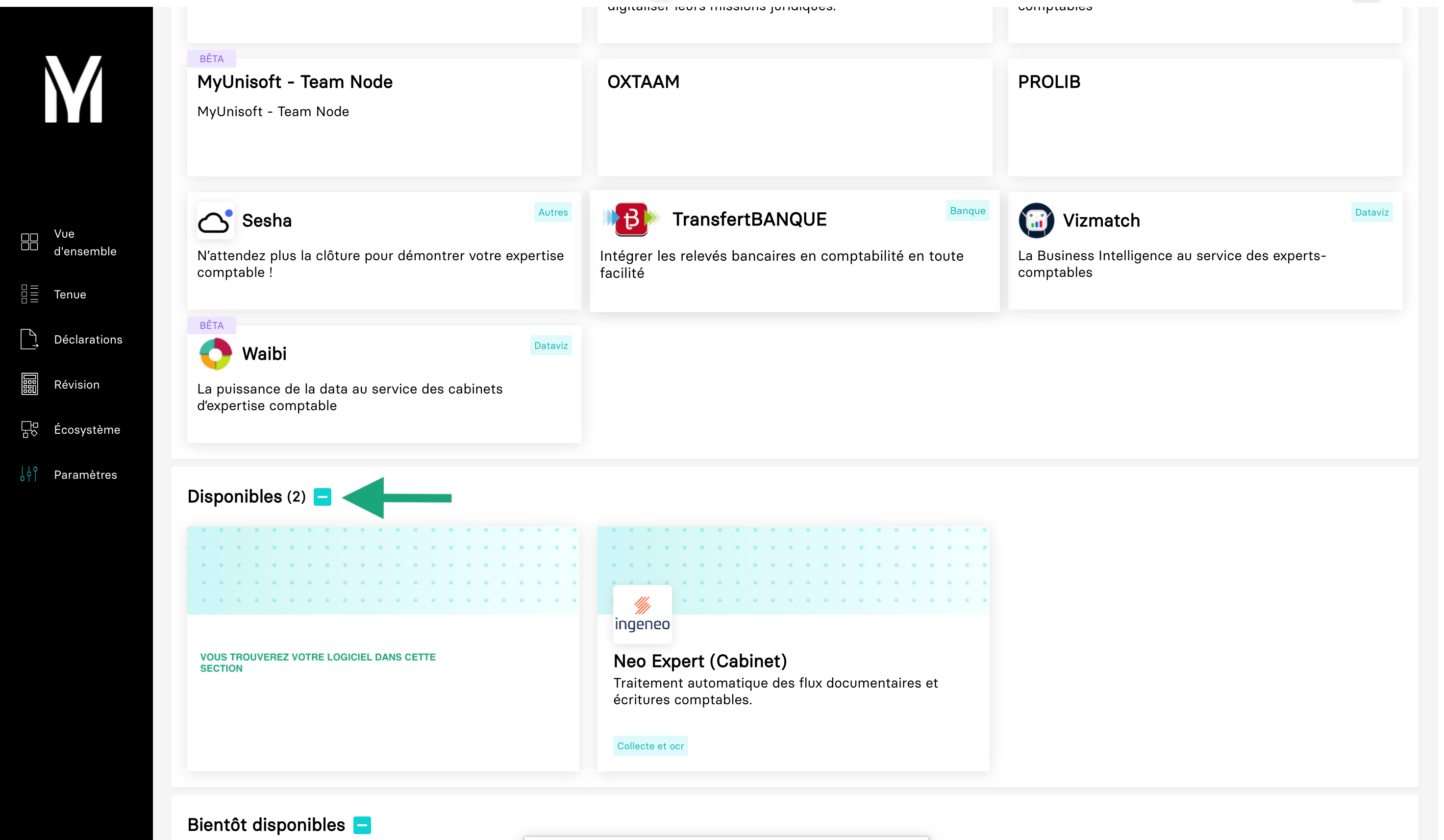
Step 2: Choose your connector
Mulitple software are available in the list of connectors, choose the one you need
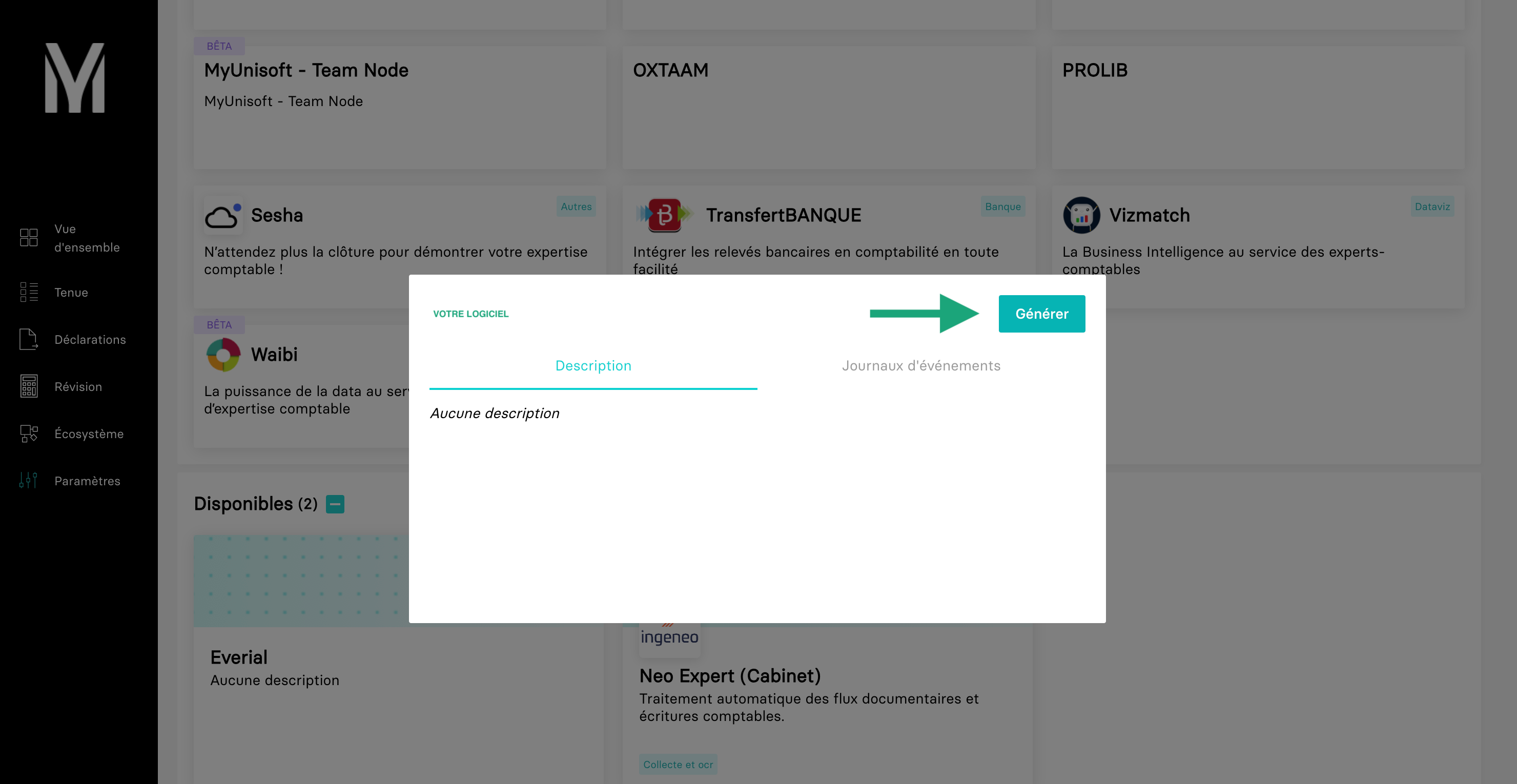
Step 3: Generate your connector’s API token
Generate an API token and copy it.
Curious about how you can use Chift’s Unified Accounting API for your integrations? Reach out to our team for a demo.


.jpg)

.jpg)
.jpg)
.jpg)
.jpg)
.jpg)
.jpg)
.jpg)
.webp)
.webp)
.webp)




.webp)



.avif)


