.webp)
In today’s digital finance landscape, businesses expect seamless access to banking and invoicing data without switching between tools or dealing with outdated processes. That’s where Qonto’s API comes in. The French fintech already serves over 600,000 SMEs and freelancers across Europe.
Offering a Qonto API integration allows you to:
- Setup automated processes for your users
- Pull invoicing and customer data into your software for synchronisation or offer features such as accounting automation
- Enhance overall accuracy by reducing the risk of error associated with manual entries
As part of Chift’s Unified Invoicing API, we’ve integrated Qonto to help software providers build powerful, real-time features with minimal effort and no integration maintenance.
Here’s what you need to know to make the most of it.
What is the Qonto API?
Qonto offers a REST API that is well-documented, secure, and designed for modern financial workflows. It supports both API key and OAuth2 authentication, and at Chift we use the OAuth2 flow to ensure the most scalable and secure experience.
Explore the official API here: Qonto API Reference
With the Qonto API, you can:
- Retrieve account balances and transaction history
- Access detailed payment data (inbound and outbound transfers, direct debits)
- Sync banking data for reconciliation, analytics, or spend management use cases
It’s a developer-first API that fits perfectly into a modern financial or invoicing stack.
Connect to all popular solutions with a single integration
Discover how Chift's Unified APIs have helped software vendors quickly add dozens of integrations.
Examples of Qonto API integration use cases
Connecting Qonto through Chift’s Unified Invoicing API unlocks high-impact use cases for software vendors across fintech, accounting, lending, and cashflow tools:
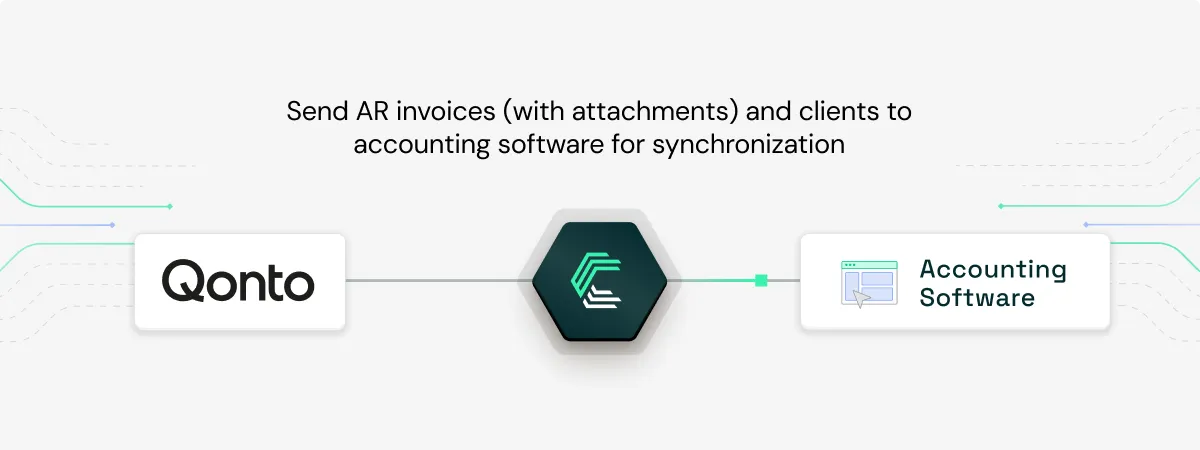
Sync AR invoices (with attachments) and client data to accounting systems
Automatically sync Qonto invoices—including line items, VAT details, and PDF attachments, along with up-to-date customer records to external accounting software. This ensures data consistency and eliminates manual entry errors.
Inqom, a modern accounting platform, uses this integration to automate invoice syncing and streamline pre-accounting processes.
Read more: How Inqom rapidly scales POS, Invoicing and Payment connectivity with Chift
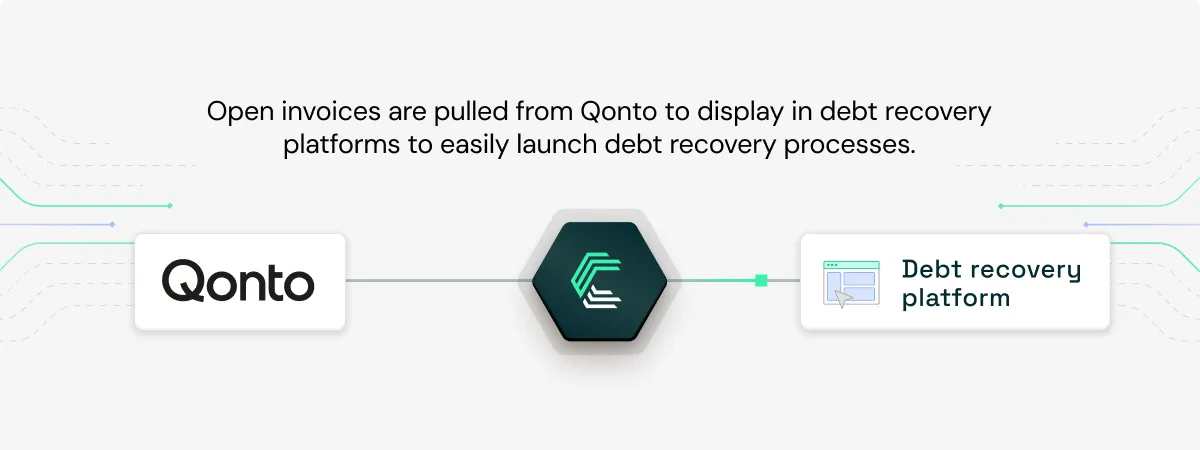
Automate debt recovery workflows with open invoice data
Debt recovery platforms like GCollect, LegalCity, and Rubypayeur connect to Qonto via Chift to automatically retrieve open receivables and trigger debt collection processes. This eliminates manual tracking and ensures timely action on unpaid invoices.
Explore the use case: How GCollect automates debt recovery with seamless integrations
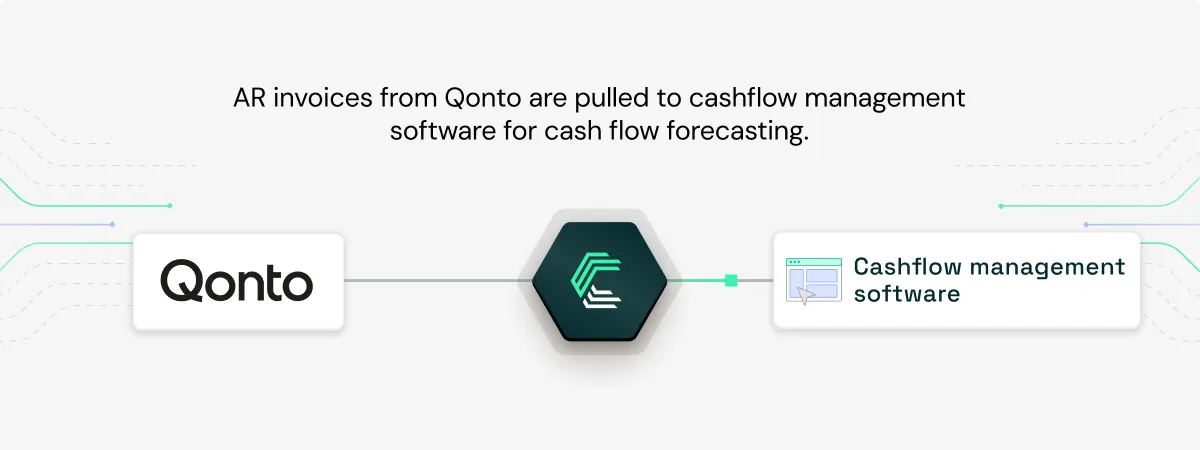
Fuel real-time cashflow forecasts with invoice data
Leverage invoice data pulled from Qonto to power dynamic cashflow projections. Forecasting tools can offer users a real-time view of their receivables, helping them anticipate and plan with confidence.
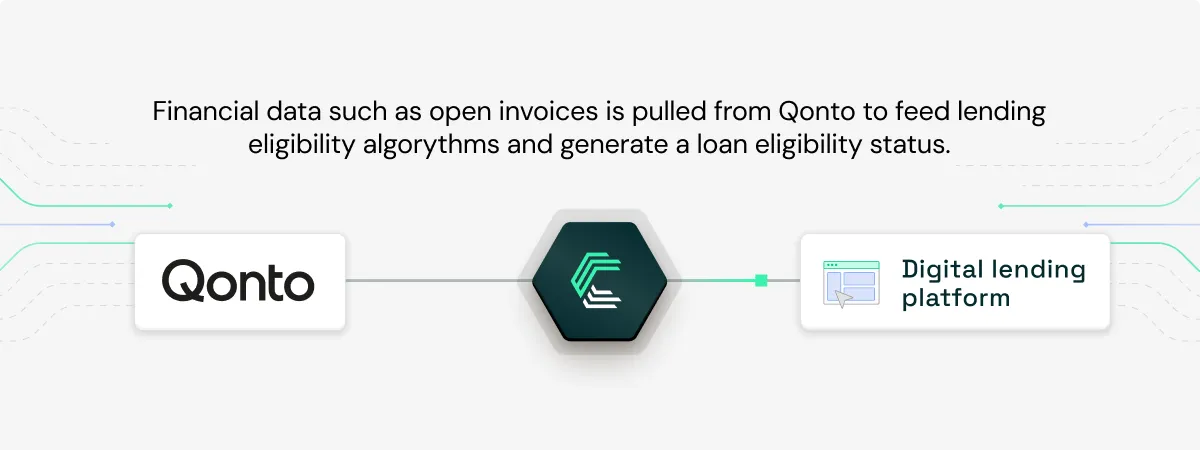
Accelerate loan approval in B2B lending platforms
Lenders can instantly access invoice data from Qonto to assess financial health and determine loan eligibility, cutting approval times from days to seconds.
Explore our customer case studies.
Getting you started with your Qonto API integration
To build a Qonto integration, whether you do it yourself or use Chift, here are the key steps:
Request Access to the Developer / Staging Environment
Qonto provides a separate testing environment, which you’ll need to request access to before developing. This lets you safely test flows and edge cases.
Use OAuth2 Authentication
Set up the OAuth2 flow to allow your users to authorize access to their Qonto data. Chift handles this process for you, securely managing tokens and refreshing them automatically.
Map Qonto’s Data Model to Your Own
Adapt Qonto’s object model to match your product’s structure or, if you use Chift, benefit from normalized models already compatible with accounting and invoicing platforms.
Test in Staging Before Going Live
Be sure to test your full integration with mock data in Qonto’s sandbox before launching. Chift supports this flow with a dedicated test layer.
Our recommendations for integrating with Qonto
Qonto is a fast-moving product and new endpoints and schema changes are released regularly. Here’s how to stay ahead:
- Use the dedicated staging headers when working in the sandbox to avoid unintended side effects.
- Define scopes carefully based on what your integration really needs—this ensures a smooth and secure user experience.
- Monitor API changes proactively. Qonto has released updates almost monthly in early 2025. With Chift, these are handled automatically.
- Prepare extensive test data to cover unusual scenarios like internal transfers, refunds, or bulk payments.
- Create a dedicated Qonto user with limited permissions for API access—this is a security best practice and simplifies secret management.
Why Use Chift’s Unified Invoicing API to Connect Qonto?
Integrating Qonto directly can be time-consuming. OAuth flows, token handling, schema maintenance, error management… it adds up quickly.
With Chift, you get all the benefits of the Qonto API, plus:
- Managed authentication and token storage
- Normalized data models across multiple tools
- Maintenance-free access to an evolving API
- One integration to connect to Qonto and dozens of other invoicing/CRM software such as Hubspot, Axonaut, Odoo, Paypal, Quickbooks, Sage 100 FR or Zoho.
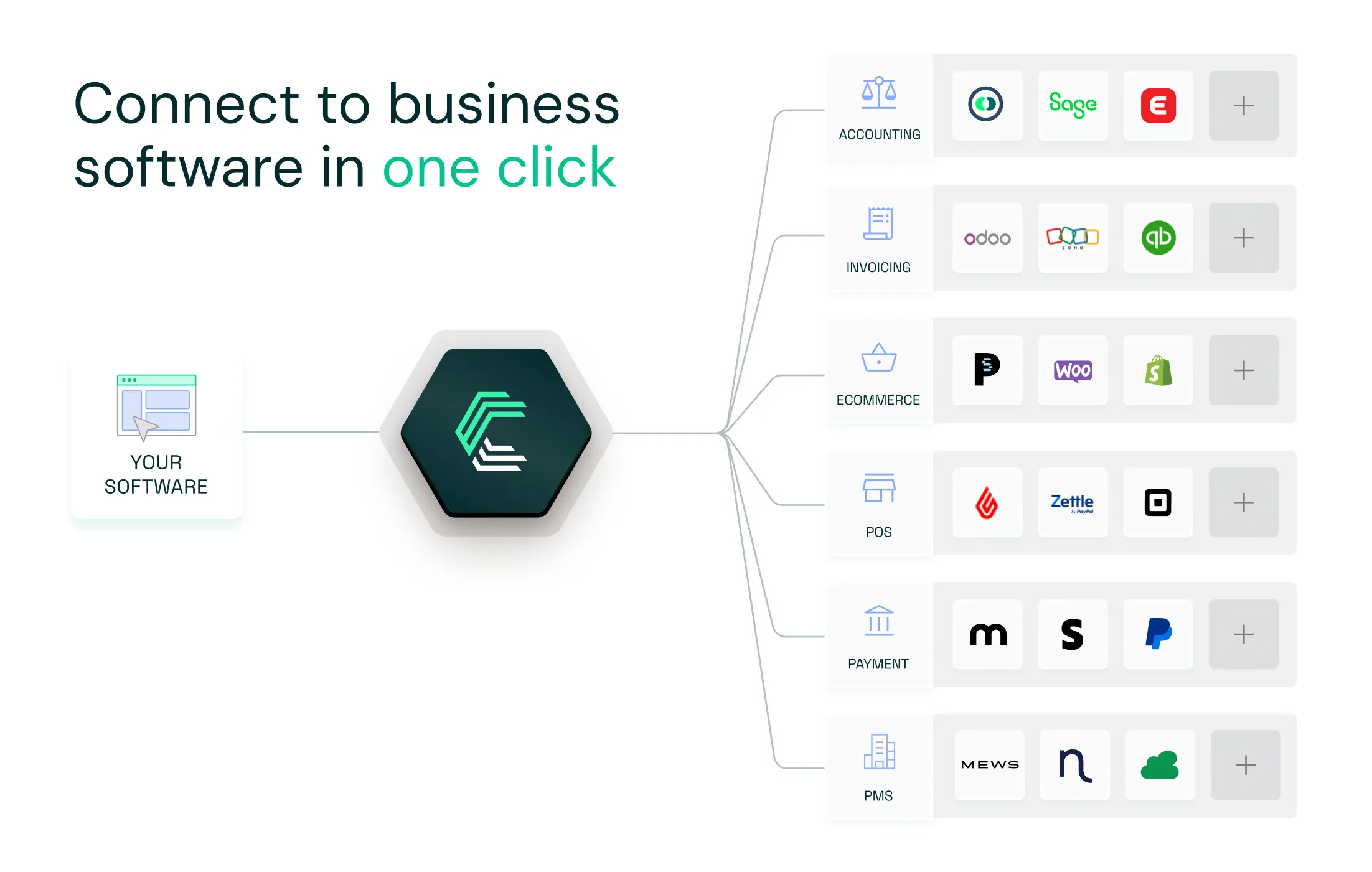
Want to explore how Chift can help you scale your integrations? Contact our team for a personalized demo!
PS: Qonto is also a client of Chift and uses us to offer plug-and-play integrations with accounting and invoicing software! Full Qonto case study available here.
Qonto API integration FAQ
What Qonto endpoints are accessible?
Integrating with Qonto gives you access to multiple data models to push or pull information. For example:
- Contacts /contacts
- Invoices /invoices
- Taxes /taxes
Consult our Qonto API documentation for a list of all the available endpoints via Chift.
What are Qonto API rate limits?
Qonto does not publicly document an API rate limits. Just be nice and avoid overloading their servers.
.webp)