If you've ever set up an accounting integration, you know the drill. You open the mapping configuration, stare at a list of hundreds of accounting accounts, and start the painstaking work of figuring out which one corresponds to what. Which account covers "Credit Card" payments? Which one handles your online sales revenue? Is it this account… or that one two rows below with a slightly different name?
It's not rocket science, but it's slow, repetitive and forces you to filter through a long list of accounts. And if you get it wrong, your accounting data ends up in the wrong bucket.
We're about to change that.
What are mappings, and why do they matter?
When a business connects their POS, PMS, or payment provider to an accounting tool through Chift, they need to tell the system how data should flow from one side to the other. This is called a mapping: linking a concept from the source software, let’s say, a payment method like "Stripe" or a product category like "Annual Subscriptions", to the right account in their accounting chart of accounts.
Get it right, and financial data flows cleanly and automatically. Get it wrong, and reconciliation becomes a nightmare.
The challenge is that while some accounting rules like the French one follows a structured framework (the Plan Comptable Général (PCG)) that standardises the top-level account hierarchy, companies have significant freedom in how they define their sub-accounts. The main classes are predictable: revenue accounts start with 7, customer receivables live under 411, and so on. But beyond the first three digits, every business organises things differently. One company might track card payments under 5121, another under 41106001, and a third under a custom label that only makes sense in context. With hundreds of sub-accounts to navigate and no two charts of accounts laid out in the same way, every new connection to the Chift API becomes a challenge.
The problem today
For the accountants and finance managers actually filling in these forms, mapping configuration is the definition of low-reward work. Finding the exact account buried in a long list takes time and focus you'd rather spend elsewhere. Now multiply that by ten, twenty, or fifty fields, the setups get complex and are less likely to be finalized.For software editors, this friction has a real cost to their product. A financial connectivity feature is only as compelling as the experience of actually using it. If the setup feels tedious, it reflects on the software. In a market where seamless integrations are increasingly important, a hard connection process makes a product feel less attractive than it deserves to be.
Introducing AI-Powered mappings
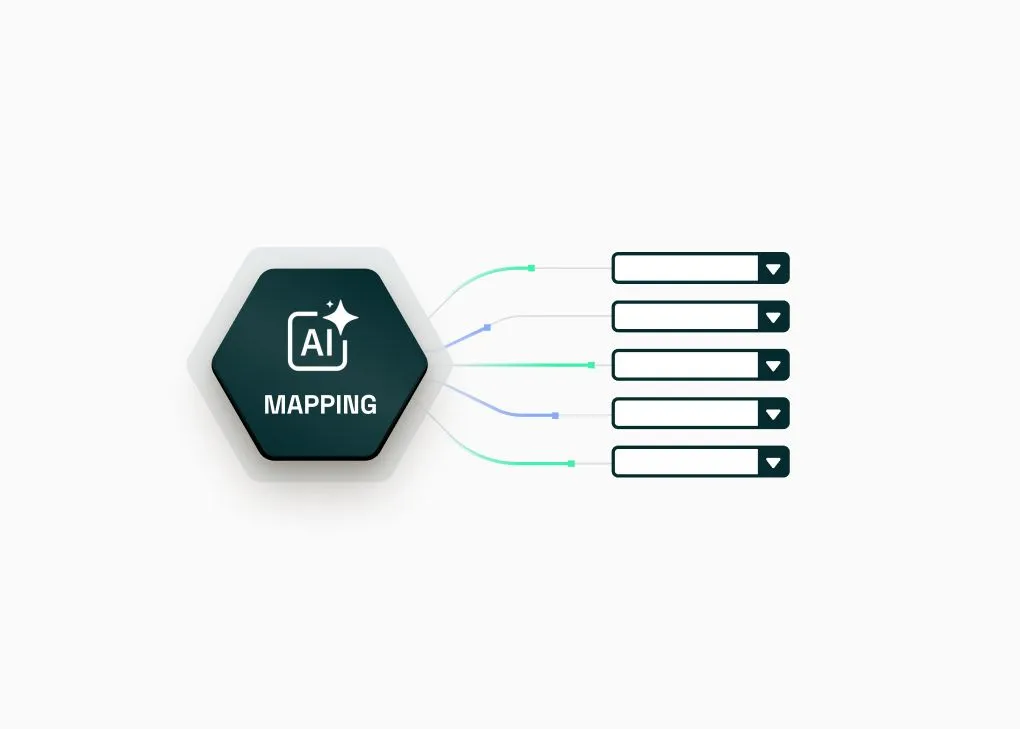
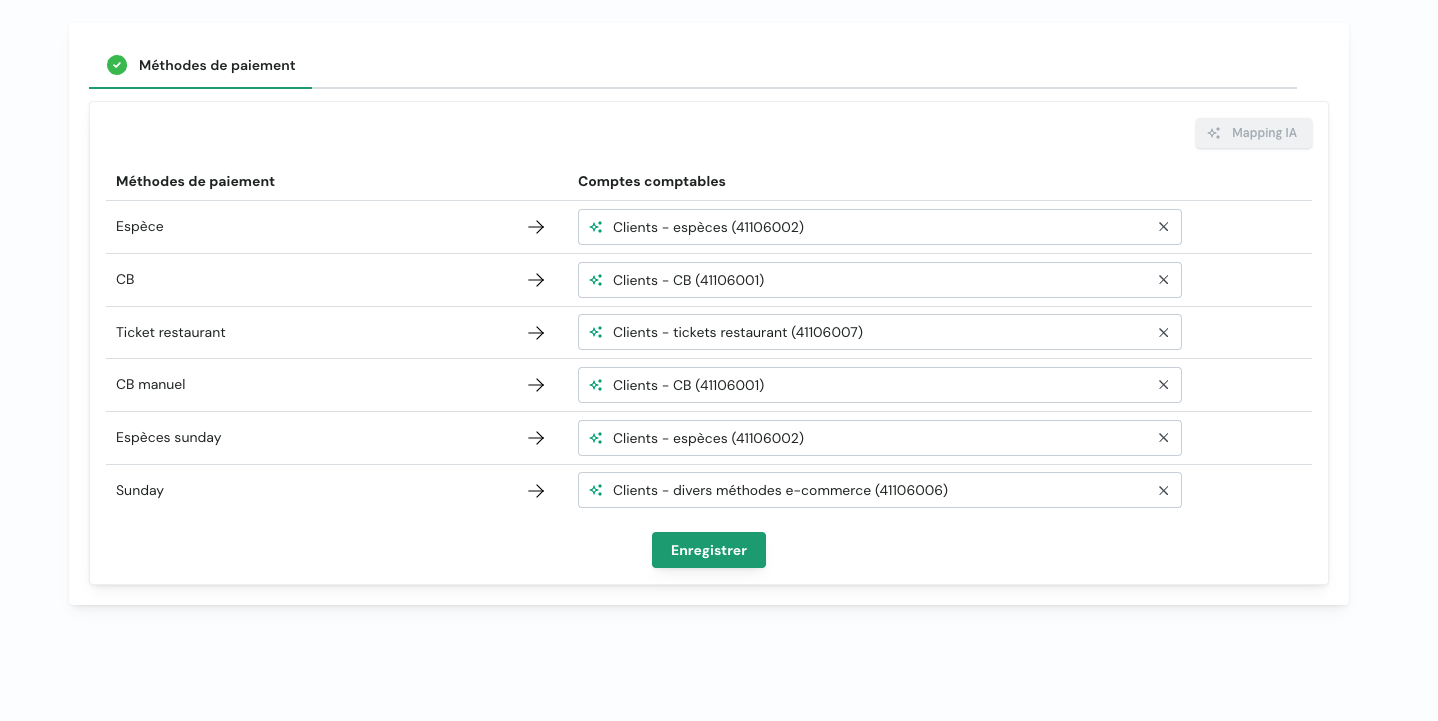
We're building an AI Mapping feature directly into the Chift platform. Instead of searching through a long list of accounts manually, users will be able to click a single button AI Mapping and let the system find the good one.
The AI analyzes the context: what integration is being set up, what the are the fields needing to be mapped, what are the available accounting accounts actually containing. It then suggests the most relevant matches for each mapping field, all at once, pre-filled and ready to review.
Users stay in control. Every suggestion can be accepted as-is, adjusted, or overridden. The AI handles the tedious first pass and users make the final call.
What this means for you
If you're a software editor building on Chift, AI Mapping means your connectivity flow just got significantly smoother. Less setup time means faster time-to-value for your customers, fewer support tickets around configuration, and a more polished first impression of your integration.
If you're an end user setting up an integration, it means you no longer have to be an accounting expert to get the configuration right. The AI handles the knowledge-heavy matching work, you just review and confirm.
Get started
AI-powered mappings rollout has started. We'll start testing with a restricted set of mappings before a full rollout to all of them. Contact us to ask about this new feature.
Want to stay updated or be among the first to try it? Get in touch with the Chift team
.webp)