.webp)
In today’s fast-moving retail and hospitality landscape, having access to real-time POS data is a must. That’s where Square shines: a developer-first POS and payment ecosystem used globally across restaurants, retail stores, and service businesses.
Why integrate Square into your product?
- Automate tedious manual workflows
- Leverage rich transaction data to power unique features
This guide walks you through everything you need to know about the Square API, from setup to best practices, with real-world use cases from leading Chift clients.
What it the Square API?
The Square API suite is one of the most developer-friendly on the market. Whether you're building a custom integration, a SaaS platform, or an internal tool, Square gives you all the resources to move fast and build confidently.
Here’s what makes it great:
- OAuth2 authentication for secure, scalable access
- RESTful APIs covering payments, orders, catalog, staff, customers, and more
- Sandbox environment with sample data for testing
- API Explorer & Developer Console for hands-on development
- SDKs and GraphQL support for advanced use cases
You can explore the API in detail here: Square API Reference
Get started by creating a free developer account: Square Developer Dashboard
Their documentation also includes interactive tools to test endpoints and view real responses: API Explorer
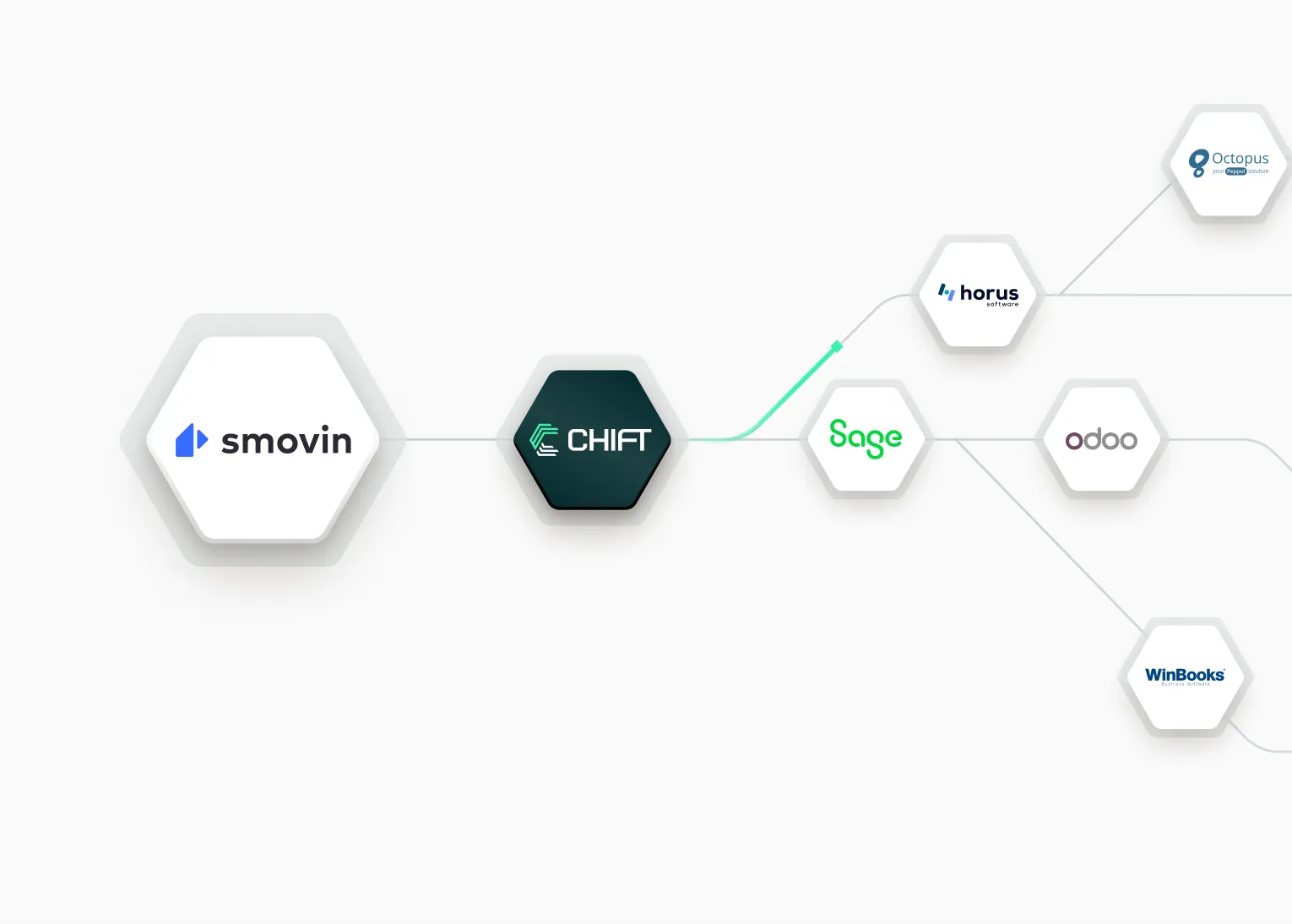
At Chift, we integrate directly with Square’s official REST APIs, handling authentication, rate limits, and mapping of data. So you don’t have to worry about rate limits, structure changes, or edge cases.
Chift’s Unified POS API also lets you connect with 40+ of POS platforms, including Square, Zettle and l’Addition, through a single integration.
{{CTA-1}}
Examples of Square API integration use cases
Integrating with Square unlocks powerful, data-driven features. Here’s how Chift clients are already using it to transform their products.
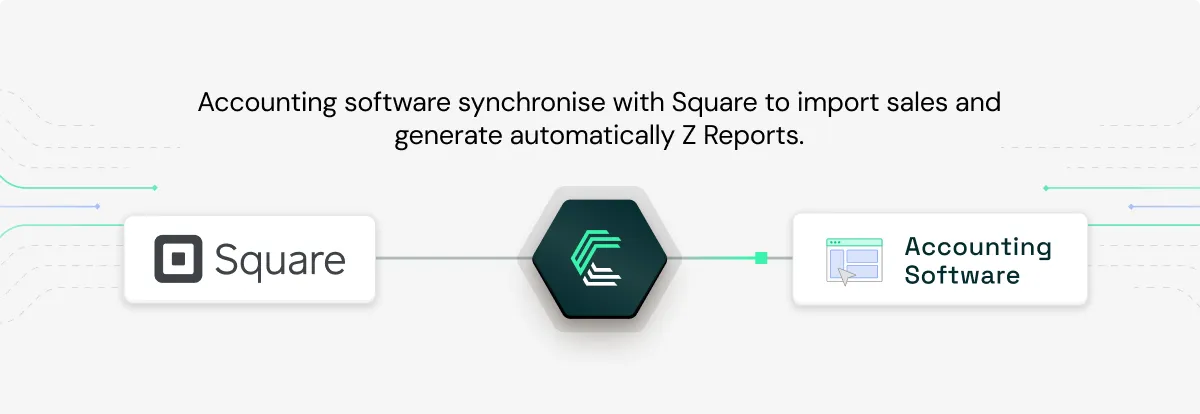
Automating Z reports in accounting software – Pennylane & MyUnisoft
Accounting platforms like MyUnisoft and Pennylane use Chift’s integration with Square to automatically retrieve daily closure data (Z reports) from hospitality businesses. This means no more manual data collection, fewer errors, and a smoother accountant-client relationship.
Read the full story: How Pennylane achieves super-connectivity with Chift
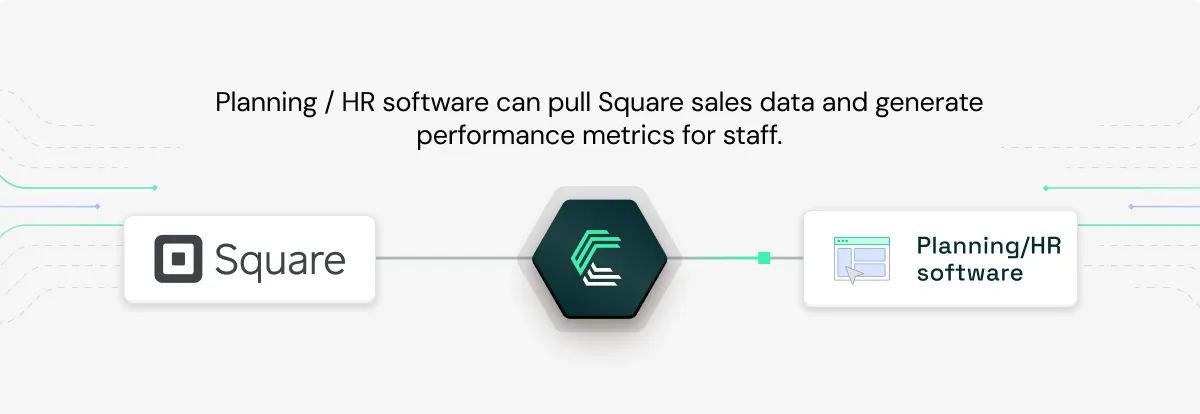
Performance metrics in HR & planning software – Skello
Skello, an HRIS platform, uses Square sales data to generate vendor or waiter-level performance reports. This allows restaurant managers to match staff scheduling with revenue, improving both efficiency and motivation.
Discover the case study: Ultra-fast scaling of POS integrations for HRIS solution Skello
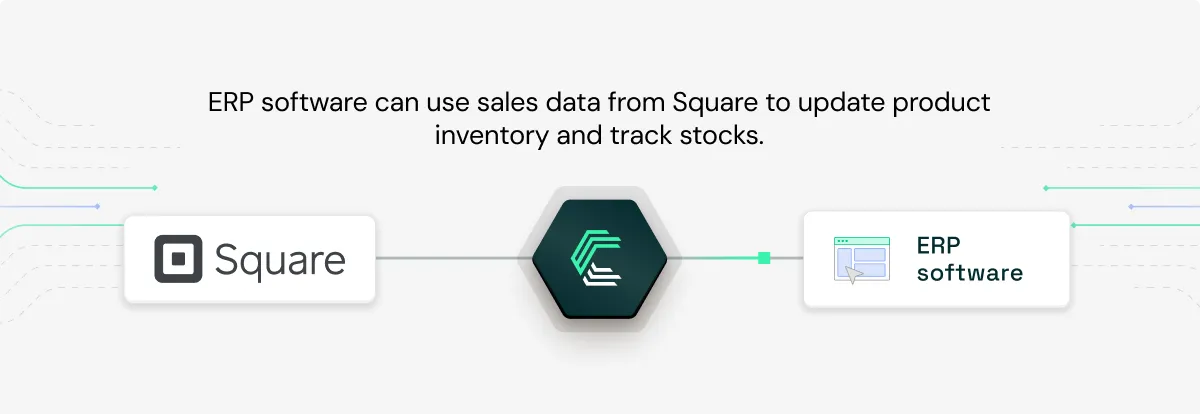
Real-time inventory updates – ERP software
ERP software connected to Square through Chift can track sales in real time and automatically adjust stock levels. This helps prevent overselling, reduce waste, and keep procurement aligned with sales.
For more examples of how POS integrations can improve your product, explore our Chift case studies.
Square API integration setup: how to get started
To integrate with Square, you'll need to follow a few key steps using their secure OAuth2 authentication flow.
- Create a Developer Account
- Head over to Square Developer Dashboard and sign up for a free account to access your sandbox and production tools.
- Register Your Application
- In your dashboard, create a new application. This generates the credentials you'll need, Client ID and Client Secret, for initiating OAuth flows and accessing the Square APIs on behalf of your users.
- Implement OAuth2 Authentication
- Use Square’s standard OAuth2 flow to request user consent and generate access tokens. Chift manages this flow automatically, securely storing tokens and refreshing them when needed.
- (Optional) Apply for Square App Marketplace
- If you want your integration to be publicly listed on Square’s app marketplace, you’ll need to go through business validation and technical review. This step is optional but essential for broader discoverability.
With OAuth2 in place, you’ll be able to access Square’s Payments, Orders, Catalog, and other APIs seamlessly, ready to build powerful real-time features.
Best Practices for Integrating with Square
To build a robust and scalable integration with Square, keep these tips in mind:
Use Square’s SDKs & GraphQL APIs
Square provides SDKs in Python, Ruby, Node.js, PHP, and Java, plus GraphQL support for more flexible querying. Leverage these tools to reduce dev time.
Build with Sandbox First
Use the fully-featured sandbox to test all endpoints with sample data—ideal for smooth testing and debugging before going live.
Handle Rate Limits Gracefully
Square doesn’t publish fixed rate limits, but APIs return rate-limit error codes. Use exponential backoff, which is automatically handled by Chift, to retry calls responsibly.
Connect to Square and other popular POS software with a single API integration
Chift’s Unified POS API allows you to easily integrate with dozens of European POS systems in a single integration, whitout wasting time and money on integration maintenance. In addition to Square, connect to L’Addition, Popina, Zettle, Cashpad, Restomax, and more.
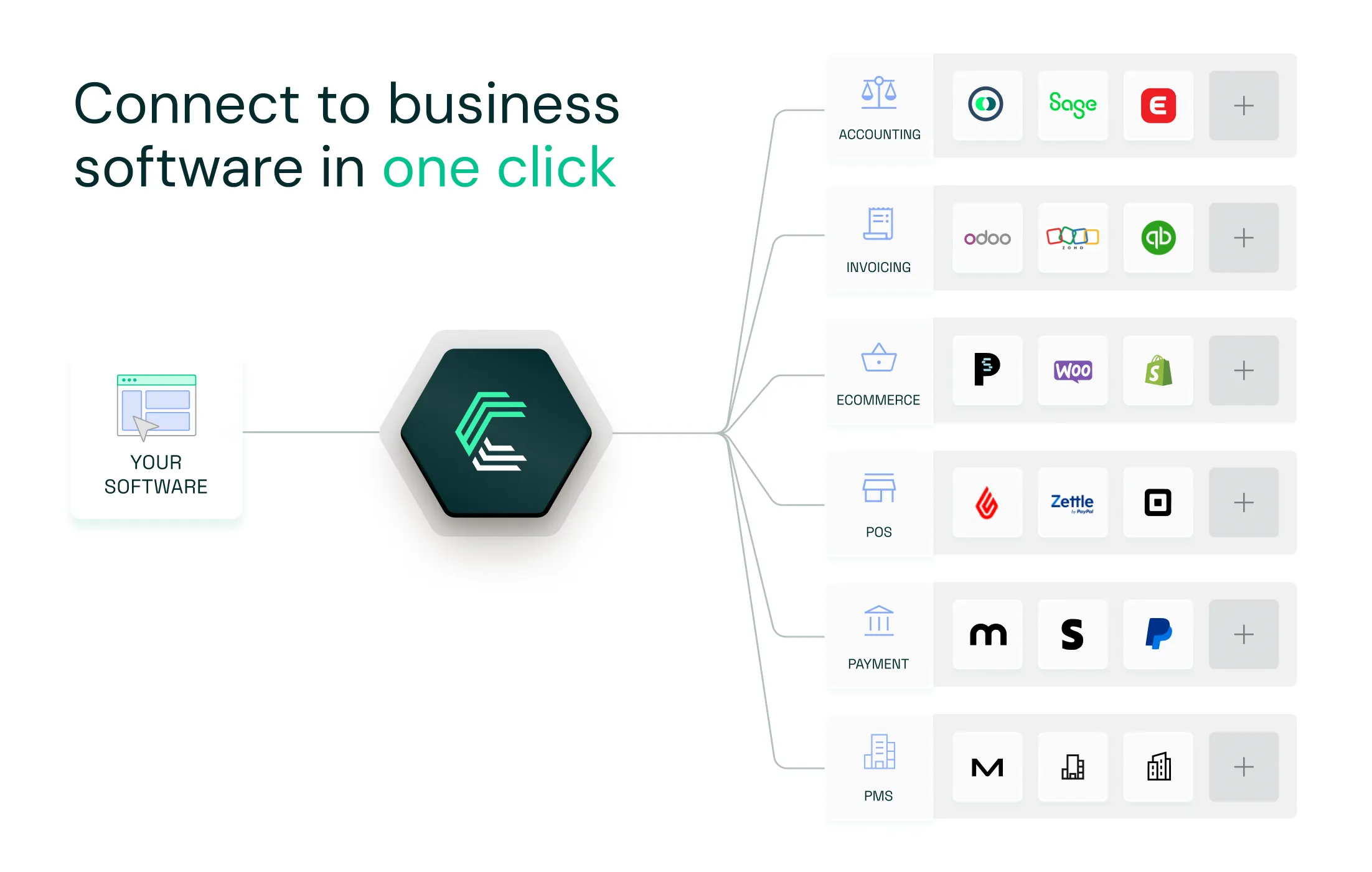
Chift’s Unified POS API makes integrating with leading point-of-sale systems like Square simple, scalable, and efficient. With one-click activations, secure token management, and centralized monitoring, you can deliver seamless POS integrations without the usual complexity or cost.
Automate sales data retrieval, eliminate manual data entry, and enhance the user experience with integrations that come pre-built with authentication flows and data mapping logic.
Want to see how Chift’s Unified POS API can power your product? Reach out to our team for a demo.
Square API FAQ
What endpoints are included in the Square API?
Chift’s Square connector gives you access to a wide range of end-points, including but not limited to:
- Locations
%%/locations%% - Payments
%%/payments%% - Orders
%%/orders%% - Sales
%%/sales%%
Consult our Square API documentation for a full list of available routes.
Does Square have an API?
Yes! Square offers a suite of robust RESTful APIs for developers, including payments, orders, catalog, staff, customers, and more. Explore them here: Square API Reference.
How much does the Square API cost?
Square’s API is free to use. You only pay Square’s standard fees for payment processing—no extra cost for API access.
What are the Square API rate limits?
Square does not publish fixed rate limits. Instead, the API returns status codes when you approach usage thresholds. You should implement retry logic with exponential backoff, which Chift handles automatically.


.jpg)
.jpg)
.jpg)
.jpg)
.jpg)
.jpg)
.jpg)
.jpg)
.webp)
.webp)
.webp)




.webp)



.avif)


