In the world of hospitality tech, speed, simplicity, and reliability are everything. That’s where Popina comes in: a modern point-of-sale (POS) solution built for iPad, trusted by thousands of restaurants, cafes, and bars across France.
Why integrate Popina into your product?
- Save hours of manual data transfers.
- Leverage financial data for unique features.
This guide covers all the essentials for integrating with the Popina API, including best practices, API specifics, and use-case examples.
What it the Popina API?
Popina offers a modern, developer-friendly API that gives you access to core POS features in real time. It’s token-based, secure, and designed with hospitality operations in mind.
Here’s what you can do with the Popina API.
Orders & Payments
Retrieve orders, sales data, and payment details, including breakdowns by payment method.
Products & Categories
Access product catalogs, stock levels, and category organization to keep your systems synced with what’s on the menu.
Closures & Reports
Get end-of-day closure data and financial reports to automate bookkeeping, reporting, and analytics.
Chift uses the Popina REST API, handling the authentication and normalization layers so you don’t have to worry about versioning, edge cases, or inconsistent data structures.
Chift’s Unified POS API also lets you connect with 40+ POS software, including Square, Zettle and l’Addition, through a single integration.
{{CTA-1}}
Examples of Popina API integration use cases
Integrating with Popina opens up powerful opportunities to enhance your product and deliver value to your users. Here’s how some of our clients are already leveraging Popina data through Chift’s Unified POS API.
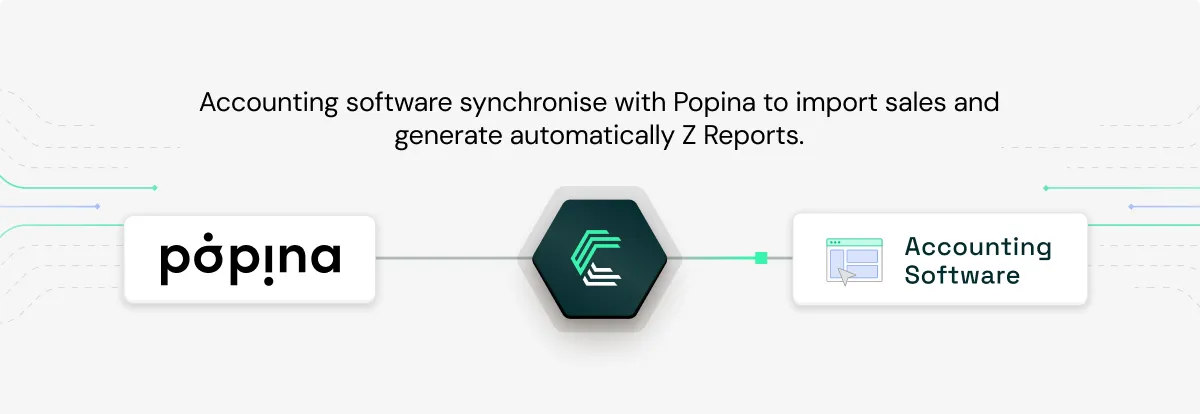
Automating Z reports in accounting software – Pennylane, MyUnisoft, Inqom
Accounting platforms like Pennylane, MyUnisoft, and Inqom use Chift’s integration with Popina to automatically retrieve daily closure data (Z reports) from hospitality businesses. This automation eliminates manual data entry, ensures accuracy, and streamlines pre-accounting workflows, saving both time and frustration for accountants and their clients.
Read the full story: How Pennylane achieves super-connectivity with Chift
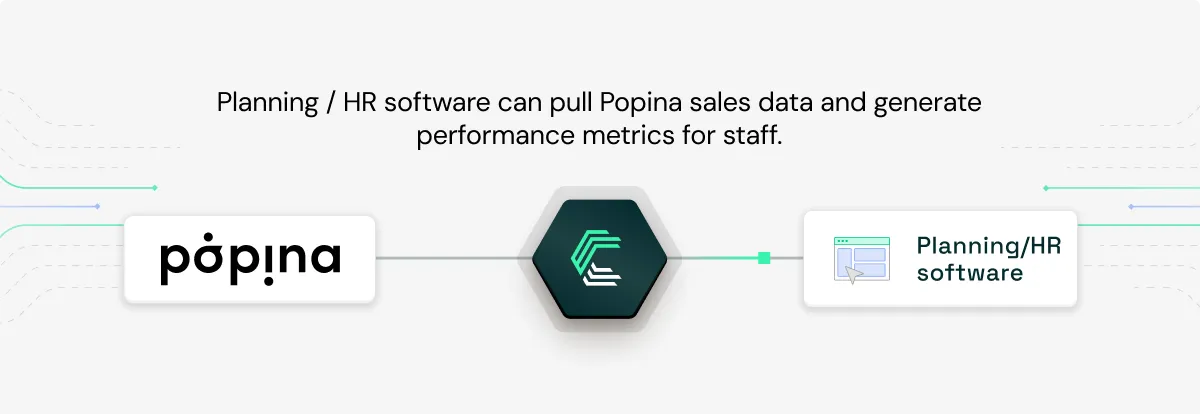
Performance metrics in HR & planning software – Skello
Skello, a leader in workforce planning, connects to Popina to generate sales data per shift or employee. This allows hospitality managers to analyze team performance in real-time and link it directly to revenuen making it easier to optimize staffing and scheduling decisions.
Discover the case study: Ultra-fast scaling of POS integrations for HRIS solution Skello
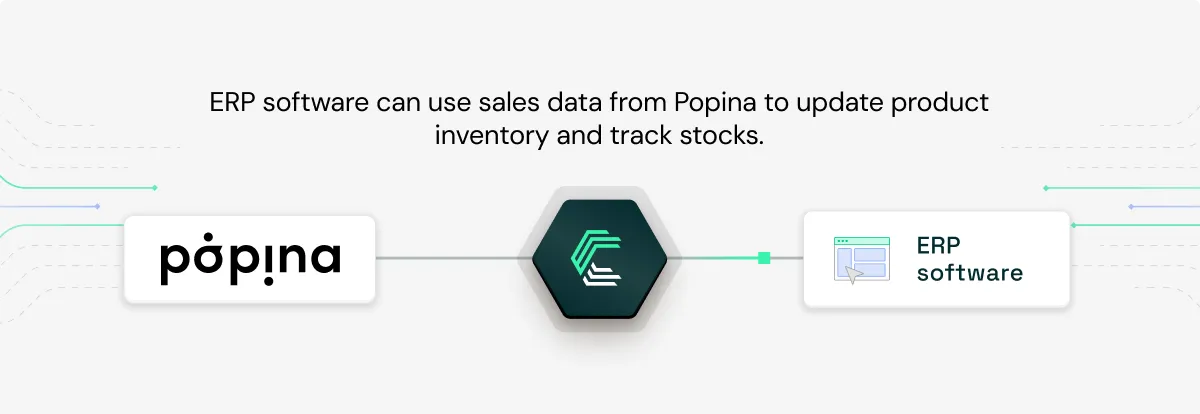
Real-time inventory sync – ERP software
ERP tools can use Popina sales data to update stock levels automatically, helping hospitality venues keep track of inventory without manual reconciliation. With real-time updates powered by Chift, businesses can reduce waste, prevent stockouts, and operate more efficiently.
For more examples of how POS integrations can improve your product, explore our Chift case studies.
Popina API integration setup: how to get started
To integrate with Popina’s POS system, you’ll need an API key provided directly by the Popina support team. Here’s how to get started:
Request Your API Key
Contact Popina’s support team to obtain your API key. Specify whether you need access for test mode (for sandbox data) or live mode (for real production data). Each environment has its own key.
Use the API Key Securely
Once received, keep your API key confidential. Do not expose it in public repositories, client-side code, or any unsecured environment. It must be used in the HTTP Authorization header as follows:
%%Authorization: Bearer {your_api_key}%%
Understand API Key Scope
Each API key is linked to a specific location (e.g. a restaurant or bar). If your business has multiple locations, you’ll need a separate API key for each one. Each key also includes permission scopes, depending on the consumer (the app or service using it).
Authenticate Your Requests
All API calls must be authenticated. Unauthenticated requests will return a 401 Unauthorized error. Make sure to include the Authorization header in every call.
With your API key, you'll be able to access orders, payments, product catalogs, and closure reports directly from your Popina POS instance.
Best practices for a seamless integration with the Popina API
To make the most out of your Popina integration, we recommend the following:
Use Token-Based Authentication Securely
Never store your API token in plain text. Chift manages this for you, securely and transparently.
Respect API Load & Use Webhooks
While Popina doesn’t publish a strict rate limit, it’s best to avoid overloading the system. Use webhooks (where supported) to get updates in real-time without polling.
Normalize Early, Sync Smoothly
Map categories, payment types, and product fields early in your development. Chift helps you standardize this across tools to avoid rework later.
By following these best practices, you’ll build a reliable integration with Popina’s API.
Connect to Popina and other popular POS software with a single API integration
Chift’s Unified POS API allows you to easily integrate with dozens of European POS systems in a single integration, whitout wasting time and money on integration maintenance. In addition to Popina, connect to L’Addition, Square, Zettle, Cashpad, Restomax, and more.
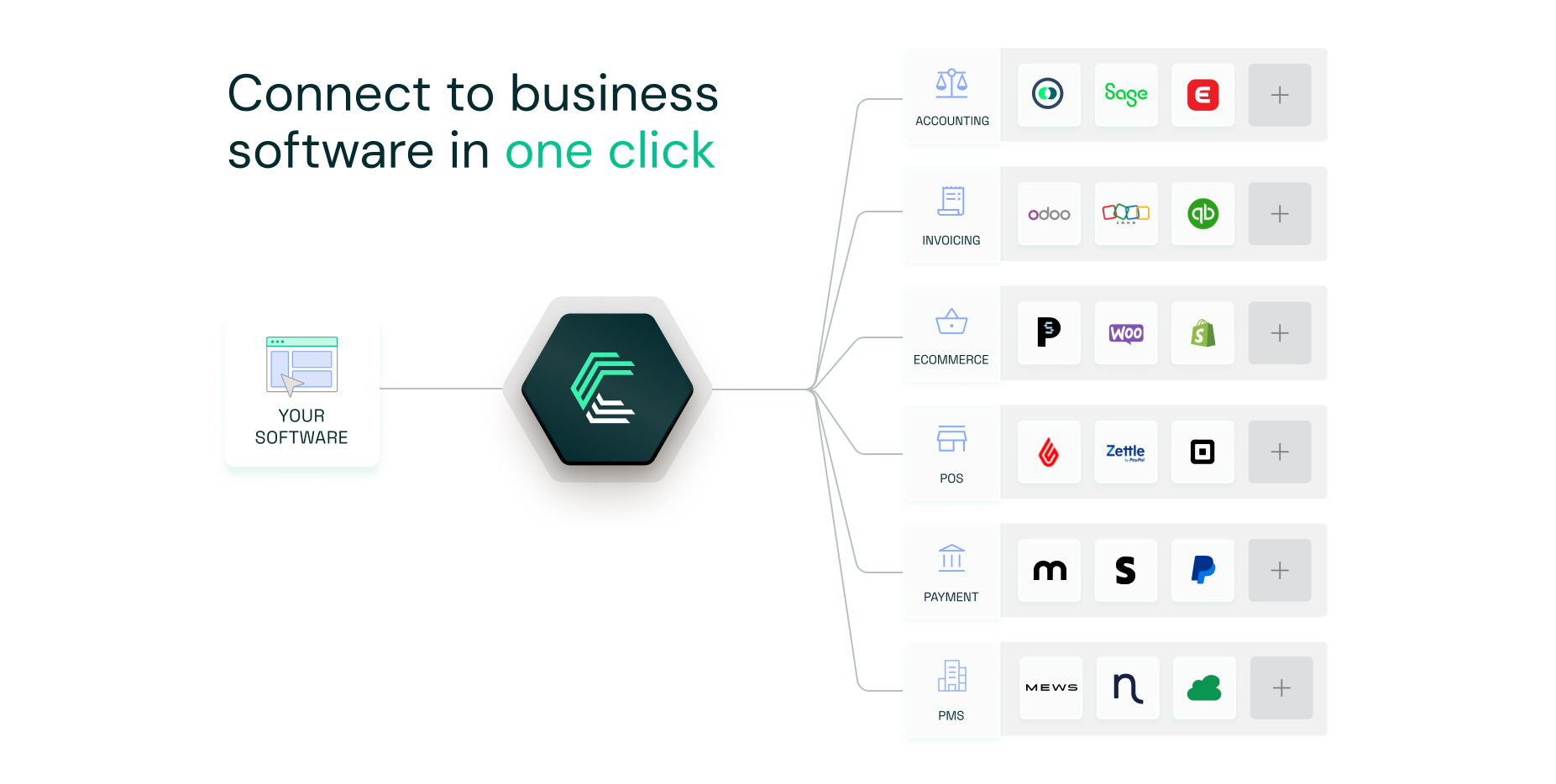
Chift’s Unified POS API makes integrating with leading point-of-sale systems like Popina simple, scalable, and efficient. With one-click activations, secure token management, and centralized monitoring, you can deliver seamless POS integrations without the usual complexity or cost.
Automate sales data retrieval, eliminate manual data entry, and enhance the user experience with integrations that come pre-built with authentication flows and data mapping logic.
Want to see how Chift’s Unified POS API can power your product? Reach out to our team for a demo.
Popina API FAQ
What endpoints are included in the Popina API?
Chift’s Popina connector gives you access to a wide range of end-points, including but not limited to:
- Locations
%%/locations%% - Payments
%%/payments%% - Orders
%%/orders%% - Sales
%%/sales%%
Consult our Popina API documentation for a full list of available routes.
What are the Popina API rate limits?
Popina API does not have any documented rate limits

.jpg)




.jpg)
.jpg)
.jpg)
.jpg)
.jpg)
.jpg)
.jpg)
.webp)
.webp)
.webp)




.webp)





.avif)


