
If your product needs to connect with Dutch accounting software, Snelstart is probably on your radar. Designed for local SMEs and accountants, Snelstart helps businesses manage their bookkeeping, VAT and financial reporting with ease. But integrating it into your product can quickly become complex if you don’t know where to start.
For platforms and SaaS products, the Snelstart API offers a powerful way to synchronize accounting data and automate financial workflows. In this article, we explain how the Snelstart API works, how to set up the integration, and the best practices to build a reliable connection.
What is the SnelStart API?
The Snelstart API is a REST-based API designed primarily for accounting and financial data access.
While Snelstart also exposes APIs for invoicing and commercial operations, those endpoints are out of scope for Chift, as Chift focuses mainly on accounting and journal data synchronization.
{{CTA-1}}
Examples of SnelStart API integration use cases
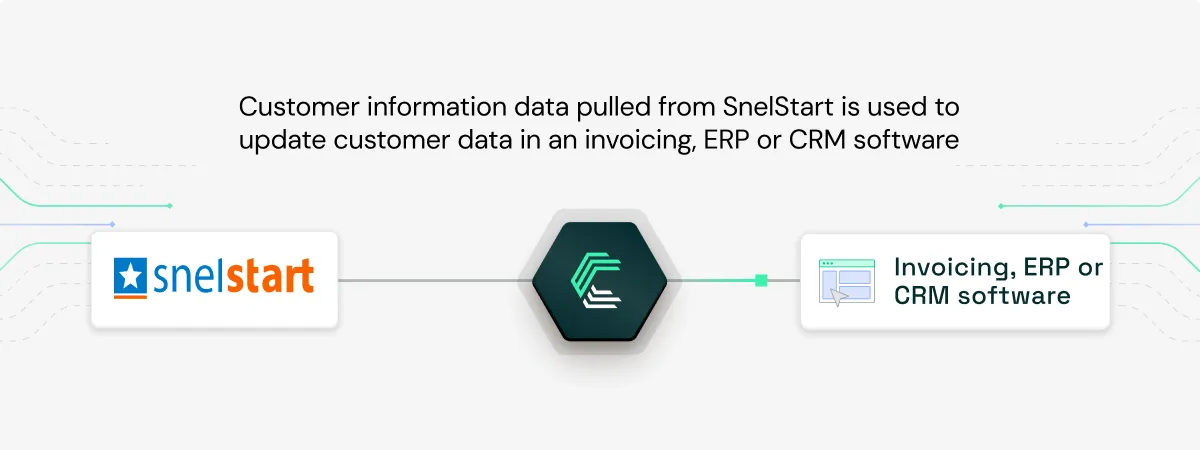
Keeping customer and supplier records in sync
Ensure your CRM or ERP stays aligned with SnelStart by syncing customer and supplier data automatically, maintaining consistency across systems and improving business relationship workflows.
Automating accounting entries via pre-accounting export
Enable your users to automatically push financial data and accounting entries into SnelStart (as well as other major accounting software), freeing them from repetitive manual tasks.
Centralizing journal entry management
Retrieve journal entries from SnelStart to consolidate financial data across multiple systems, enabling comprehensive reporting and analysis without manual exports.
.webp)
Explore our customer case studies.
How to set up a SnelStart API integration
The SnelStart integration relies on a two-key authentication model, mixing application-level and user-level credentials.
Step 1: Request a Subscription Key
- You must apply for a Subscription key directly with SnelStart.
- The approval process typically takes around 2 weeks on average.
This key gives your application access to the SnelStart B2B developer ecosystem.
Step 2: Retrieve Your Subscription Key
Once approved:
- Log in to the SnelStart B2B API Portal
- Retrieve one of the two available keys:
- Primary key (recommended)
- Secondary key (backup)
This key is configured at the connector level in your application.
Step 3: Connect the End User Account
When an end user activates the SnelStart connection:
- They must provide an additional “Integration key”
- This key is user-specific and is required to access their individual accounting data
You will end up with:
- 1 Subscription key (application level)
- 1 Integration key (user level)
Both are required for all authenticated API calls.
Read our guide on how to retrive the Snelstart integration key.
Best Practices for Integrating With the SnelStart API
To ensure a performant and scalable integration, follow these best practices:
- Use
$filterto limit returned data
Always restrict the number of records returned by filtering only what you need. This reduces payload size and improves response times.
- Leverage
$applyfor aggregation and transformations
Use the $apply query parameter to group journal entries, calculate total debit or credit values, and perform server-side computations.
- Handle errors properly
Snelstart error codes follow a strict format:
- A 3-letter prefix indicates the error category
- A number identifies the specific issue
- Format:
ABC-123 - Your integration should map and handle these error types gracefully.
Why Integrate SnelStart With Chift?
Building a direct connection to SnelStart takes time, effort, and ongoing maintenance, especially if you also need to integrate other accounting tools.
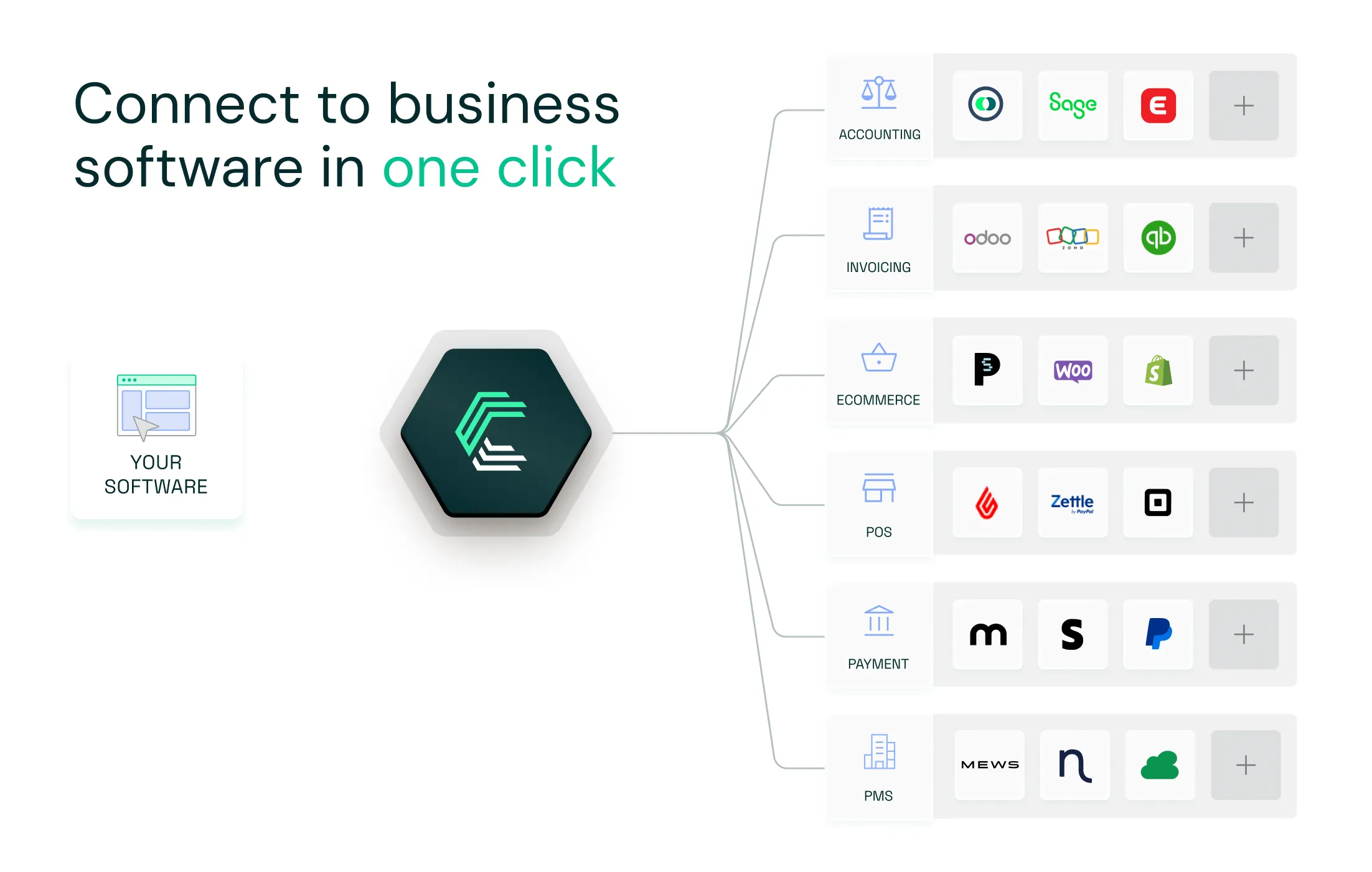
With Chift’s Unified Accounting API, you connect once and access SnelStart, Exact Online, Holded, QuickBooks, Xero, Sage Génération Experts, Pennylane, and many more tools through one consistent data model.
By connecting SnelStart through Chift, you can:
- Sync journal entries automatically
- Centralize financial data from multiple tools
- Reduce manual bookkeeping work
- Provide real-time accounting insights to your users
Chift handles authentication, normalization and data structure differences, helping you focus on product value rather than integration complexity.
Ready to simplify your accounting and invoicing integrations? Book a demo with our team today.
What endpoints are included in the SnelStart API?
Chift SnelStart connector gives you access to a wide range of end-points, including but not limited to:
- Clients
%%/clients%% - Suppliers
%%/suppliers%% - Invoices
%%/invoices%% - VAT Codes
%%/vat-codes%%
What are SnelStart api rate limits?
- For testing: 100 calls per minute, up to a maximum of 1000 per hour. Maximum 5 concurrent requests
- For production: 500 calls per minute, up to a maximum of 5000 per hour. Maximum 50 concurrent requests
What can you do with SnelStart?
SnelStart accounting and invoicing software empowers entrepreneurs to automate their financial operations. Whether scanning receipts, sending quotes, managing invoices and payment reminders, or processing VAT and tax returns, users can handle essential tasks quickly and effortlessly.


.jpg)







.jpg)
.jpg)
.jpg)
.jpg)
.jpg)
.jpg)
.jpg)
.webp)
.webp)
.webp)




.webp)





.avif)


