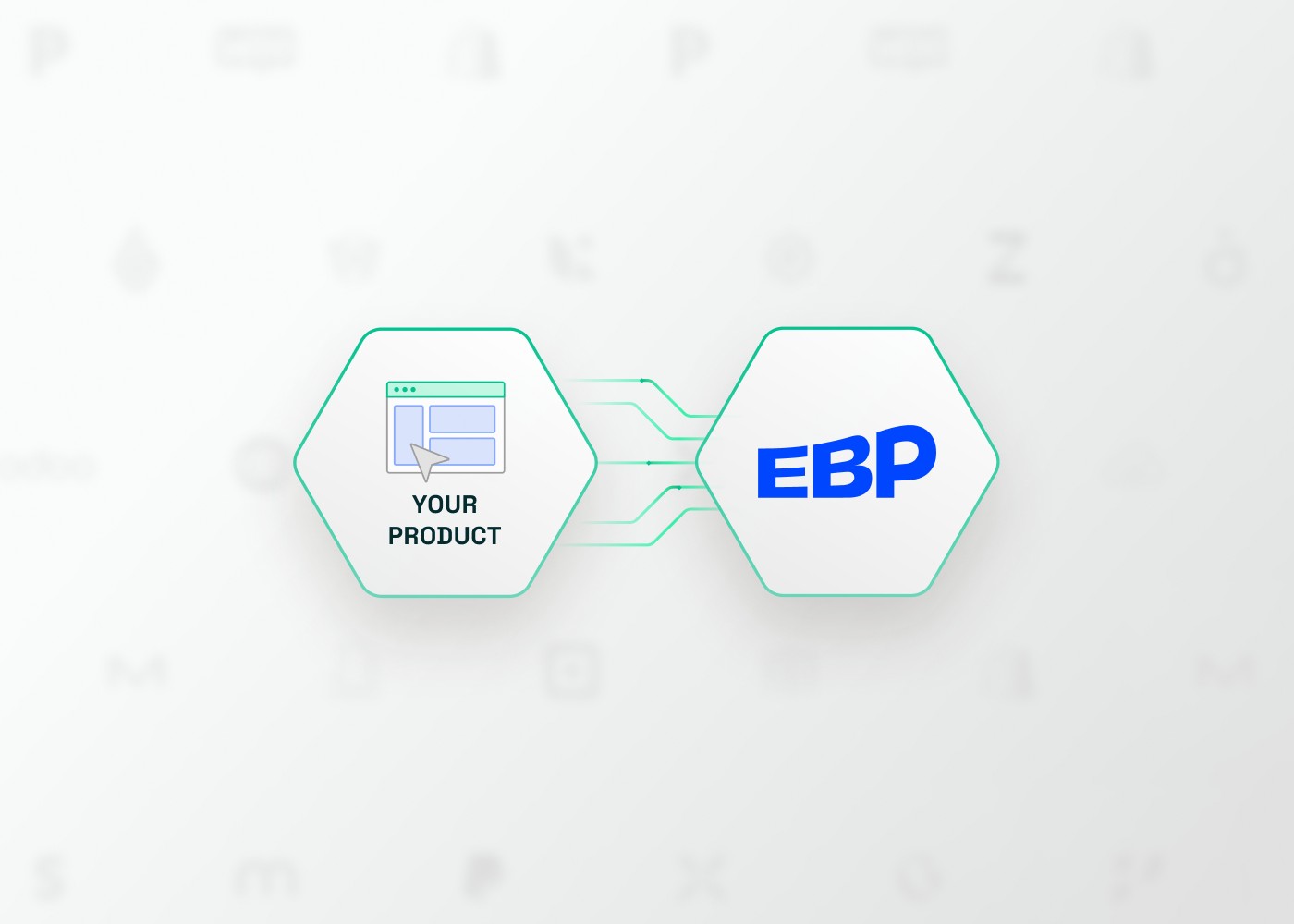
EBP Comptabilité is a well-established accounting software in France, used by small businesses and their accountants and installed locally on a PC or server.
Offering an EBP Comptabilité integration lets you:
- Push clients, suppliers, invoices and journal entries into your customers' books automatically
- Pull accounting data such as the chart of accounts, VAT codes and open entries into your product
- Cut out manual exports and re-keying, and the errors that come with them
This guide explains how EBP works without a public API, how to set up the connection, and which best practices keep it stable. You'll also see how Chift's Unified Accounting API takes the heavy lifting off your plate.
What is the EBP Comptabilité API?
Let's be clear from the start: the locally installed version of EBP Comptabilité has no REST or web API. Each company's data lives in a Microsoft SQL Server database on the customer's own machine.
EBP offers two ways in, and a solid integration uses both.
1. Reading data from the database
You read data by querying the EBP database directly. Access is read-only, and it comes with a few challenges:
- The schema isn't publicly documented, so you need to know exactly which tables and fields hold the data you're after
- The data follows French accounting logic rather than business objects. An invoice, for example, is an entry in a sales or purchase journal, and a VAT code is a VAT account
2. Writing data through EBP's Module SDK
To push data into EBP, you use EBP's Module SDK. It lets external tools import clients, suppliers, journal entries and analytic accounts into a company through EBP itself, so EBP applies its own rules and numbering.
It's the only write path EBP supports. EBP discourages writing to its database directly.
In short:
- Read = SQL Server database
- Write = EBP Module SDK
What makes EBP specific
- Windows and on-premise only. The integration has to run on the machine where EBP is installed.
- Booked entries are final from the outside. You can create entries and invoices, but you can't edit, match or complete them afterwards from outside EBP.
- One session per EBP user and company. The integration needs its own EBP user.
- The Module SDK is a paid option. EBP only provides it to customers with an Offre de Services subscription.
- EBP Comptabilité en ligne isn't covered. Everything in this guide applies to the locally installed version.
Connect to all popular solutions with a single integration
Discover how Chift's Unified APIs have helped software vendors quickly add dozens of integrations.
Examples of EBP Comptabilité API integration use cases
Even without a web API, an EBP integration unlocks high-value workflows for software vendors serving French SMEs and accounting firms. Here are some of the most common ones.
Automated accounting flows for SMB
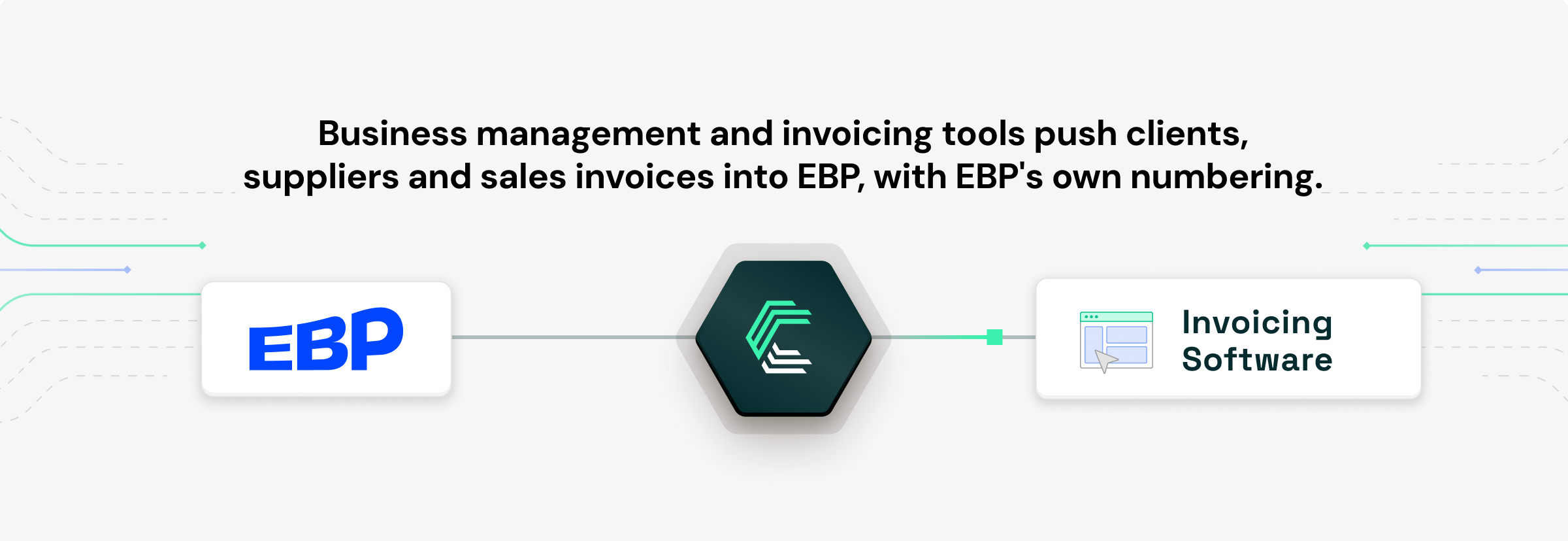
Business management and invoicing tools can push clients, suppliers and sales invoices into accounting software automatically. With EBP, those records land in the right journals with EBP's own numbering, ready for the accountant to review. No more exports, no more re-keying.
Cash flow monitoring and forecasting
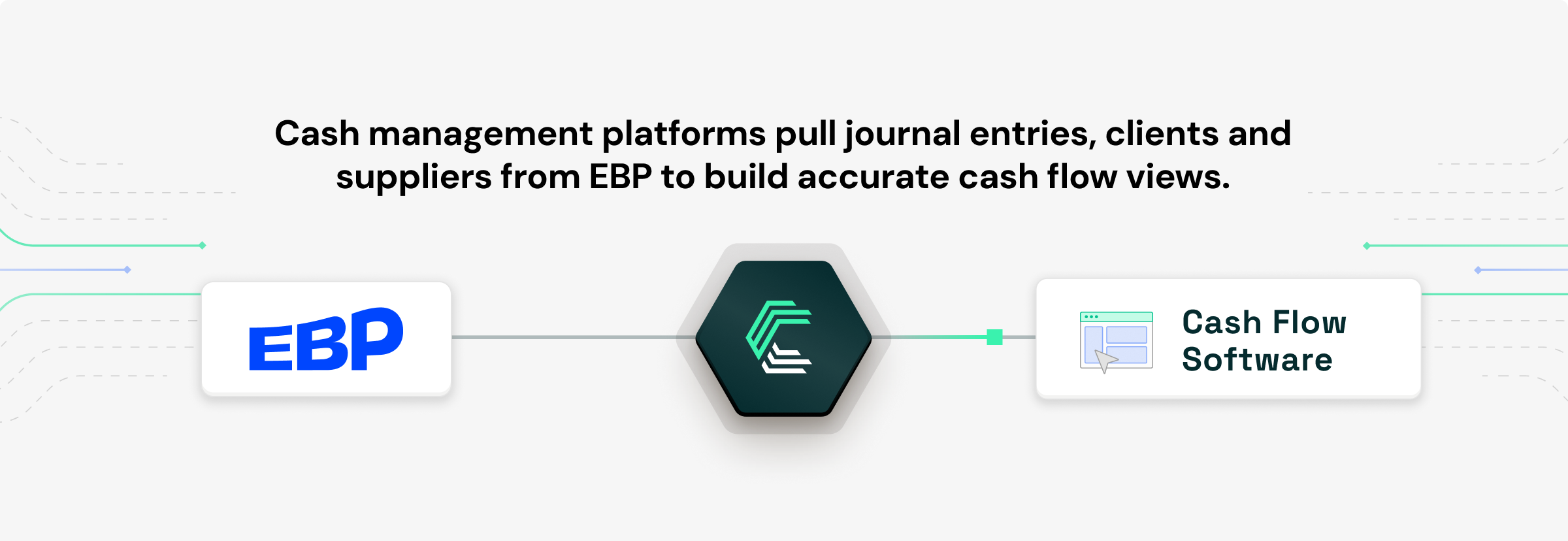
Cash management platforms pull journal entries, clients, suppliers and the chart of accounts from accounting tools to build accurate, accountant-grade cash flow views. Reads from EBP aren't throttled, so your users get fresh data without waiting on a sync queue.
Connecting vertical SaaS to accounting
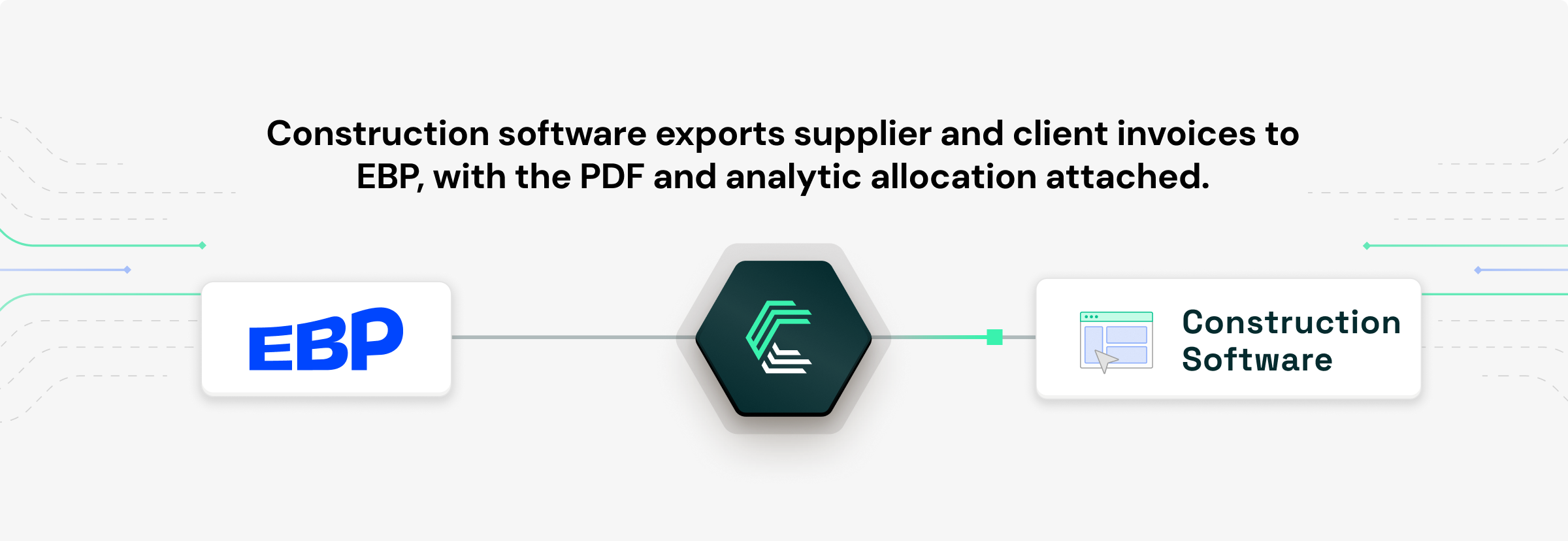
Construction software lets its users export supplier and client invoices to their accounting tool and generate entries in a few clicks. For EBP users, that means invoices arrive complete, with the PDF and analytic allocation attached at creation, which is exactly how EBP needs them.
Booking payments and fees
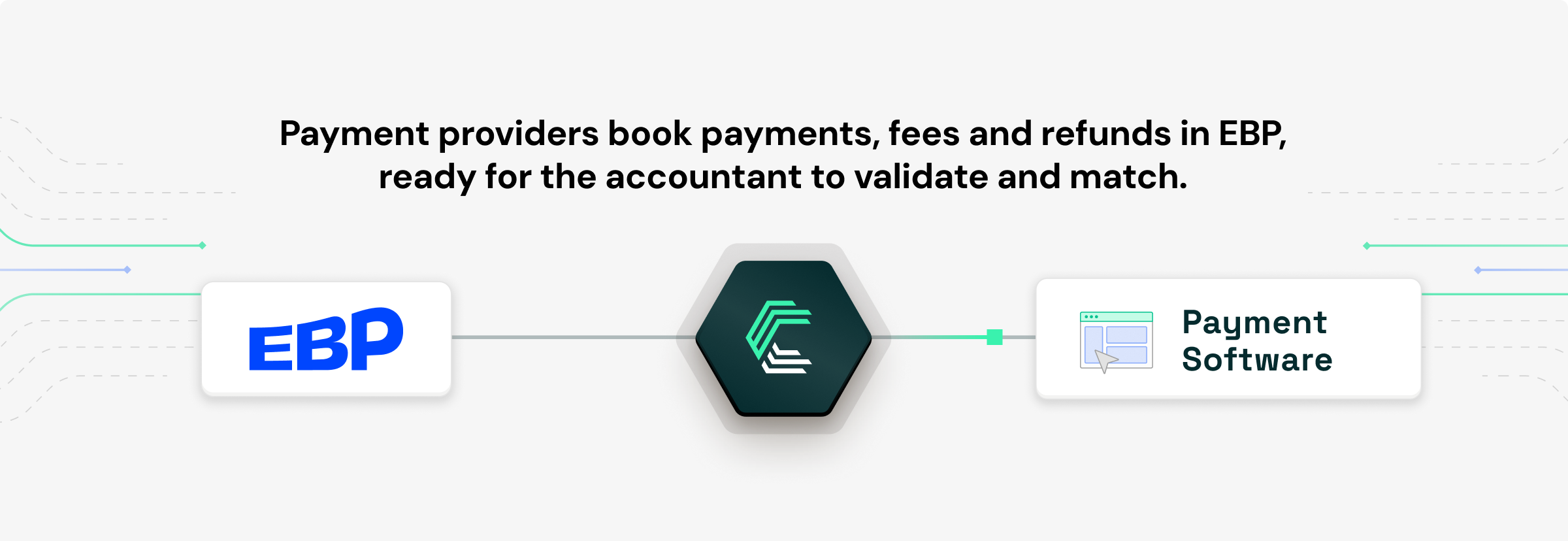
Payment providers create accounting entries for payments, fees and refunds directly in their merchants' accounting software. In EBP, those entries arrive as entered, and the accountant validates and matches them in EBP.
How to connect to EBP Comptabilité
Because EBP runs on-premise, the connection relies on a local agent installed on the machine where EBP lives. Here's what your customer needs and how the setup works with Chift.
Prerequisites
- EBP Comptabilité, local version 24.8 or later, installed and activated. A demonstration version stops accepting entries after 100 entry lines.
- The Module SDK on the EBP licence, which requires an active Offre de Services subscription.
- A Windows administrator account on the machine where EBP is installed.
Setup steps
- Find the company file. In EBP, go to Mes paramètres › Gestion de dossiers › Maintenance des données and copy the path of the .ebp file.
- Create a dedicated EBP user for Chift under Mes paramètres › Gestion des utilisateurs. Without one, writes fail whenever an accountant works in EBP with the same user.
- Activate the EBP connector in Chift and click Connect. Download the local agent installer, or email it to whoever manages the server.
- Install the Chift local agent on the machine where EBP Comptabilité is installed.
- Fill in the connection details in the Chift Cockpit: the .ebp file path, the EBP user and password, and optionally a SQL login (left empty, Windows authentication is used). On save, Chift checks both the database connection (for reads) and the EBP installation (for writes).
That's the setup. Running it in production is another story: a reliable EBP integration also needs write queuing, data validation, mapping to a consistent model and ongoing agent maintenance for every customer. The next section covers what that involves.
Best practices for EBP Comptabilité API integration
These six habits will save you time, failed writes and awkward calls with your customers' accountants.
1. Write through EBP, never directly into its database
A direct SQL write skips EBP's numbering, its checks and its audit trail, and EBP discourages it. Send every record through the Module SDK. That's how Chift writes to EBP.
2. Validate data before you write it
EBP quietly creates an account or journal it doesn't recognise, and updates an existing account when you meant to create a new one. Check journals, fiscal years, accounts and VAT codes before each write. Chift runs these checks for you.
3. Send everything at creation
A booked entry can't be edited or completed from outside EBP. Include the PDF and the analytic allocation in the create call, or they won't make it in.
4. Pace your writes
EBP accepts one write at a time per company, at about 8 to 10 per minute. Spread large initial syncs over time instead of sending them in one burst. Chift queues writes for each company automatically.
5. Cache reference data
The chart of accounts, VAT codes and journals rarely change. Fetch them once and refresh them from time to time, rather than before every post.
6. Use a dedicated EBP user
EBP allows one session per user and company. Ask your customer to create a user just for the integration, so writes don't fail while the accountant is logged in. It's also easier to audit and revoke.
Connect to EBP Comptabilité, Sage 100, Cegid and more with a single integration
Building a direct connection to EBP means mastering an undocumented database, an SDK, a local agent on every customer's server and a strict write queue. Then doing it all again for the next accounting tool your customers ask for.
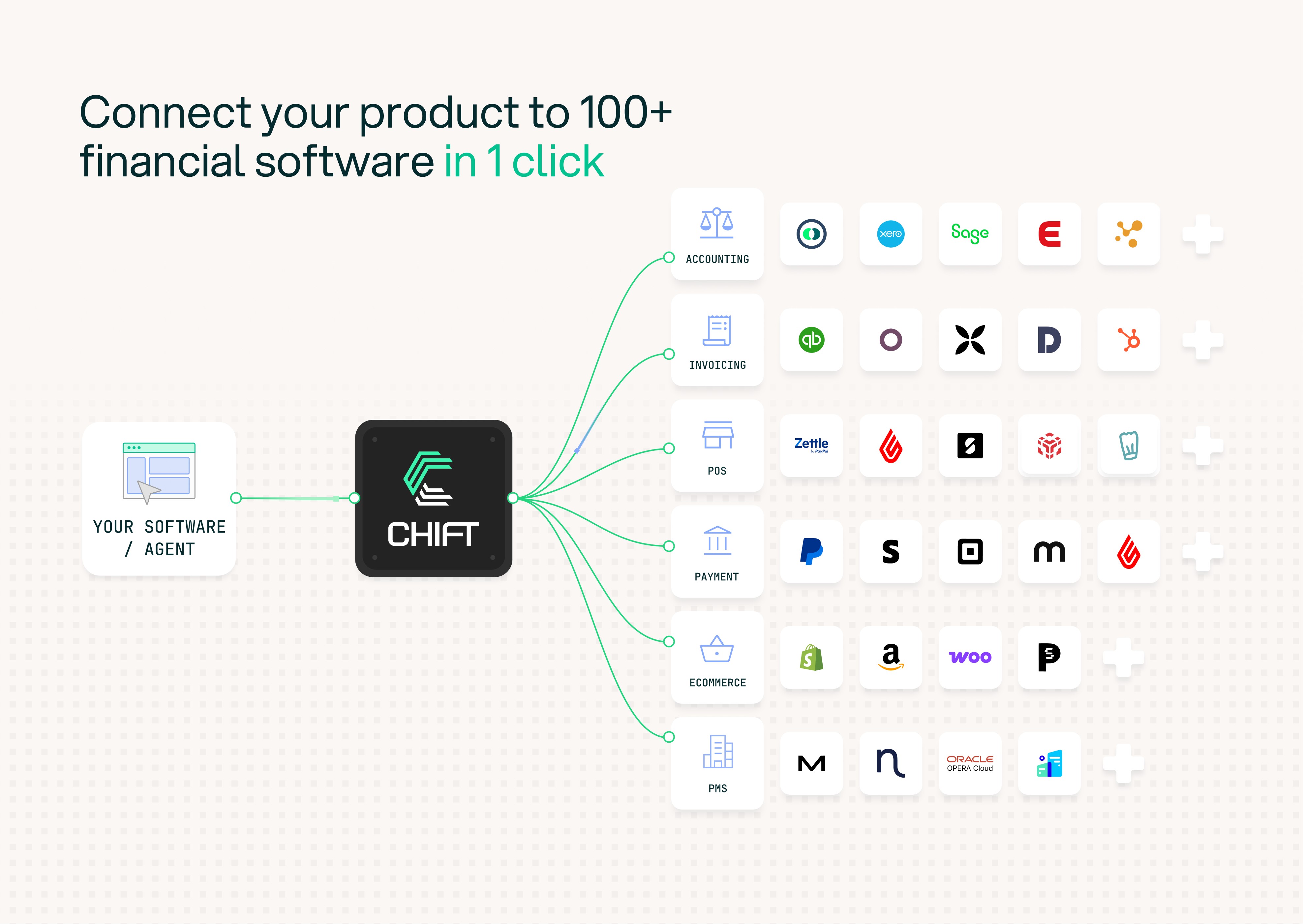
With Chift's Unified Accounting API, you connect once and reach EBP Comptabilité, Sage 100 Comptabilité, Cegid Loop, ACD, Pennylane and many more through one consistent data model. Built for the French market and the rest of Europe, including the on-premise tools your customers still rely on.
✅ One integration for dozens of accounting tools
✅ Local agent installed, managed and updated by Chift
✅ Built-in write queuing, data validation and session handling
✅ Unified and standardized data, from French journals to clean business objects
✅ Real-time monitoring with logs and alerts
✅ Human support from a team that knows both the tech and the accounting
Curious to see how it works for your product? Book a demo →
EBP Comptabilité API FAQ
What endpoints are included in the EBP Comptabilité API?
Chift's EBP Comptabilité connector exposes a broad set of standardized endpoints, including (but not limited to):
- Clients
/clients - Suppliers
/suppliers - Journals
/journals - Journal entries
/journal/entries - Invoices
/invoices - VAT codes
/vat-codes - Fiscal years
/bookyears - Attachments
/attachments
You also get the chart of accounts, analytic plans and analytic accounts.
What are the EBP Comptabilité API rate limits?
EBP doesn't document any rate limit, since it has no API to throttle. The practical limit is write throughput:
- Writes go through EBP one at a time per company, at about 8 to 10 per minute. The first write after a long pause can take up to about a minute.
- Reads aren't throttled and aren't slowed down by writes. The first read after a quiet period can take a little longer while EBP's database wakes up.
So process writes sequentially per company and spread large syncs over time. Chift does both for you.
Does EBP Comptabilité have an API?
Not the locally installed version. Chift reads its database and writes through EBP's SDK, behind its Unified Accounting API.
Does the connector require a local agent?
Yes. It's installed on the machine where EBP runs, and Chift manages and updates it.
Which versions are supported?
EBP Comptabilité local 24.8 and later, validated on the ELITE edition. Smaller editions limit multi-currency and analytics.
Is EBP Comptabilité en ligne supported?
No, only the locally installed version.
Does the end customer pay anything to EBP?
Yes. EBP's Module SDK comes with an Offre de Services subscription, which the end customer needs to have.
Can one connection cover several companies?
No. Each EBP company needs its own connection.
Are created entries validated?
No. They arrive as entered, and the accountant validates them in EBP.