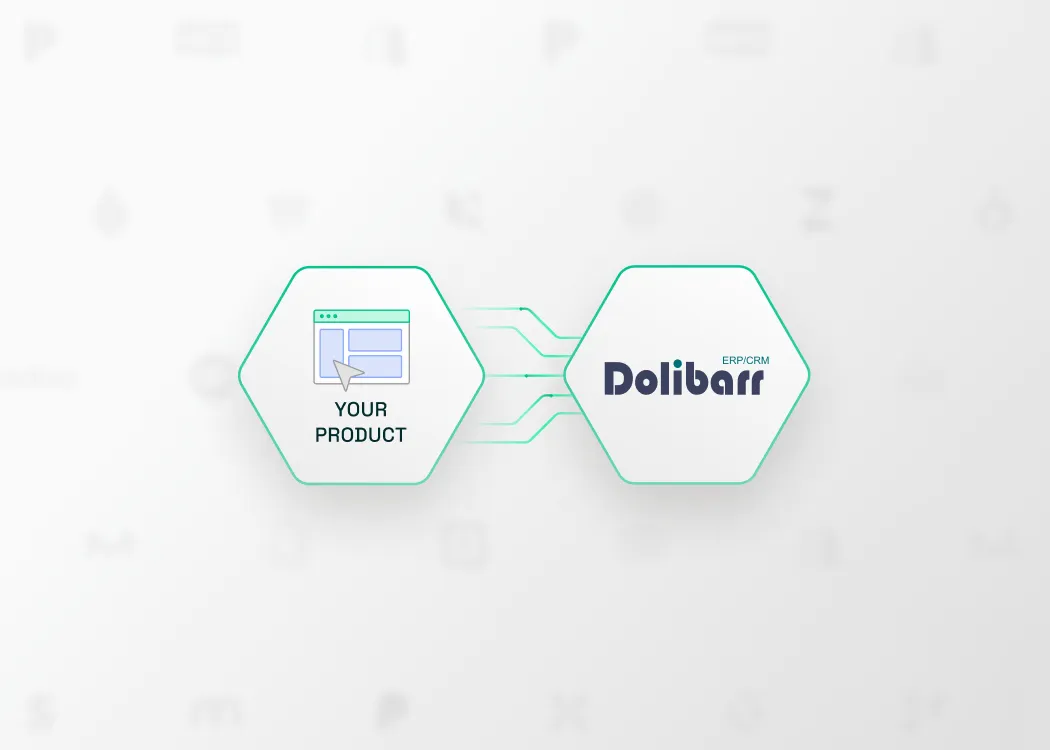
Dolibarr is an open-source ERP and CRM used by SMBs across Europe to manage invoicing, customers, products, and more, all from a single self-hosted instance. If your software touches finance, invoicing, or customer billing, connecting to Dolibarr lets you tap into the data your users already keep there.
Integrating your product with the Dolibarr API allows you to:
- Sync invoices and customer records into your accounting or finance workflows
- Pull open receivables to power cash flow, forecasting, or debt recovery features
- Reduce manual data entry and keep records consistent across tools
- Serve a large base of SMBs running their own Dolibarr instance
This guide covers the Dolibarr API, how to set it up, and the best practices to follow, all made easier with Chift's Unified Invoicing API.
What is the Dolibarr API?
Dolibarr ships with a built-in REST API that turns any instance into a data provider once the right module is enabled. It's a clean, modern interface to a tool that bundles invoicing, CRM, and ERP features together.
Here's what you need to know:
- API type: REST, with JSON request and response bodies
- HTTP verbs: GET, POST, PUT, and DELETE for full read and write access
- Authentication: an API key passed in the
DOLAPIKEYheader (it can also be sent as theapi_keyquery parameter) - Base URL: customer-supplied. Because Dolibarr is open-source and self-hosted, each instance lives at its own address, in the form
https://<your-server>/api/index.php/ - Interactive explorer: every instance ships a Swagger explorer at
/api/index.php/explorer, so you can browse the available routes for that specific install
Because Dolibarr is one API bundled inside an ERP/CRM, and because every customer runs their own instance, the base URL is part of the connection configuration, not a fixed endpoint you can hardcode.
You can explore the available routes directly in the Swagger explorer shipped with each Dolibarr instance.
Connect to all popular solutions with a single integration
Discover how Chift's Unified APIs have helped software vendors quickly add dozens of integrations.
Examples of Dolibarr API integration use cases
Integrating with Dolibarr opens up practical ways to enhance your product and deliver value to your users. Here's how software vendors put Dolibarr data to work through Chift's Unified Invoicing API.
Sync invoices and customers into accounting software
Accounting platforms use Chift's Dolibarr connector to automatically pull invoices and customer records from their users' Dolibarr instances, keeping books accurate and up to date. This removes messy manual exports, reduces errors, and improves collaboration between business owners and their accountants.
.jpeg)
Real-time invoice tracking in customer portals
Display invoice history and payment status directly in your customer-facing application. Giving users self-service access to their billing documents reduces support requests and improves the overall experience, no need to log into Dolibarr separately.
.jpeg)
Cash flow forecasting with open invoice data
Cash management tools can pull outstanding invoices from Dolibarr to build accurate accounts receivable projections. Analyzing payment timing and patterns helps your users plan ahead and anticipate cash flow movements with confidence. Agicap, for example, uses Chift's invoicing integrations for exactly this kind of cash flow workflow.
.jpeg)
Automate debt recovery with open receivables
Debt recovery platforms can connect to Dolibarr via Chift to automatically retrieve open receivables and trigger collection workflows. This removes manual tracking and ensures timely action on unpaid invoices. Recovr, for instance, relies on Chift's invoicing integrations to power this kind of debt recovery automation.
.jpeg)
For more examples of how invoicing integrations can improve your product, explore our Chift case studies.
Setting up your Dolibarr API integration
Getting a Dolibarr instance ready takes a few steps inside the admin panel, then a quick connection setup. Here's how it works:
- Enable the REST API module. In the Dolibarr admin, go to Setup → Modules and activate the Web services (REST API) module. Once it's active, the instance becomes a REST provider automatically.
- Generate an API key. Open the relevant user record (User Card → API Key) and generate the key. This is the
DOLAPIKEYused to authenticate every request. - Configure the connection. Two fields are required:
url— the customer's Dolibarr base URLtoken— the generatedDOLAPIKEY
- Authenticate your calls. Send the key in every request via the
DOLAPIKEYheader:
python
headers = {"DOLAPIKEY": token}
- Handle multi-company instances. If the customer runs a multi-company setup, enable the
multicompanyoption and pick the rightfolder(entity). The connection then sends aDOLAPIENTITYheader to scope each request to that entity.
The API itself is developer-friendly. But a production-grade integration means more than a few calls: you'll need to handle credential security, validate self-hosted URLs, manage pagination, scope multi-company requests, and stay resilient across the many Dolibarr versions and module setups your users will run. That's where things get heavy, and where Chift helps.
Best practices for Dolibarr API integration
To build a reliable Dolibarr integration, keep these recommendations in mind:
- Store credentials securely. The
DOLAPIKEYis a long-lived key tied to a user's full permissions. Keep it in environment variables or a secure vault, never in code or logs. - Validate the base URL. Since the host is customer-supplied and self-hosted, normalize and verify the
url, and require HTTPS so the key is never sent over plaintext. - Page through results. Use
page(0-indexed) andlimitto paginate. Dolibarr caps responses (an implicit default of around 100 records), so never assume a single call returns everything. - Always scope multi-company requests. On multi-company instances, set the
DOLAPIENTITYheader on every call. Without it, reads and writes can hit the wrong entity. - Handle errors and version differences. Check HTTP status codes carefully. Available endpoints and behaviour vary with the customer's Dolibarr version and enabled modules, so build for variability rather than a single fixed setup.
Connect to Dolibarr, Odoo, Zoho Invoice, and more with a single integration
Building a direct connection to Dolibarr takes time, effort, and ongoing maintenance, especially once you also need to support other invoicing and CRM tools, each with their own quirks and self-hosted setups.
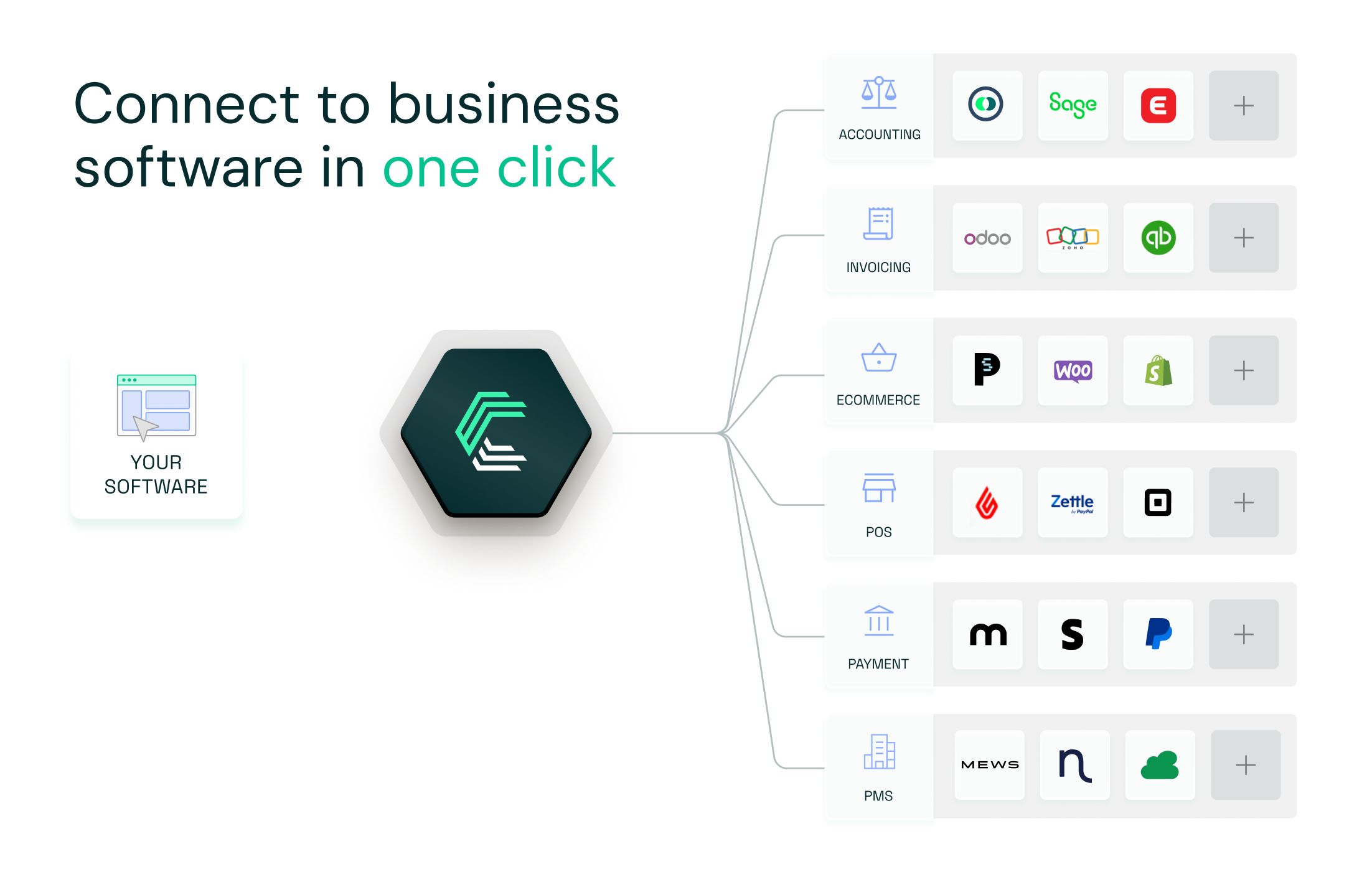
With Chift's Unified Invoicing API, you connect once and access Dolibarr, Odoo, Zoho Invoice, Sellsy, and many more through one consistent data model.
- Single integration for dozens of invoicing and CRM tools
- Unified and standardized data
- Real-time sync and advanced monitoring
- A seamless experience for your users
When a customer's Dolibarr setup changes or a new tool needs connecting, we handle it. Your team ships faster, and your product scales without the integration overhead.
Dolibarr API FAQ
What endpoints are available in the Dolibarr API?
Chift's Dolibarr connector exposes a set of standardized endpoints, including (but not limited to):
- Invoices /invoices
- Customers
/clients - Products and services
/products - Payments
/payments
Consult our Dolibarr API documentation for a full list of available routes.
What is the API rate limit on Dolibarr?
Dolibarr enforces no API-level rate limits. Because every instance is self-hosted, throughput depends entirely on the customer's server, PHP, and web-server configuration, not on a documented Dolibarr quota. As a best practice, avoid heavy parallel writes, process requests sequentially where possible, and add retry logic so a slower instance doesn't break your sync.
Is Dolibarr cloud-based?
Dolibarr is self-hosted by default, running on-premise or on the customer's own cloud or VPS. A managed SaaS option (Dolibarr Cloud / Dolicloud) exists, but even then each customer runs their own instance with its own URL. That's why the base URL is always part of the connection setup.
.webp)