a3factura is Wolters Kluwer's invoicing software for Spanish freelancers and SMBs, and part of the wider a3 product family.
Offering an a3factura integration lets you:
- Pull invoices, clients and products into your product automatically
- Power features like pre-accounting, debt recovery or credit scoring with live invoice data
- Cut out manual exports and the errors that come with them
This guide covers how the a3factura API works, how to set up the connection and which best practices keep your integration fast and reliable. You'll also see how Chift's Unified Invoicing API gets you there without building it yourself.
What is the a3factura API?
The a3factura API is a REST/JSON API run by Wolters Kluwer. Wolters Kluwer offers one API per a3 product, so a3factura has its own, separate from the APIs for a3ERP or a3innuva.
Authentication
Access combines two layers:
- OAuth2, through a Wolters Kluwer login
- A subscription key per end user, tied to their Conectia API module
The key also decides which rate limits apply (more on that below).
Querying data
- Filtering is OData-style, so you can narrow results by fields like invoice type or payment status
- Pagination is page-based, so large datasets come back in pages you loop through
Key data available
Through Chift, the a3factura connector gives you access to invoices (with or without their lines), clients and products. Access is read-only: you can retrieve data from a3factura, but not push data into it. Payments aren't available yet.
Examples of a3factura API integration use cases
Invoice data is some of the most useful financial data your users have. Here's how software vendors put a3factura data to work.
Powering pre-accounting workflows
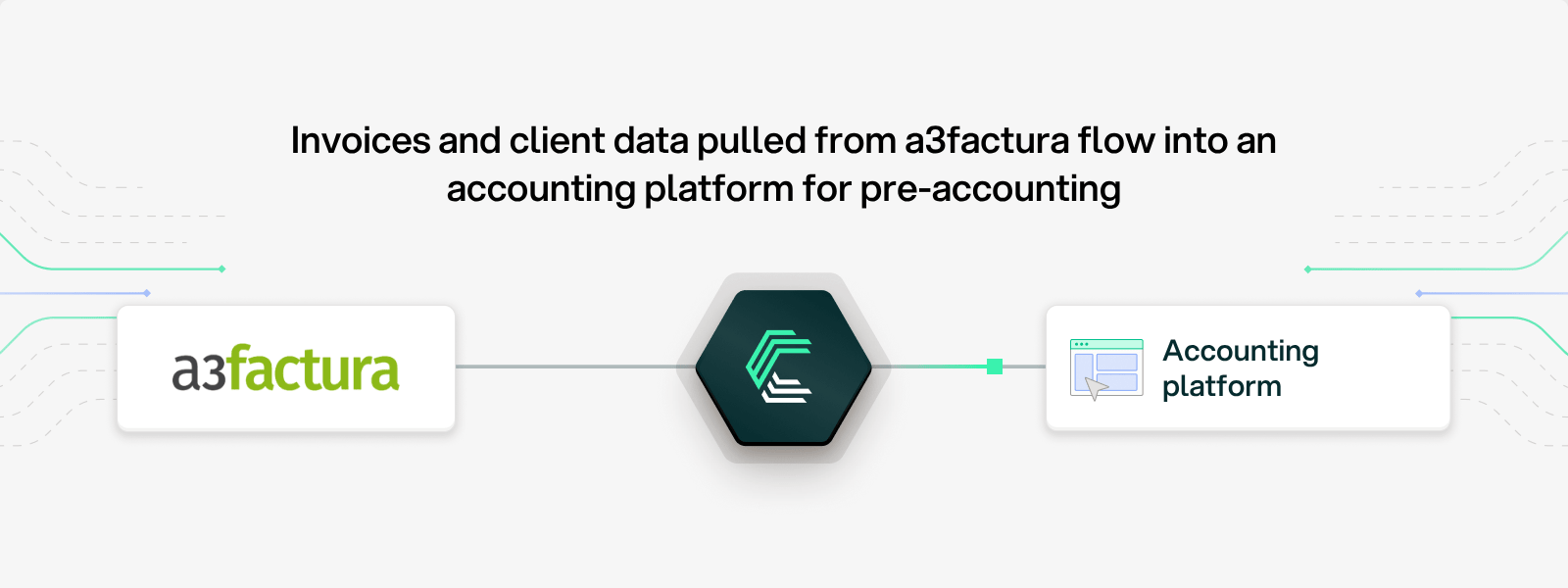
Accounting platforms pull invoices and client data from their users' invoicing tools to automate invoice syncing and pre-accounting. With a3factura connected, invoices flow into the accountant's workspace without anyone exporting a file.
Automating debt recovery with open invoice data
Debt recovery platforms retrieve unpaid invoices from invoicing software to trigger collection workflows automatically. Filtering a3factura invoices by payment status means they only fetch what actually needs chasing.

Assessing financing eligibility in seconds
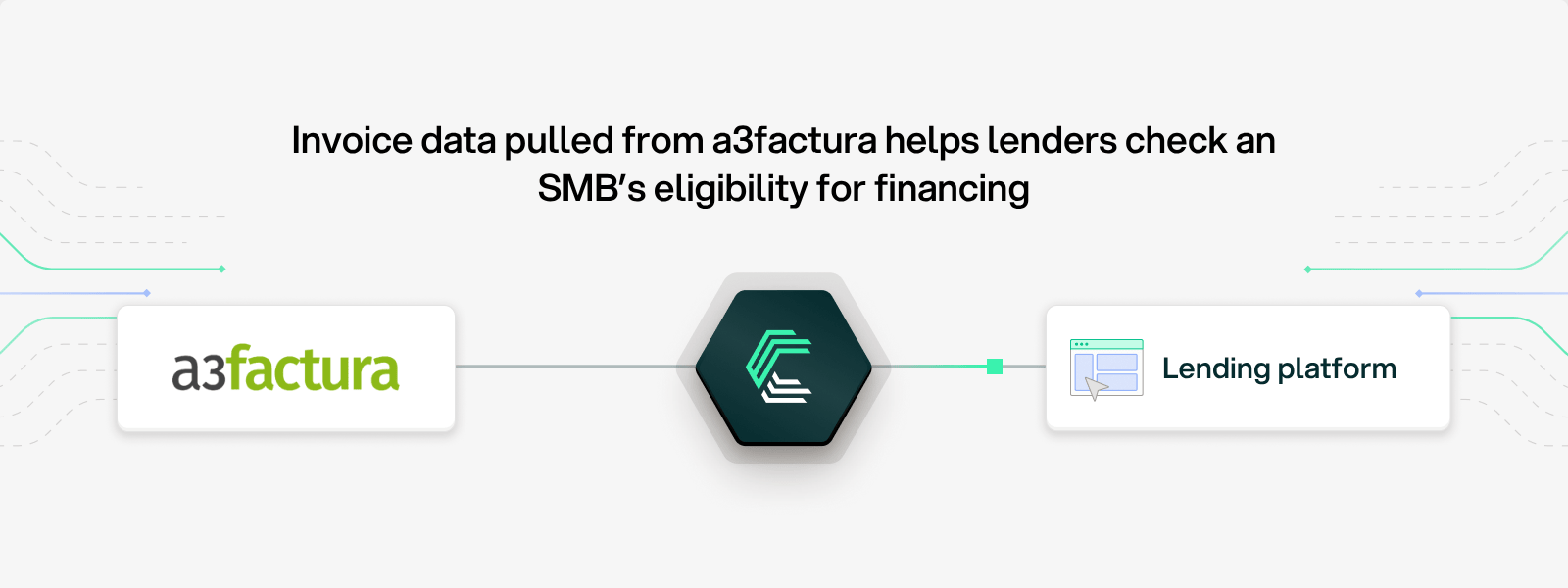
Digital lenders use invoicing data to onboard SMBs and check their eligibility for financing. Reading a3factura invoices directly gives them an accurate, up-to-date view of a company's receivables, with no documents to upload.
Cash flow forecasting
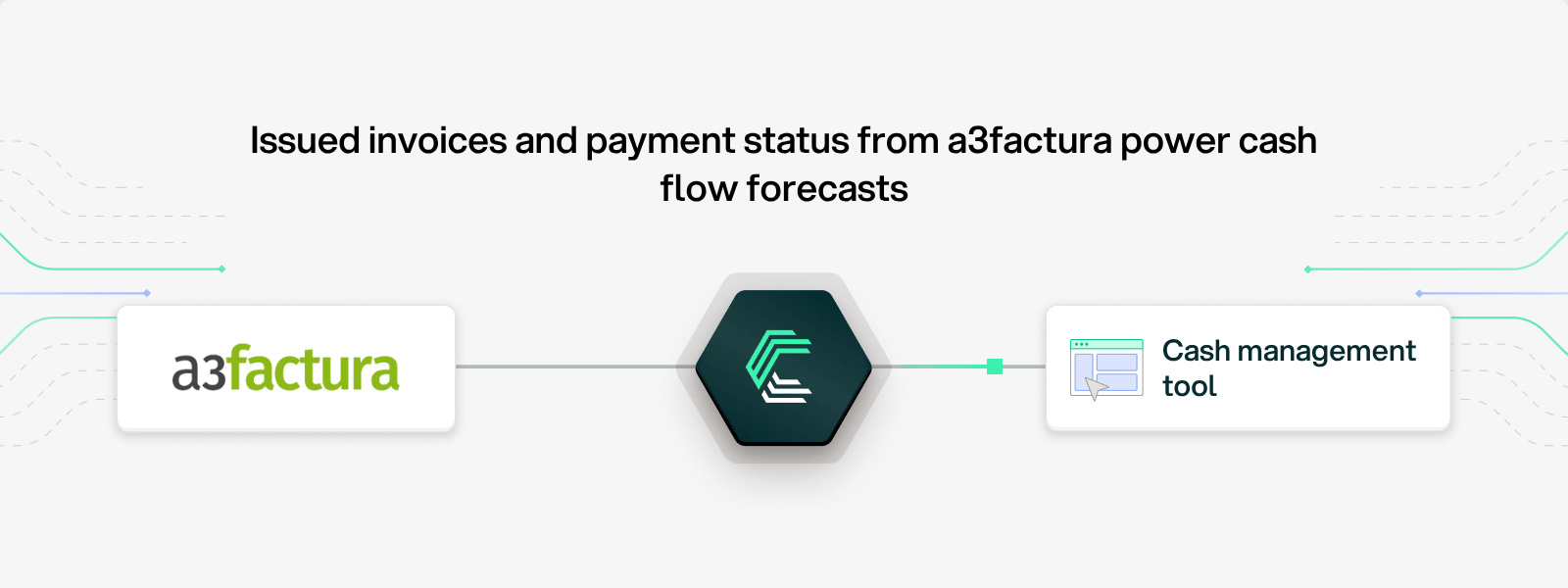
Cash management tools can pull issued invoices and their payment status from a3factura to project incoming cash. Your users get a real-time view of what's due and when, so they can plan with confidence.
Setting up your a3factura API integration
Good news: Chift's OAuth app is already approved by Wolters Kluwer. You don't need to create a developer account or go through an approval process of your own.
What your end user needs
- An active a3factura subscription
- The paid Conectia API module, which gives them a subscription key
- A Wolters Kluwer login
Connecting a3factura through Chift
- Copy the Conectia API key from My Wolters Kluwer and paste it into the Subscription Key field.
- Sign in to Wolters Kluwer with the end user's credentials.
- Pick the company to connect and confirm with MFA.
That's it. Each connection reads one company, so a user with several companies creates one connection per company.
Building this yourself is another matter: you'd need your own Wolters Kluwer approval, OAuth token handling, subscription key management per user, plan-aware rate limiting and a mapping to your own data model.
Best practices for a3factura API integration
A few habits make the difference between an integration that hums along and one that keeps hitting walls.
1. Check for Conectia before onboarding
Make sure your end user has the Conectia API module before they try to connect. Without it, there's no subscription key and the connection won't work. A quick check in your onboarding flow saves a frustrating support ticket.
2. Narrow calls with filters
Use the invoice_type and payment_status filters to fetch only what you need. A debt recovery tool, for example, only needs unpaid invoices.
3. Only request invoice lines when you need them
include_invoice_lines costs an extra call per invoice. Leave it off for list views and summaries, and turn it on only when you actually use the line details.
4. Respect plan-based rate limits
Limits depend on each end user's plan, and the smallest plan allows just 100 calls per minute. Pace large syncs, and retry with exponential backoff when you get a 429. Chift does this for you.
5. Handle pagination fully
Results are paginated by page. Loop through every page on initial syncs, and use filters on later syncs so you don't re-read the whole history each time.
6. Plan one connection per company
Each connection reads one company. If your users manage several companies, build your UI so they can connect each one separately.
Connect to a3factura, Odoo, Zoho and more with a single integration
Building a direct a3factura connection means getting approved by Wolters Kluwer, juggling OAuth and subscription keys, and adapting to four different rate limit plans. Then doing it again for every other invoicing tool your users rely on.
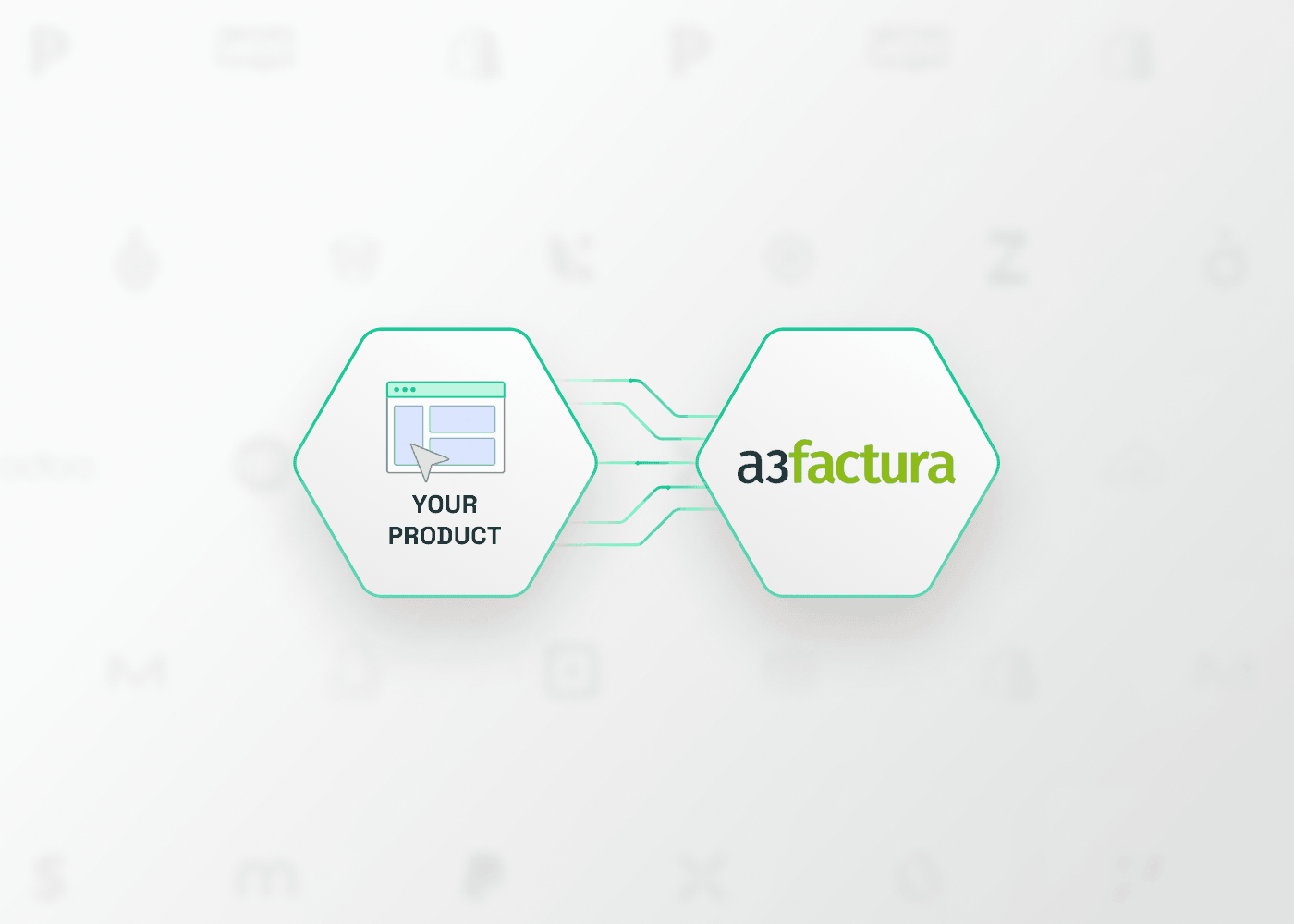
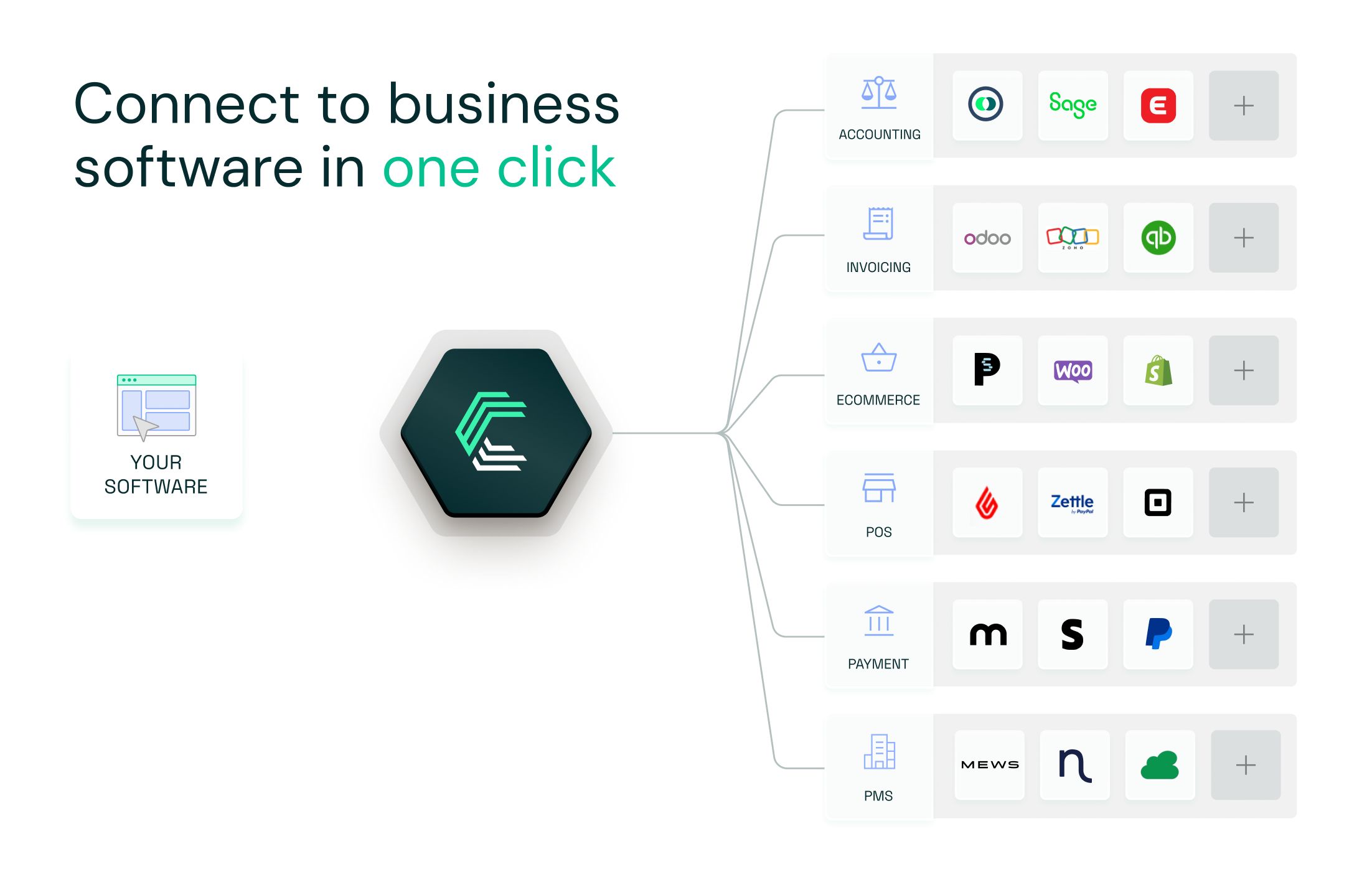
With Chift's Unified Invoicing API, you connect once and reach a3factura, Odoo, Zoho, Axonaut, Sage 100 and many more through one consistent data model.
✅ One integration for dozens of invoicing tools
✅ Wolters Kluwer approval already in place
✅ Built-in support for OAuth2, subscription keys, pagination and rate limits
✅ Unified and standardized invoice, client and product data
✅ Real-time monitoring with logs and alerts
✅ Human support from a team that knows both the tech and the business side
Curious to see how it works for your product? Book a demo →
a3factura API FAQ
What endpoints are included in the a3factura API?
Chift's a3factura connector exposes a set of standardized, read-only endpoints, including (but not limited to):
- Invoices
/invoices - Contacts
/contacts - Products
/products
Consult our a3factura API documentation for a full list of available routes.
What are the a3factura API rate limits?
Limits apply per subscription key and depend on the end user’s plan. The Conectia plan allows 3,000 calls per minute and 150,000 calls per day, with no limit on the number of companies. The L plan offers the same 3,000 calls per minute and 150,000 calls per day, for up to 30 companies. The M plan allows 1,000 calls per minute and 50,000 calls per day, for up to 10 companies. The S plan is the most restrictive, with 100 calls per minute and 5,000 calls per day, for a single company.
Over the limit, Wolters Kluwer returns a 429 error. Chift automatically retries with backoff, so your sync carries on without manual intervention.
Does a3factura have an API?
Yes. Wolters Kluwer runs a REST/JSON API for a3factura, separate from the APIs of its other a3 products. End users need the Conectia API module to use it.
Do I need a Wolters Kluwer developer account?
Not with Chift. Our OAuth app is already approved by Wolters Kluwer, so you can activate the connector straight away.
Can I write data to a3factura?
No. The connector is read-only: you can retrieve invoices, contacts and products, but not create or update them.
Can one connection read several companies?
No. One connection reads one company. To read another company, create another connection.
Are payments available?
Not yet. Payments aren't available in the a3factura connector for now.