.jpeg)
Billit is a cloud-based invoicing platform used to create, send, and manage sales and supplier invoices, popular with businesses and accountants across Belgium and beyond. Connecting your product to Billit lets you:
- Push and pull sales and supplier invoices programmatically
- Automate invoice creation, sending, and reconciliation
- Sync invoicing data into accounting, ERP, or financial management tools
- Cut manual entry and the errors that come with it
This guide covers everything you need to know about the Billit API, how to set it up, the best practices to follow, and how Chift's Unified Invoicing API helps you skip the heavy lifting.
What is the Billit API?
The Billit API is a REST API that uses JSON for data exchange and OAuth 2.0 for authentication. All traffic runs over HTTPS, with the standard HTTP verbs (GET, POST, PUT, DELETE) for reading and writing data.
Billit actually exposes two APIs:
- Standard API: sales and supplier invoices, exposed as a JSON REST API. This is the one Chift integrates with.
- Peppol / Access Point API: XML/UBL e-invoicing over the Peppol network. It's a separate API and is not used by this connector.
We use the standard JSON API. It has two environments, each with its own base URL:
- Production:
https://api.billit.be - Sandbox:
https://api.sandbox.billit.be
Through the API, you can access the core data an invoicing integration needs: sales invoices, supplier invoices, and the details that power pre-accounting automation, accounts payable workflows, and financial reporting downstream.
You'll find the full technical reference in our Billit connector documentation.
{{CTA-1}}
Examples of Billit API integration use cases
Integrating with Billit opens up practical opportunities to enrich your product with real invoicing data. Here's how software vendors put it to work through Chift's Unified Invoicing API.
Syncing invoices into accounting and ERP software
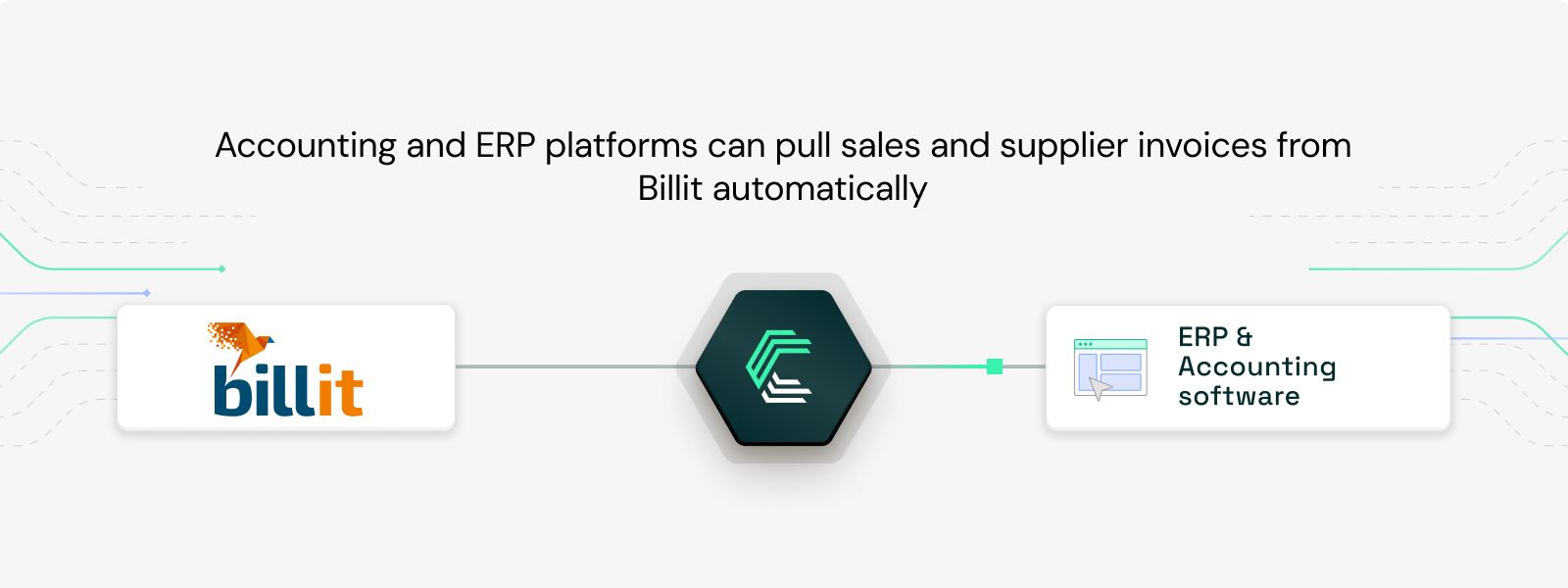
Accounting and ERP platforms can pull sales and supplier invoices from Billit automatically, keeping the books up to date without manual exports. Invoices flow straight into the right ledgers, which removes double entry and keeps records accurate.
Automating accounts payable
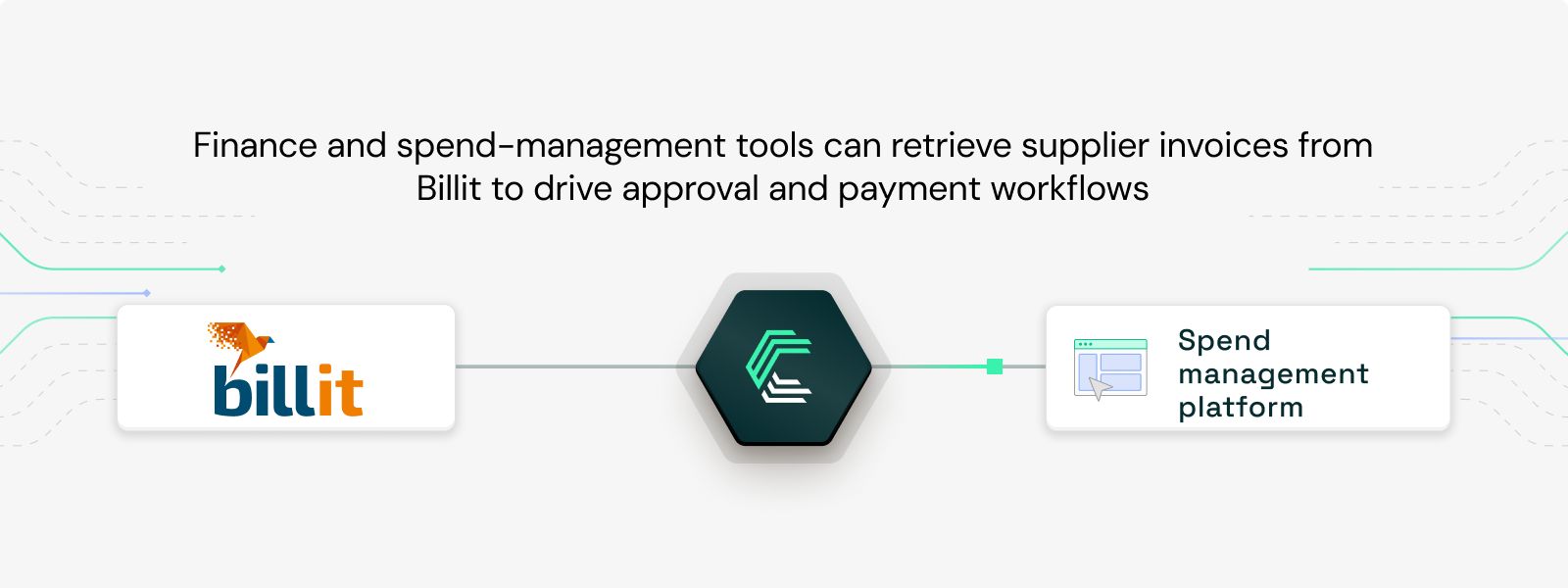
Finance and spend-management tools can retrieve supplier invoices from Billit to drive approval and payment workflows. Teams see what's owed and when, approve faster, and avoid the late fees that come with lost paperwork.
Powering cashflow and financial management dashboards
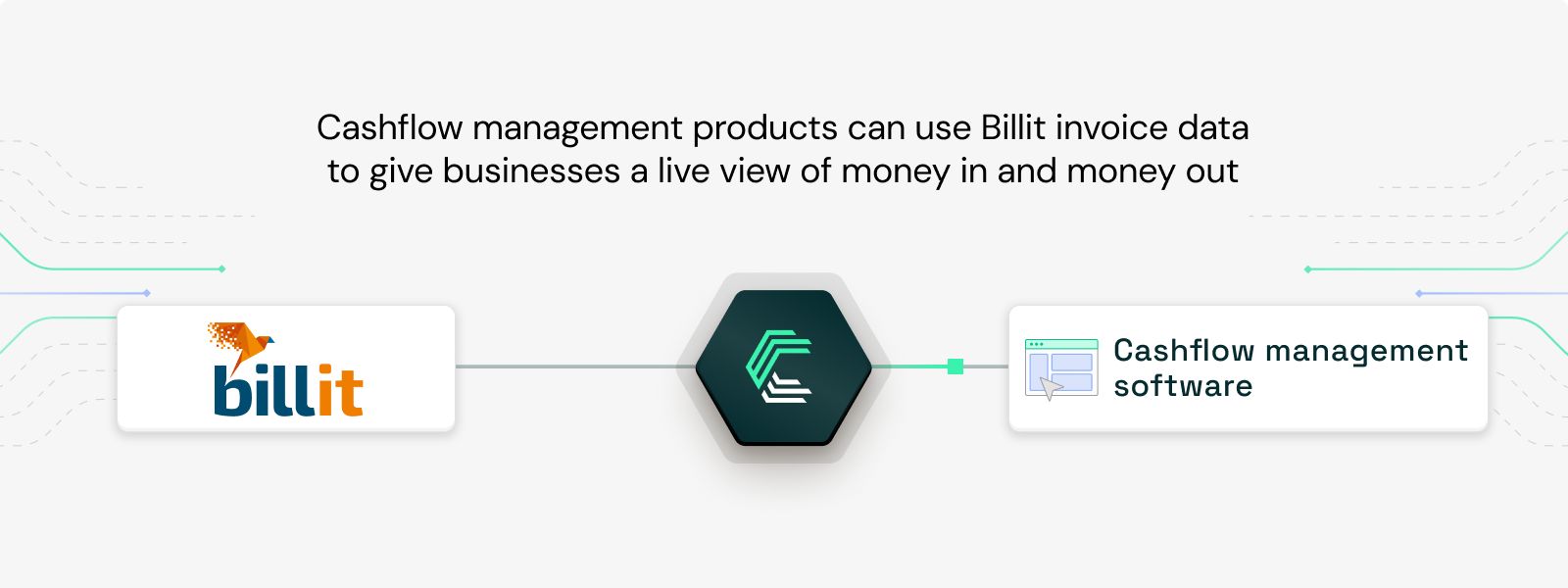
Cashflow and financial management products can use Billit invoice data to give businesses a live view of money in and money out. With up-to-date invoicing data, owners forecast more accurately and make decisions on real numbers.
Setting up your Billit API integration
Billit uses OAuth 2.0, and credentials are issued by their support team, so setup runs through a short approval process before you go live:
- Request OAuth credentials from Billit Support. Email them your application name and redirect URL. Sandbox credentials are issued first; production credentials require integration approval.
- Receive your
client_idandclient_secret. - Implement the OAuth 2.0 flow. Exchange the authorization code for access and refresh tokens.
- Authenticate your requests. Pass the access token in the
Authorization: Bearerheader. - Set your environment. Switch
environmentbetweensandboxandproduction. This changes both the token endpoint and the API base URL. - Handle token refresh automatically. Refresh access tokens before they expire. Note that Billit's token refresh uses HTTP Basic Auth with your
client_idandclient_secret, which is a slightly unusual approach worth accounting for in your implementation.
The token endpoints are:
- Production:
https://api.billit.be/OAuth2/token - Sandbox:
https://api.sandbox.billit.be/OAuth2/token
The API itself is well structured, but a production-grade integration is more than a few calls. You'll need to manage the OAuth lifecycle, normalize Billit's data into a consistent internal model, handle rate limits and pagination, and maintain everything as the software evolves. That's the part most teams underestimate, and the part Chift handles for you.
Best practices for Billit API integration
- Store credentials securely. Keep your
client_secretand tokens in environment variables or a secure vault, never in source control. Billit will never ask for your secret. - Handle rate limits with exponential backoff. The limit is 60 requests per minute and it's easy to hit on bulk syncs. Catch
429responses and retry with exponential backoff rather than hammering the API. - Refresh tokens proactively. Store the
expires_atvalue and refresh access tokens before they expire, using the Basic-Auth refresh call. Don't wait for a failed request to trigger a refresh. - Follow
NextPageLinkfor pagination. Use theNextPageLinkfield in the JSON response to page through results rather than computing offsets yourself. - Build and test in the sandbox first. Develop against
api.sandbox.billit.be(login atmy.sandbox.billit.be) before requesting production approval. It saves you from surprises at go-live.
Connect to Billit, Pennylane, Odoo, and more with a single integration
Building a direct connection to Billit takes time, effort, and ongoing maintenance, especially once you also need to integrate other invoicing and accounting tools across different countries.
With Chift's Unified Invoicing API, you connect once and access Billit, Pennylane, Odoo, and many more European invoicing and accounting tools through one consistent data model.
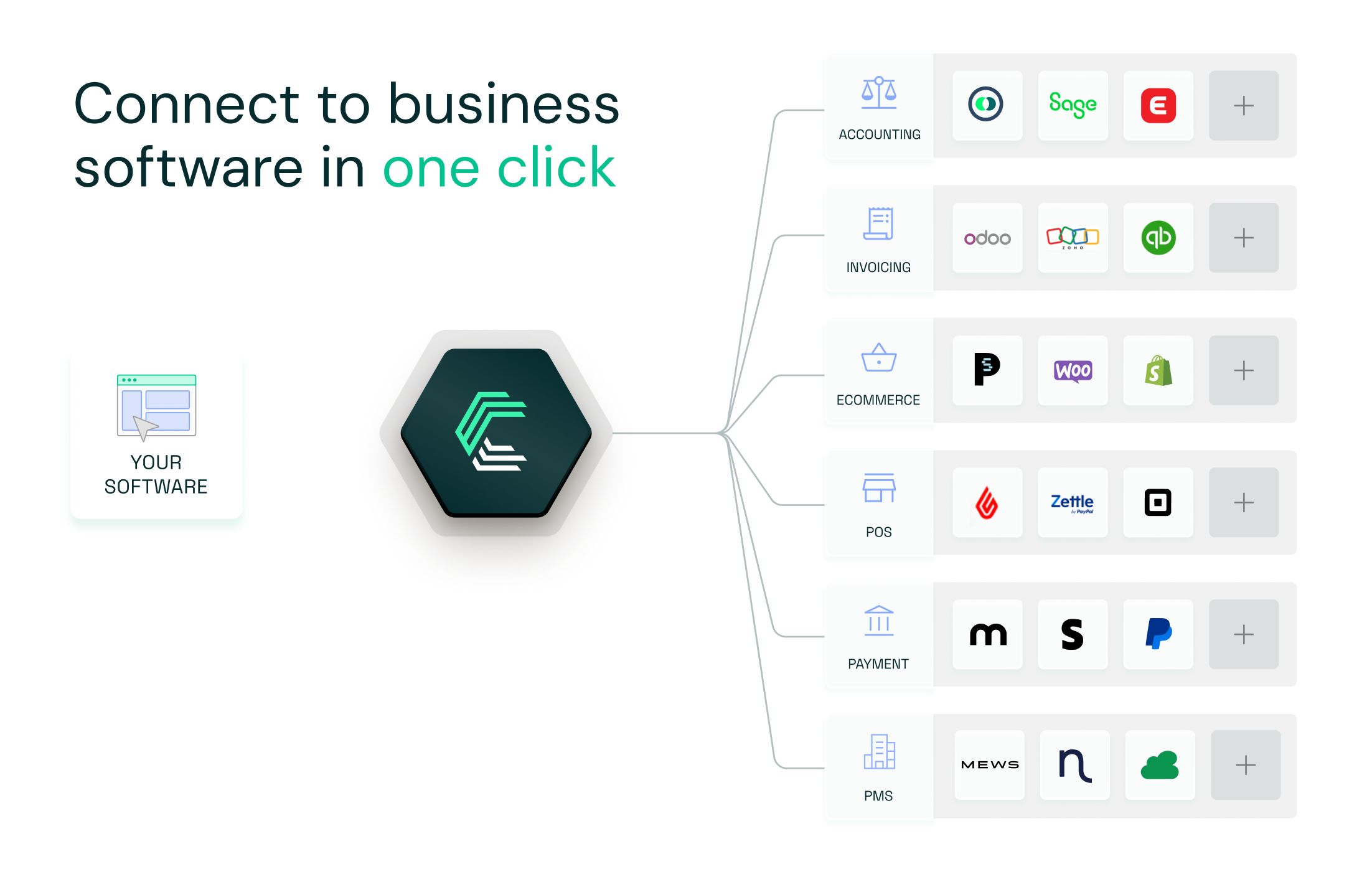
- Single integration for dozens of invoicing and accounting tools
- Built-in handling for OAuth, token refresh, rate limits, and the quirks each system brings
- Unified and standardized data, whatever the source
- Real-time sync and advanced monitoring
- A seamless experience for your users
We do the integrations. You do you. Book a demo
Billit API FAQ
What endpoints are included in the Billit API?
Chift's Billit connector exposes a standardized set of invoicing endpoints, including (but not limited to):
- Sales invoices
- Supplier invoices
Consult our Billit API documentation for a full list of available routes.
What is the Billit API rate limit?
The Billit API allows 60 requests per minute. When you exceed it, the API returns a 429 status code. Implement exponential backoff and pace bulk syncs to stay under the limit.
How do I authenticate with the Billit API?
Billit uses OAuth 2.0. You request client_id and client_secret from Billit Support, implement the authorization-code flow to obtain access and refresh tokens, and pass the access token in the Authorization: Bearer header. Token refresh uses HTTP Basic Auth with your client credentials.
Does Billit have a sandbox environment?
Yes. You can build and test against the sandbox at api.sandbox.billit.be (login at my.sandbox.billit.be). Sandbox credentials are issued first; production credentials require integration approval.
Is Billit cloud-based?
Yes. Billit is a cloud-based platform, so there's no on-premise installation to manage.
Does the Billit connector support Peppol e-invoicing?
No. Billit offers a separate Peppol / Access Point API for XML/UBL e-invoicing over the Peppol network, but this connector uses Billit's standard JSON API for sales and supplier invoices.
.webp)